Sending a Fax by Automatic Dialing
44
Direct Keypad Dialing
You can also enter a full number with the number keys and then press
to begin dialing.
START/
ENTER
1
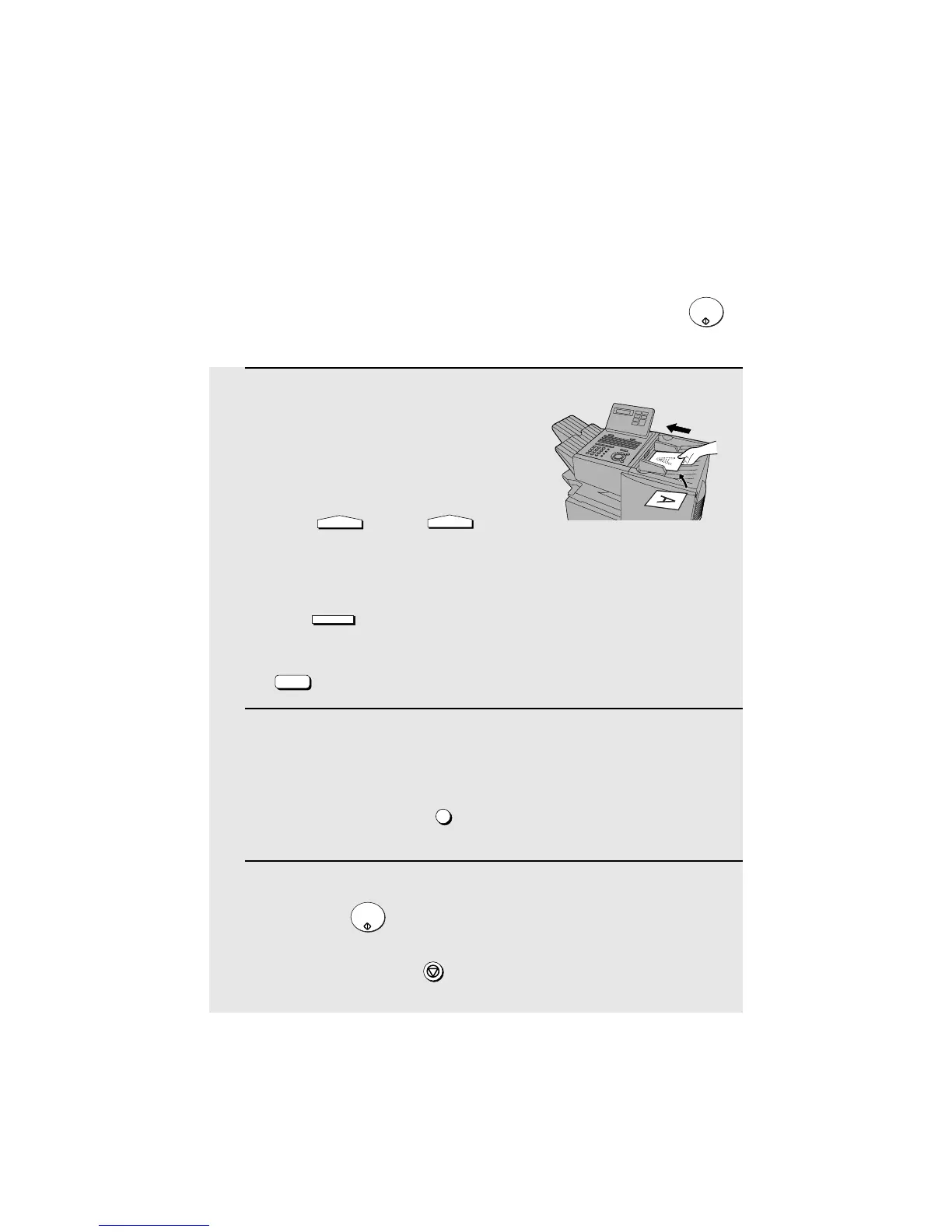
Load the document(s). (Note: If
desired, you can load the document
after dialing in Step 2, below.)
SEND READY will appear in the
display.
• Press and/or to
set the resolution and contrast if
needed.
• To send the document ahead of other documents waiting for transmission,
press .
• To send the document directly from the feeder (not through memory), press
. (Flip up the Rapid Key overlay if it is down.)
2
Enter the number of the receiving machine by pressing the numeric
keys.
• If a pause is required between any of the digits to access a special service
or an outside line, press (two seconds per pause). The pause will
appear as a hyphen. Several pauses can be entered in a row.
3
Check the display. If the number of the receiving machine shown is
correct, press .
• If it is not correct, press to backspace and clear one digit at a time,
and then re-enter the correct digit(s).
RESOLUTION
CONTRAST
PRIORITY
DOCUMENT
M/?
REDIAL
START/
ENTER
STOP



 To Next Page