Confidential Operations
70
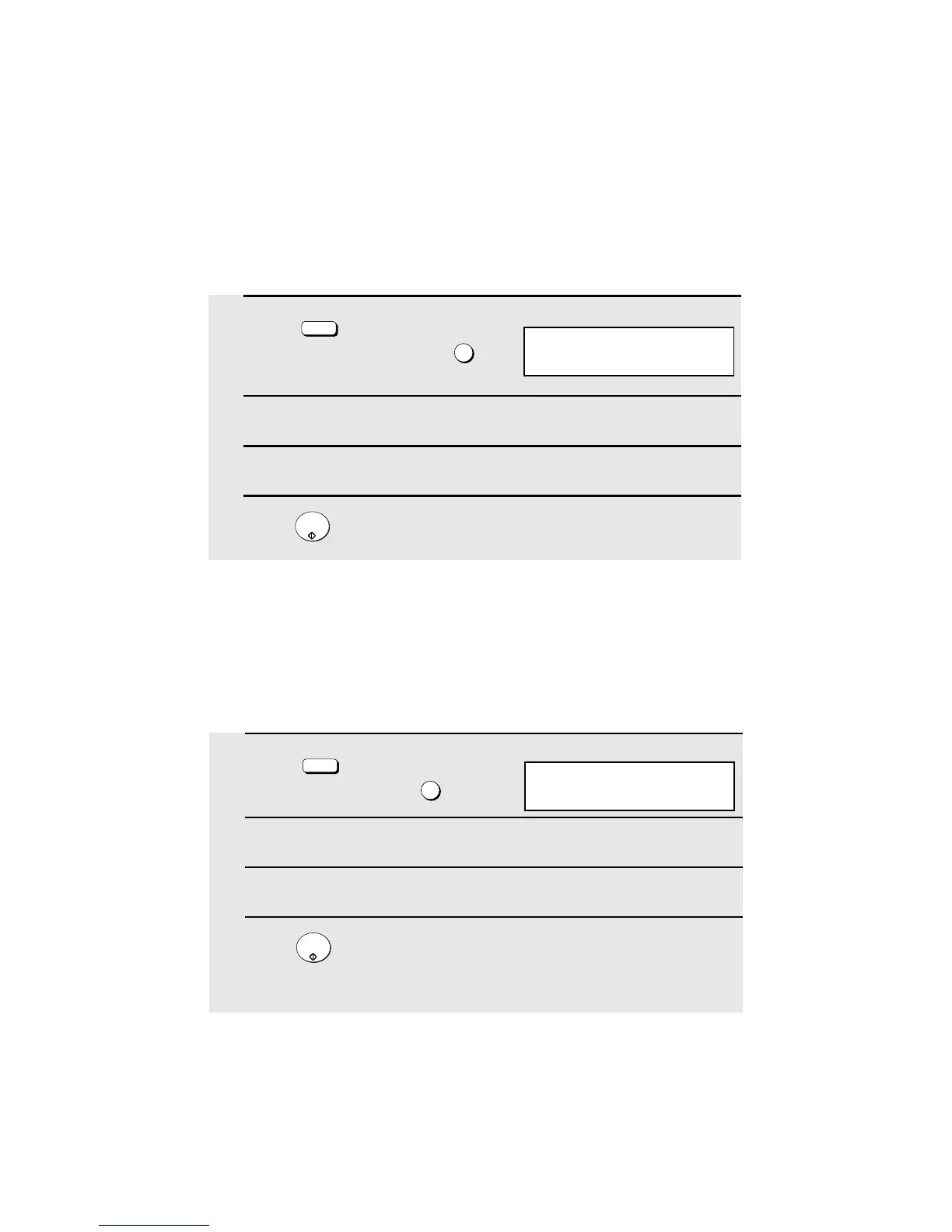
Clearing a passcode
1
Press (flip up the Rapid Key
overlay if it is down) and then .
2
Enter the 2-digit number that identifies the mailbox you want to clear.
3
Enter the 4-digit passcode of the mailbox with the numeric keys.
4
Press .
CONFIDENTIAL
Z/<
4
START/
ENTER
Printing out received documents
When you have received a confidential document, RCVD CONF. FAX will
appear in the display. Print out the Confidential Reception List as explained on
page 115 to see which mailbox has received the document, and then follow
the steps below to print out the document.
4:CONF. CODE CLEAR
ENTER BOX # (00-99)
1
Press (flip up the Rapid Key
overlay if it is down) and .
2
Enter your mailbox number.
3
Enter your confidential passcode.
4
Press .
• Printing will begin. After printing, the document will be erased from memory.
CONFIDENTIAL
Z/<
2
START/
ENTER
2:CONF. DATA PRINT
ENTER BOX # (00-99)
Display:
Display:



 To Next Page