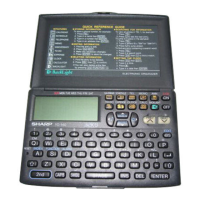
Connect-
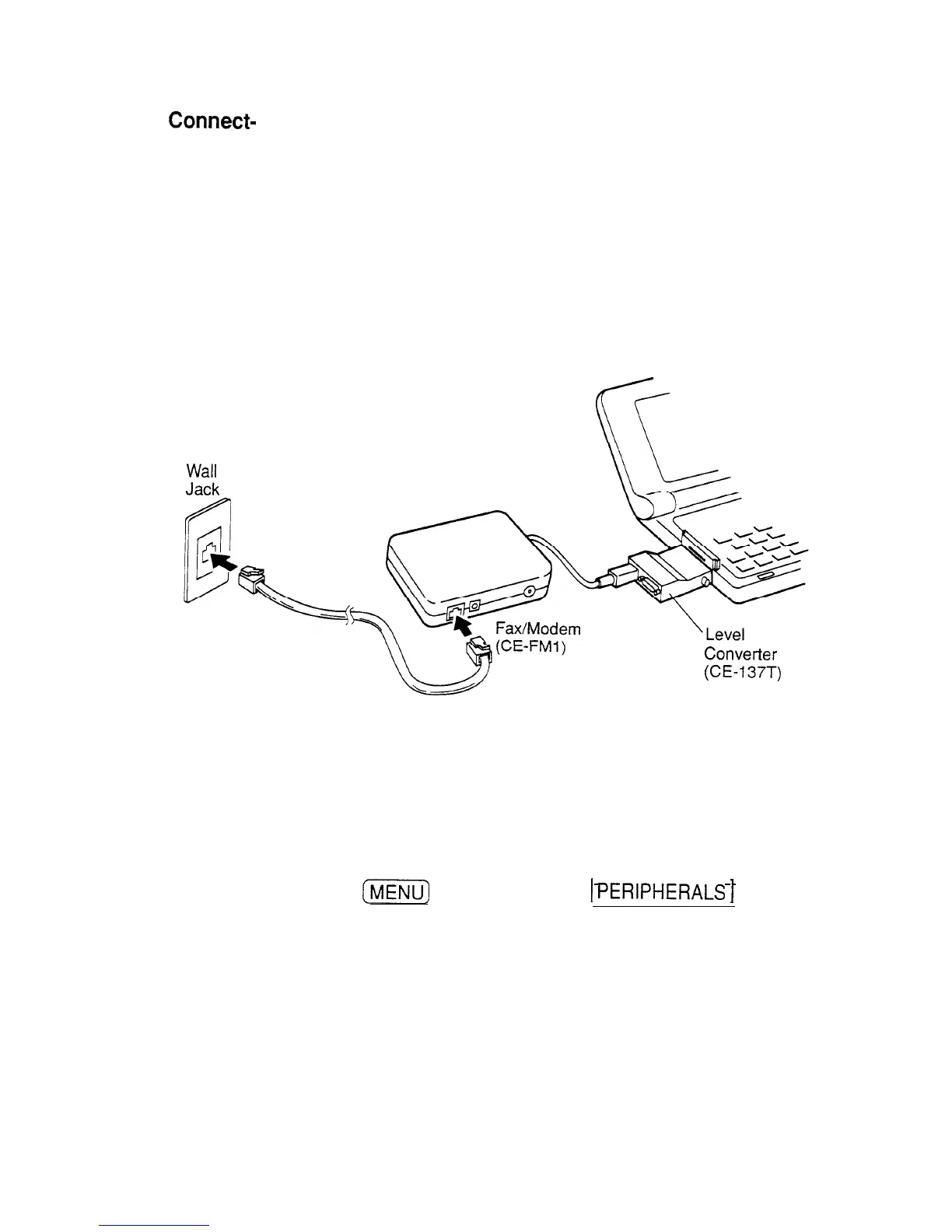
1. Turn off the unit.
ing the
fax/modem
2. Connect the unit and the level converter by plugging one
end of the level converter into the unit’s Computer Link
port.
3. Connect the fax/modem and the level converter by
plugging the cable of the fax/modem into the converter.
4. Plug the fax/modem into a wall jack.
5. Turn on the unit.
Wall
Jack
Converter
(CE-137T)
Setting
To use the fax/modem to send faxes, you first need to
fax/modem
configure it.
options
With the fax/modem connected,
1. Turn on the unit.
2. Press
I?%%@
and then touch
1
PERtPHERALS
1
to open
the PERIPHERALS menu.
3. Select GLOBAL SETTINGS.
The submenu appears.
4. Touch SET FAX OPTIONS and then touch SET
FAX/MODEM OPTIONS. A display appears.
228


 To Next Page