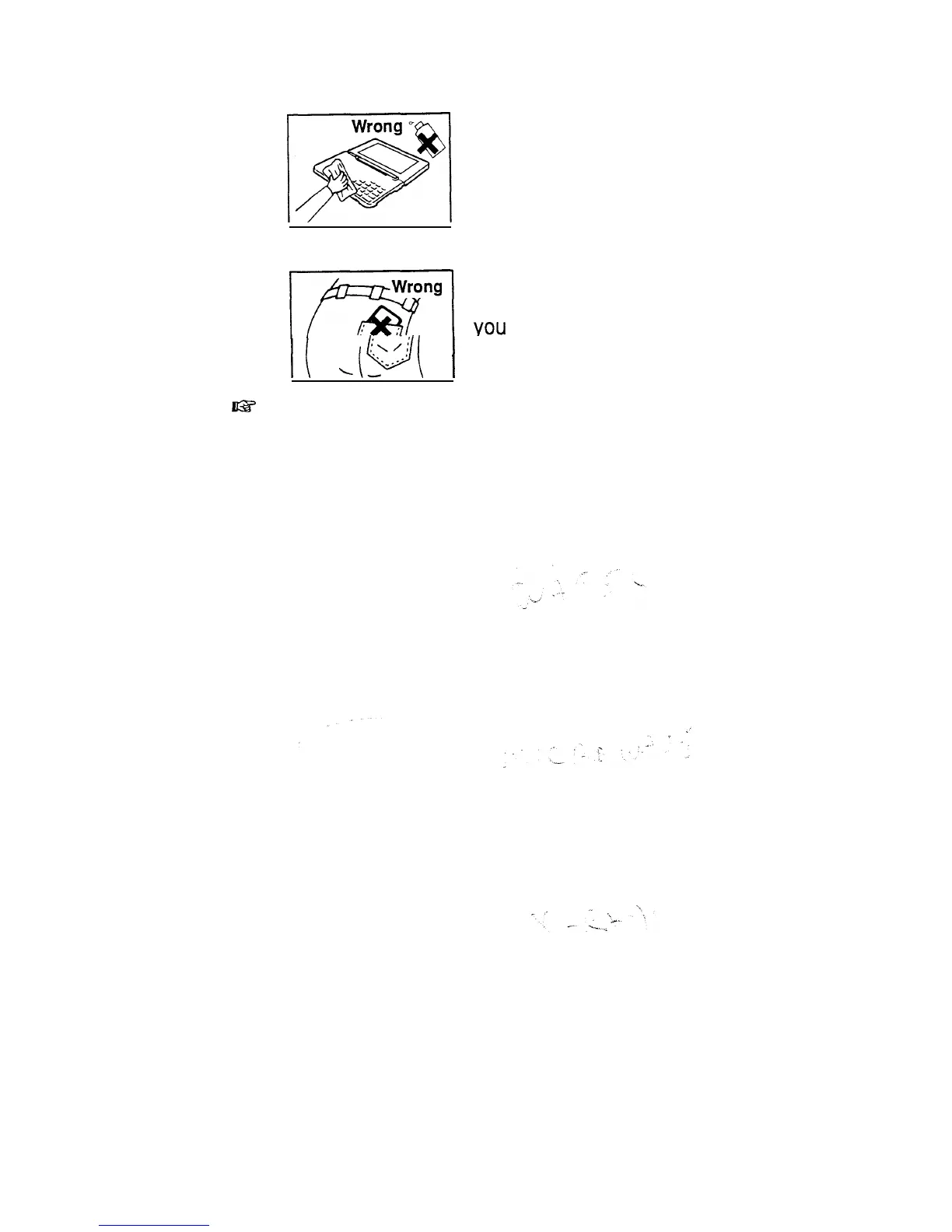
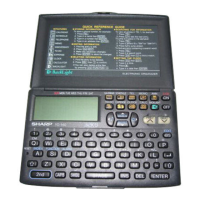
Clean the unit only with a soft, dry
cloth. Do not use solvents.
Do not carry the unit around in your
back pocket, as it may break when
YOU
sit down. The display is made of
I(
&q
j
glass and is particularly vulnerable.
lls
Replace the batteries as soon as they become weak (see
p. 301). Failing to replace weak batteries may result in
leakage or lost data.
43


 To Next Page