LC-32/40/46LE600E/RU/S (1st Edition)
4 – 5
8. Adjustment procedure
1. Inch Setting
2. COMB-BIAS Adjustment
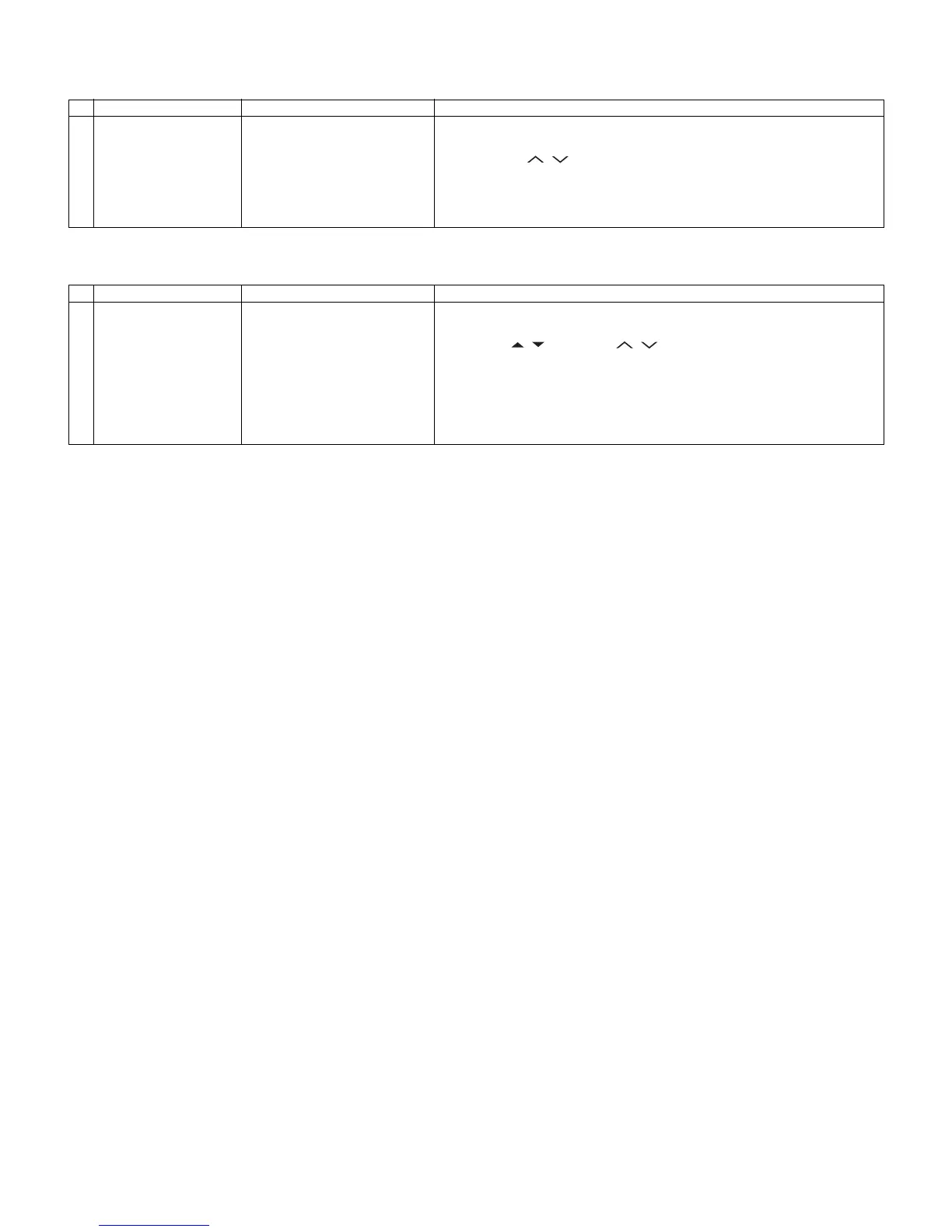
Adjustment point Adjustment conditions Adjustment procedure
1 Inch Setting Adjustment process mode
Adjustment process
“INCH SIZE” menu page 1/8
1) Inch Setting with adjustment process mode.
2) Enter the adjustment process mode, refering to the 2nd item.
3) By using P ( / ) key of R/C, Move the cursor to “INCH SIZE” on page 1/
8.
4) Select inch size 32/40/46 with the Volume (+)/(-) key of remote control.
5) Press the “OK” key of remote control.
6) After a while, If “*** OK ***” is displayed, the setting is completed.
Adjustment point Adjustment conditions Adjustment procedure
1 COM-BIAS Adjustment A visual check
Adjustment process
“COM BIAS” menu page 8/8
1) COM-BIAS Adjustment with adjustment process mode.
2) Enter to the adjustment process mode, refering to the 2nd item.
3) By using / key and P ( / ) key of R/C, Move the cursor to “COM-
BIAS” on page 8/8.
4) Press the “OK” key. then, you can check that the pattern for adjustment is
displayed.
5) Adjust so that the flicker for the central part of a screen becomes the mini-
mum using the volume (+)/(-) key of R/C.
6) In order to exit from this process, press the “OK” key of remote control again.














 To Next Page