MX-5001N SIMULATION 6 – 17
7-9
Purpose
Operation test/check
Function (Purpose)
Color setting in the color copy test mode
(Used to check the copy operation and the
image quality for each color).
Section
Operation/Procedure
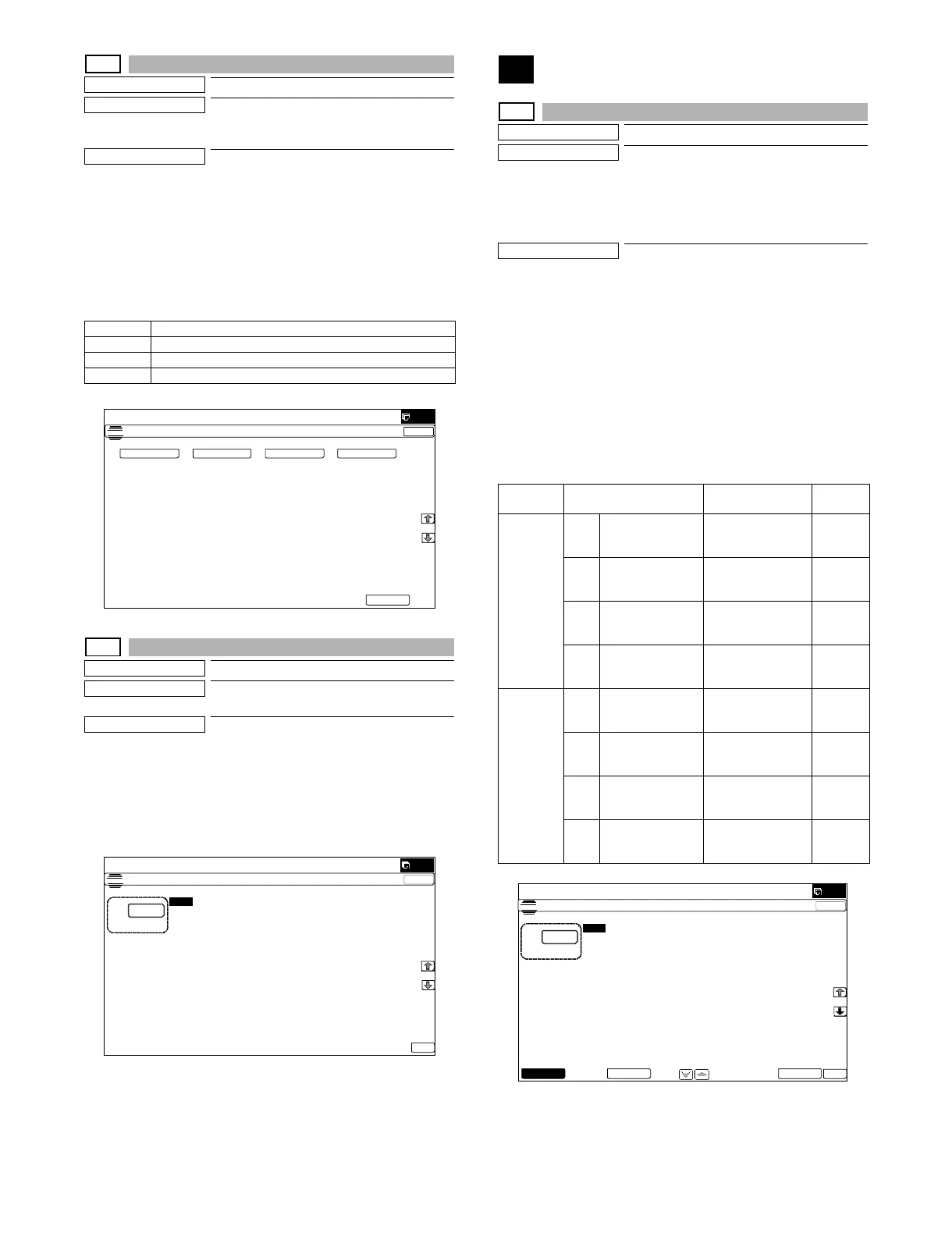
1) Select the copy color with the touch panel key.
(Two or more colors can be selected.)
The key of the selected color is highlighted.
2) Press [EXECUTE] key.
Copying is performed with the selected color.
When [CLOSE] key is pressed, the display goes into the copy oper-
ation menu in the simulation mode.
7-12
Purpose
Operation test/check
Function (Purpose)
The document reading number of sheets
setting (for aging operation)
Section
RSPF/DSPF
Operation/Procedure
1) Set document reading quantity with 10-key.
(Setting range:0 - 255)
2) Press [OK] key. The set value is saved.
The aging operation condition set by this mode is maintained here-
after unless the power is turned off or the setting is changed.
8
8-1
Purpose
Operation test/check/adjustment
Function (Purpose)
Used to check and adjust the operations of
the developing voltage in each print mode
and the control circuit.
* When the middle speed is adjusted, the
low speed are also adjusted simulta-
neously.
Section
Process (Developing)
Operation/Procedure
1) Select a speed with [MIDDLE] and [LOW] keys on the touch
panel.
2) Select a target item to be adjusted with [↑] [↓] buttons.
3) Enter the setting value with 10-key. (The value specified on the
label of the high voltage PWB must be entered.)
* When the U V key is pressed, the setting value of each
item can be changed with 1up (1down) collectively.
4) Press [EXECUTE] key.
The set value is saved and the voltage entered with step 3) is
output for 30 sec.
When [EXECUTE] key is pressed, the output is terminated.
K Setup/cancel of black
C Setup/cancel of cyan
M Setup/cancel of magenta
Y Setup/cancel of yellow
ǂǂǂ6,08/$7,21ǂǂ12
&/26(
7(67
35,17,1*&2/256(/(&7&2/2502'(
(;(&87(
. & <0
ǂǂǂ6,08/$7,21ǂǂ12
&/26(
7(67
25,*,1$/66(77,1*
$˖
˷˹
˖25,*,1$/6
$˖
2.
Key Item/Display Content
Setting
range
MIDDLE A MIDDLE SPEED
DVB_K
K developing bias
set value at middle
speed
0-600
B MIDDLE SPEED
DVB_C
C developing bias
set value at middle
speed
0-600
C MIDDLE SPEED
DVB_M
M developing bias
set value at middle
speed
0-600
D MIDDLE SPEED
DVB_Y
Y developing bias
set value at middle
speed
0-600
LOW A LOW SPEED
DVB_K
K developing bias
set value at low
speed
0-600
B LOW SPEED
DVB_C
C developing bias
set value at low
speed
0-600
C LOW SPEED
DVB_M
M developing bias
set value at low
speed
0-600
D LOW SPEED
DVB_Y
Y developing bias
set value at low
speed
0-600
ǂǂǂ6,08/$7,21ǂǂ12
&/26(
7(67
'96(77,1*$1'287387
$˖
˷˹
˖0,''/(ǂ63(('ǂ'9%B.
$˖
˖0,''/(ǂ63(('ǂ'9%B&
%˖
˖0,''/(ǂ63(('ǂ'9%B0
&˖
˖0,''/(ǂ63(('ǂ'9%B<
'˖
2.
(;(&87(/2:0,''/(



 To Next Page