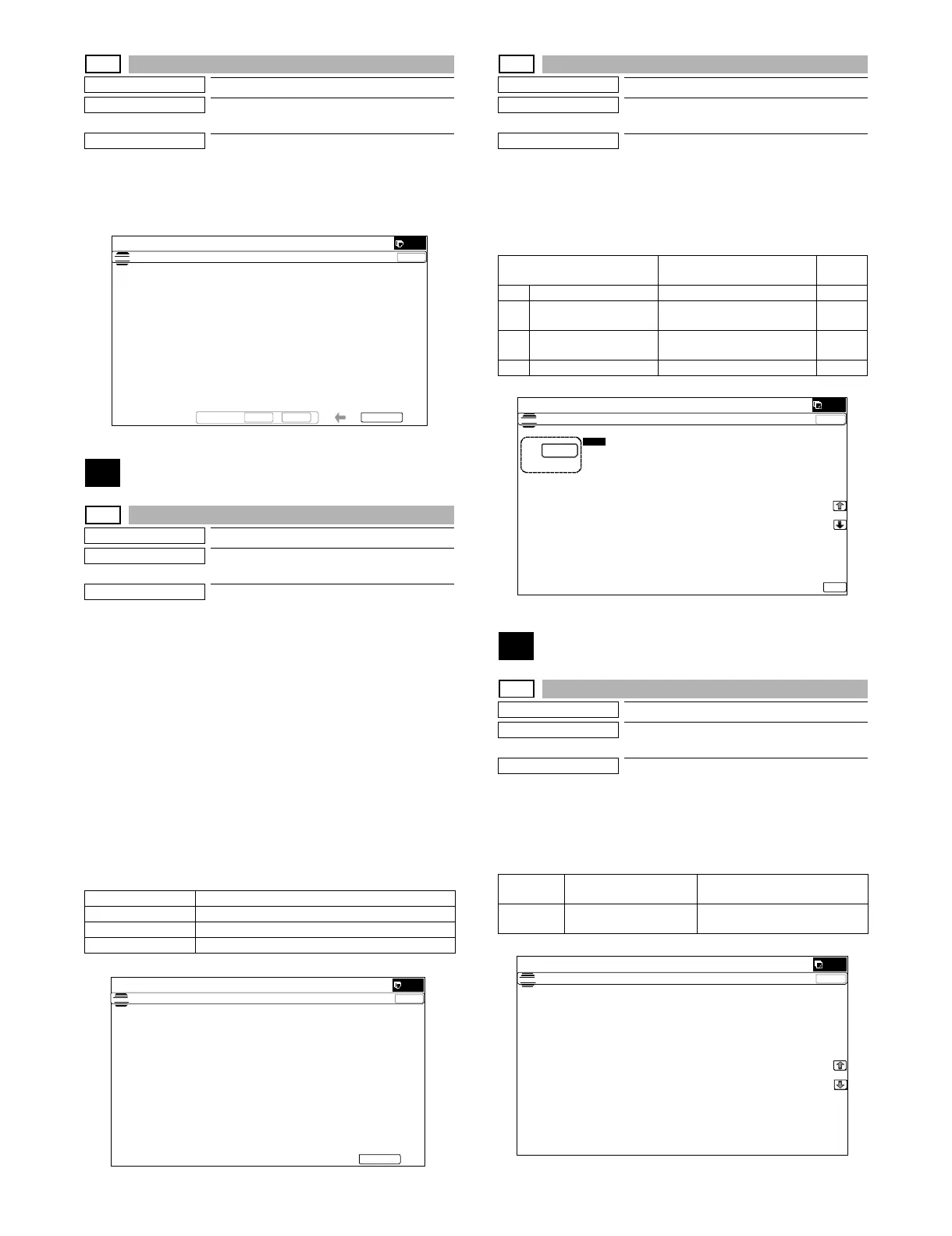
MX-5001N SIMULATION 6 – 45
33-2
Purpose
Data clear
Function (Purpose)
Used to delete the ID (IDM) information of
Felica card.
Section
Operation/Procedure
1) Press [EXECUTE] key.
2) Press [YES] key.
The ID (IDM) information of Felica card in the HDD is deleted.
40
40-2
Purpose
Adjustment/Setup
Function (Purpose)
Manual paper feed tray paper width sensor
adjustment.
Section
Paper feed
Operation/Procedure
1) Open the manual paper feed guide to the max. width (MAX).
2) Press [EXECUTE] key.
The max. width (MAX) detection level is recognized.
3) Open the manual paper feed guide to P1 width (A4).
4) Press [EXECUTE] key.
The P1 width (A4) detection level is recognized.
5) Open the manual paper feed guide to P2 width (A4R).
6) Press [EXECUTE] key.
The P2 width (A4R) detection level is recognized.
7) Open the manual paper feed guide to the min. width (MIN).
8) Press [EXECUTE] key.
The min. width (MIN) detection level is recognized.
When the above operation is not performed normally, "ERROR" is
displayed. When completed normally, "COMPLETE" is displayed.
40-7
Purpose
Adjustment/Setup
Function (Purpose)
Used to set the adjustment value of the
manual paper feed tray paper width sensor.
Section
Paper feed
Operation/Procedure
1) Select a target item to be adjusted with [↑] [↓] buttons.
2) Enter the set value with 10-key.
3) Press [OK] key.
The set value in step 2) is saved.
41
41-1
Purpose
Operation test/check
Function (Purpose)
Used to check the operations of the docu-
ment size sensor and the control circuit.
Section
Operation/Procedure
The operating conditions of the sensors and detectors are dis-
played.
The sensors and the detectors which are turned ON are high-
lighted.
MAX POSITION Manual feed max. width
P1(A4)POSITION Manual feed P1 position width (A4)
P2(A4R)POSITION Manual feed P2 position width (A4R)
MIN POSITION Manual feed min. width
ǂǂǂ6,08/$7,21ǂǂ12
&/26(
7(67
&$5',''$7$&/($5
$5(<28685("
<(6 12 (;(&87(
ǂǂǂ6,08/$7,21ǂǂ12
&/26(
7(67
%<3$6675$<$'-8670(17
(;(&87(
0$;326,7,21$'-8670(17
35(66>(;(&87(@7267$57
Item/Display Content
Default
value
A MAX POSITION Manual feed max. width 241
B P1(A4) POSITION Manual feed P1 position width
(A4)
231
C P2(A4R) POSITION Manual feed P2 position width
(A4R)
140
D MIN POSITION Manual feed min. width 19
OCSW Document cover status Open: Normal display
Close: Highlighted
PD1 - 7 Document detection
sensor status
No document: Normal display
Document present: Highlighted
ǂǂǂ6,08/$7,21ǂǂ12
&/26(
7(67
%<3$6675$<9$/8(6(77,1*
$˖
˷˹
˖0$;326,7,21
$˖
˖3326,7,21
%˖
˖3326,7,21
&˖
˖0,1326,7,21
'˖
2.
ǂǂǂ6,08/$7,21ǂǂ12
&/26(
7(67
3'6(1625&+(&.
2&6: 3'
3'
3'
3' 3'
3'
3'



 To Next Page