MX-5001N SIMULATION 6 – 79
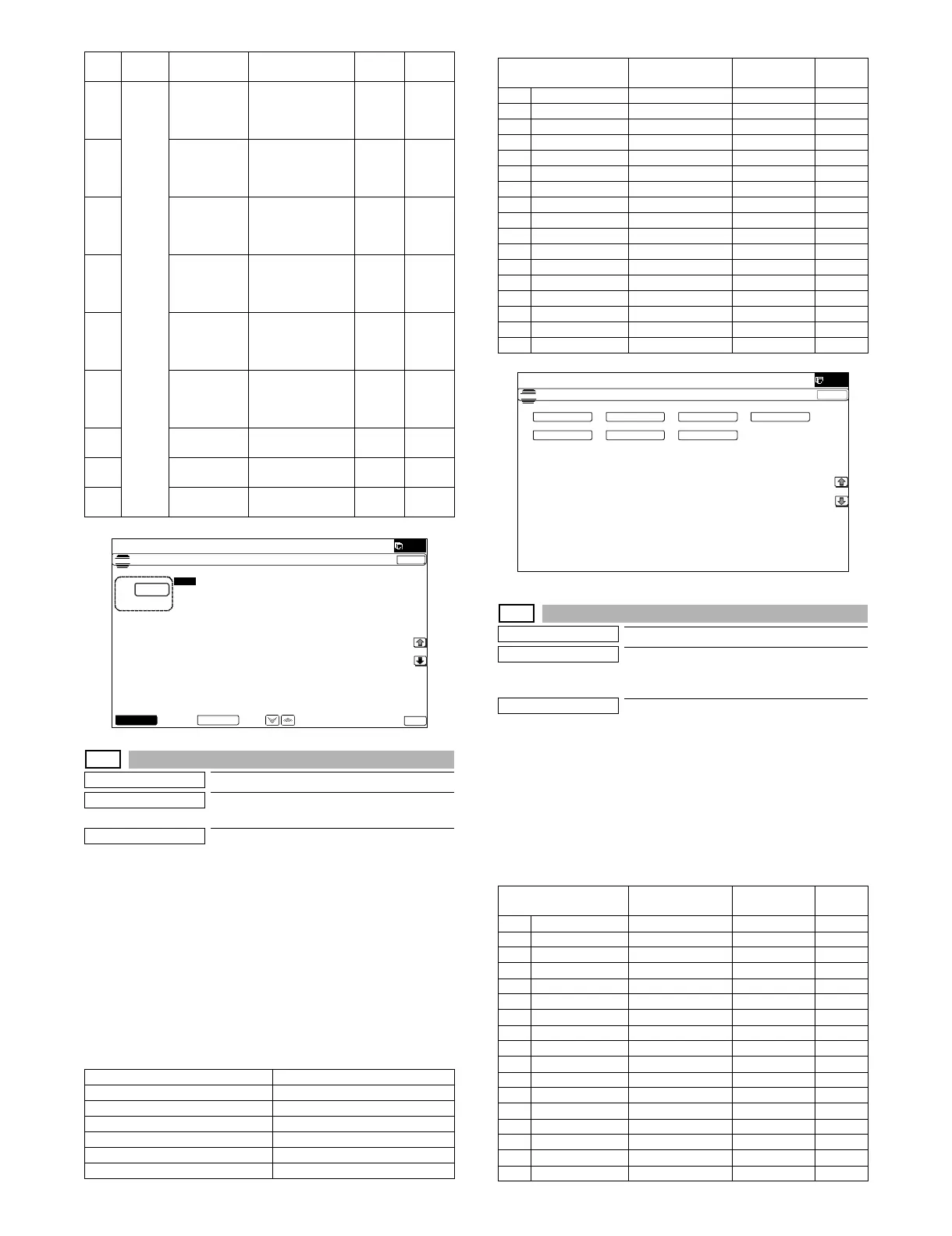
46-10
Purpose
Adjustment
Function (Purpose)
Used to adjust the copy color balance and
the gamma (for each color copy mode).
Section
Operation/Procedure
1) Select an adjustment target mode with the touch panel key.
2) Select an adjustment target color with [K][C][M][Y] keys on the
touch panel.
3) Select an adjustment target item with [↑] [↓] key on the touch
panel.
4) Enter the set value with 10-key.
* When the U V key is pressed, the setting value of each
item can be changed with 1up (1down) collectively.
5) Press [OK] key. (The set value is saved.)
When the adjustment value is increased, the image density is
increased, and vice versa.
46-16
Purpose
Adjustment
Function (Purpose)
Used to adjust the monochrome copy den-
sity and the gamma (for each monochrome
copy mode).
Section
Operation/Procedure
1) Select an adjustment target item with [↑] [↓] key on the touch
panel.
2) Enter the set value with 10-key.
* When the U V key is pressed, the setting value of each
item can be changed with 1up (1down) collectively.
3) Press [OK] key. (The set value is saved.)
When the adjustment value is increased, the image density is
increased, and vice versa.
A DSPF COPY
SIDEB: LOW
DSPF copy mode
exposure
adjustment
(Low density side)
1 - 99 47
B SCAN
SIDEB: LOW
DSPF scanner
mode exposure
adjustment
(Low density side)
1 - 99 47
C FAX SIDEB:
LOW
DSPF FAX mode
exposure
adjustment
(Low density side)
1 - 99 47
D COPY
SIDEB: HIGH
DSPF copy mode
exposure
adjustment
(High density side)
1 - 99 50
E SCAN
SIDEB: HIGH
DSPF scanner
mode exposre
adjustment
(High density side)
1 - 99 50
F FAX SIDEB:
HIGH
DSPF FAX mode
exposure
adjustment
(High density)
1 - 99 50
G BALANCE
SIDEB: R
DSPF color
balance R
1 - 99 50
H BALANCE
SIDEB: G
DSPF color
balance G
1 - 99 50
I BALANCE
SIDEB: B
DSPF color
balance B
1 - 99 50
TEXT Text
TEXT/PRT PHOTO Text/Printed Photo
PRINTED PHOTO Printed Photo
PHOTO + TEXT/PHOTO Photograph + Text/Printed Photo
MAP Map
LIGHT Light document
COPY ORG Copy document
Item Button Display Content
Setting
range
Default
value
ǂǂǂ6,08/$7,21ǂǂ12
&/26(
7(67
(;32685($'-8670(1763)
$˖
˷˹
˖&23<6,'($˖/2:
$˖
˖6&$16,'($˖/2:
%˖
˖)$;6,'($˖/2:
&˖
˖&23<6,'($˖+,*+
'˖
˖)$;6,'($˖+,*+
)˖
˖6&$16,'($˖+,*+
(˖
2.
'63)2&
Item/Display
Density level
(Point)
Setting range
Default
value
A POINT1 Point 1 245 - 755 500
B POINT2 Point 2 245 - 755 500
C POINT3 Point 3 245 - 755 500
D POINT4 Point 4 245 - 755 500
E POINT5 Point 5 245 - 755 500
F POINT6 Point 6 245 - 755 500
G POINT7 Point 7 245 - 755 500
H POINT8 Point 8 245 - 755 500
I POINT9 Point 9 245 - 755 500
J POINT10 Point 10 245 - 755 500
K POINT11 Point 11 245 - 755 500
L POINT12 Point 12 245 - 755 500
M POINT13 Point 13 245 - 755 500
N POINT14 Point 14 245 - 755 500
O POINT15 Point 15 245 - 755 500
P POINT16 Point 16 245 - 755 500
Q POINT17 Point 17 245 - 755 500
Item/Display
Density level
(Point)
Setting range
Default
value
A POINT1 Point 1 373 - 627 500
B POINT2 Point 2 373 - 627 500
C POINT3 Point 3 373 - 627 500
D POINT4 Point 4 373 - 627 500
E POINT5 Point 5 373 - 627 500
F POINT6 Point 6 373 - 627 500
G POINT7 Point 7 373 - 627 500
H POINT8 Point 8 373 - 627 500
I POINT9 Point 9 373 - 627 500
J POINT10 Point 10 373 - 627 500
K POINT11 Point 11 373 - 627 500
L POINT12 Point 12 373 - 627 500
M POINT13 Point 13 373 - 627 500
N POINT14 Point 14 373 - 627 500
O POINT15 Point 15 373 - 627 500
P POINT16 Point 16 373 - 627 500
Q POINT17 Point 17 373 - 627 500
ǂǂǂ6,08/$7,21ǂǂ12
&/26(
7(67
(1*,1(&2/25%$/$1&(0$18$/$'-8670(17
(;(&87(
7(;7 7(;7357ǂ3+272 3+272ˇ7(;73+27235,17('ǂ3+272
0$3 /,*+7 &23<ǂ25*



 To Next Page