MX-5001N SIMULATION 6 – 88
To check the adjustment density level of items A - L, set the docu-
ment and set the setting value of item M according to items A - L,
and press [EXECUTE] key.
46-47
Purpose
Adjustment/Setup
Function (Purpose)
Used to set the compression rate of copy
and scan images (JPEG).
Section
Operation/Procedure
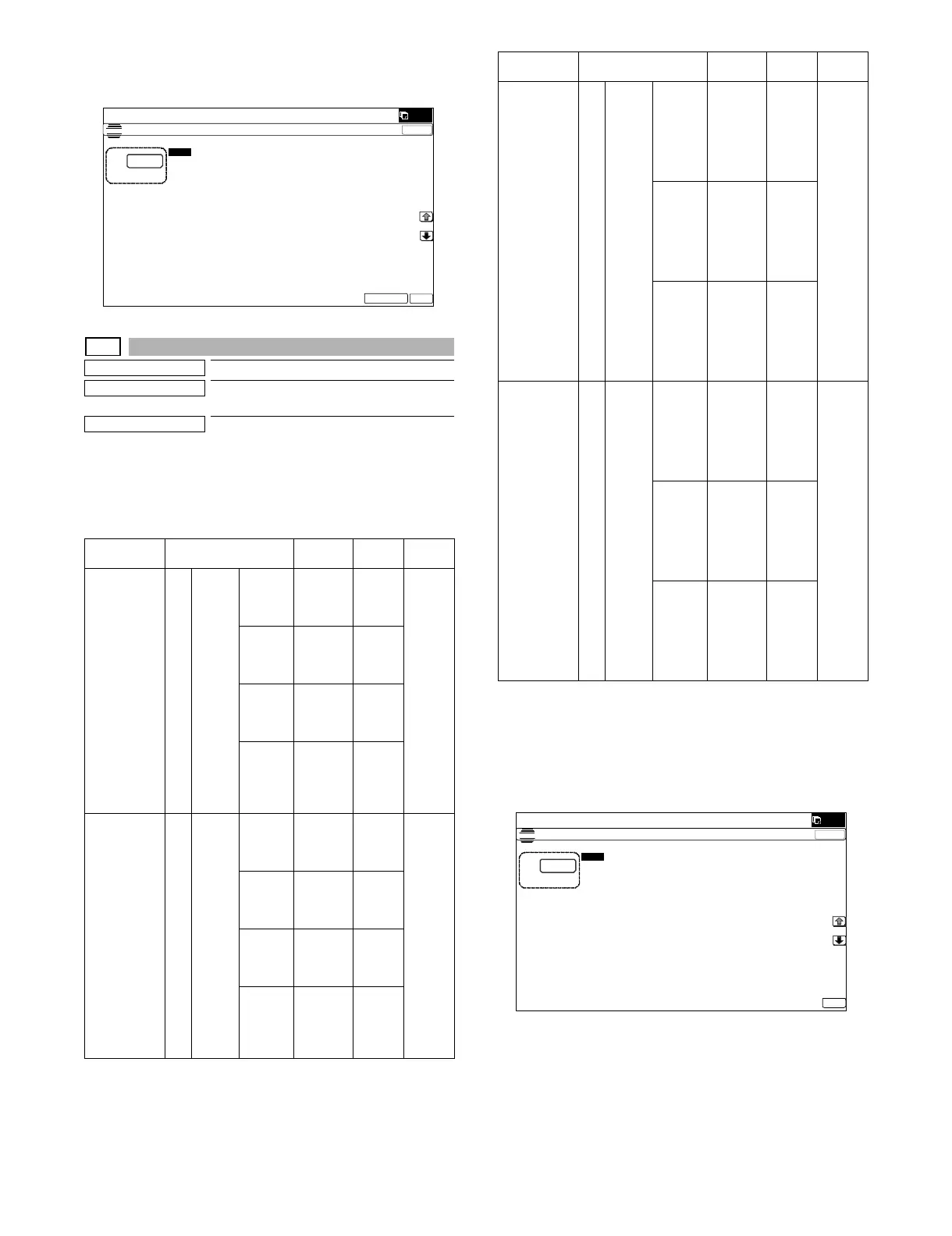
1) Select a target item with [↑] [↓] keys on the touch panel.
2) Enter the set value with 10-key.
3) Press [OK] key.
The set value is saved.
*1: Setting of compression rate for images when the image com-
pression rate is set to "Medium" in the user mode.
NOTE: When the compression rate is increased, the HDD capacity
in the document filing mode is decreased. On the other hand, how-
ever, the image quality of some documents may be remarkably
reduced.
Operation
mode
Item/Display Content
Setting
range
Default
value
COPY
(COLOR)
(COPY
(COLOR
mode))
A COPY
(C)
LOW Low
compres
sion
(Color)
00
(LOW)
MIDDLE Medium
compres
sion
(Color)
1
HIGH High
compres
sion
(Color)
2
LOWER Super
low
compres
sion
(Color)
3
COPY
(GRAY)
(COPY
(Monochrome
half-tone
mode))
B COPY
(G)
LOW Low
compres
sion
(Gray)
00
(LOW)
MIDDLE Medium
compres
sion
(Gray)
1
HIGH High
compres
sion
(Gray)
2
LOWER Super
low
compres
sion
(Gray)
3
(;32685($'-8670(17)$;'3,
PUSH SCAN
(COLOR)
(Scanner
(Color mode))
C SCAN
(C)
(*1)
MIDDLE
1
Medium
compres
sion
mode 1
Low
compres
sion
00
(MID
DLE1)
MIDDLE
2
Medium
compres
sion
mode 2
Medium
compres
sion
1
MIDDLE
3
Medium
compres
sion
mode 3
High
compres
sion
2
PUSH SCAN
(GRAY)
(Scanner
(Monochrome
half-tone
mode))
DSCA
N(G)
(*1)
MIDDLE
1
Medium
compres
sion
mode 1
Low
compres
sion
00
(MID
DLE1)
MIDDLE
2
Medium
compres
sion
mode 2
Medium
compres
sion
1
MIDDLE
3
Medium
compres
sion
mode 3
High
compres
sion
2
Operation
mode
Item/Display Content
Setting
range
Default
value
ǂǂǂ6,08/$7,21ǂǂ12
&/26(
7(67
&23<䊶6&$1䊶0)335,17&2035(665$7($'-8670(17
$˖
˷˹
˖&23<&/2:
$˖
˖&23<*/2:
%˖
˖6&$1&0,''/(
&˖
˖6&$1*0,''/(
'˖
2.



 To Next Page