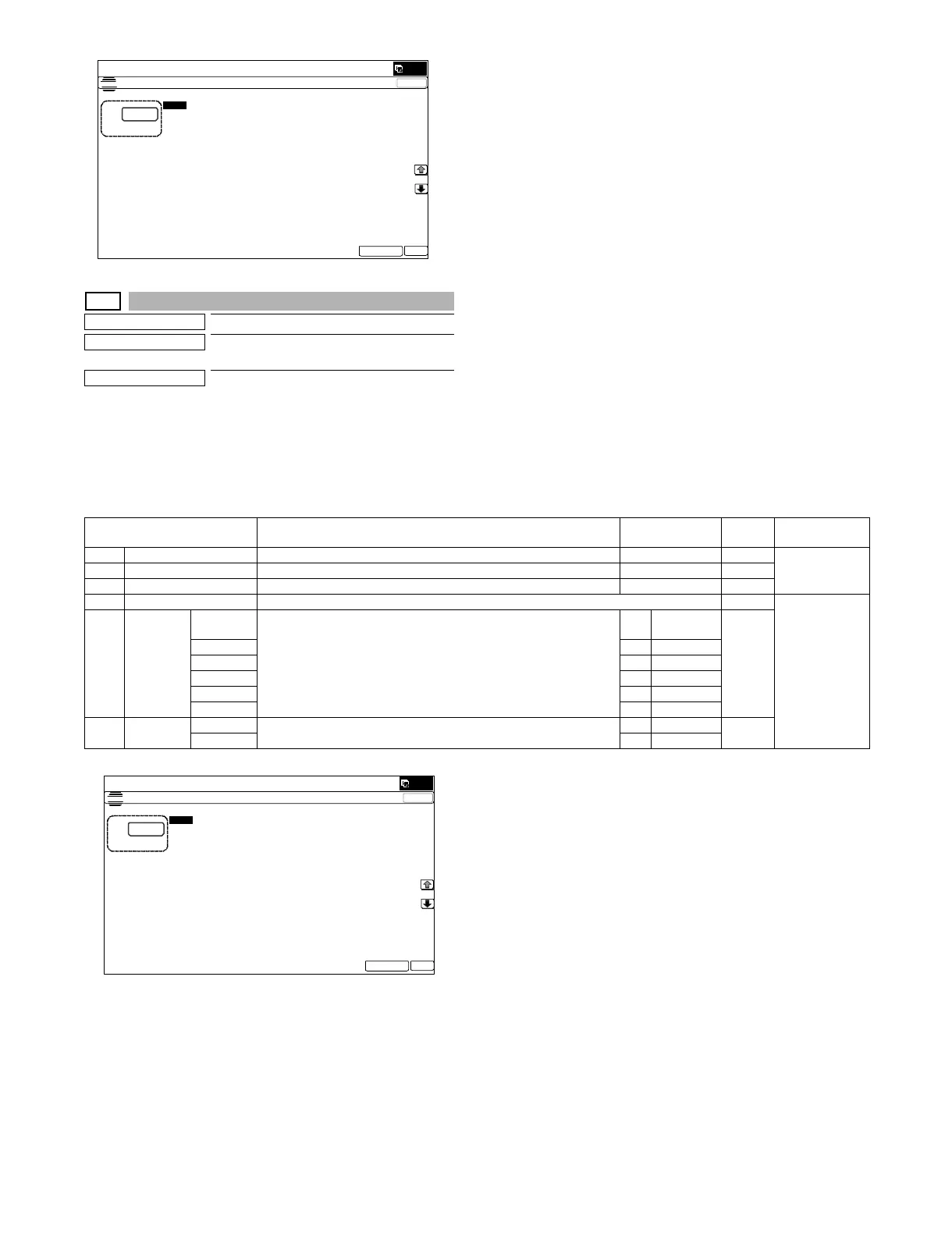
MX-5001N SIMULATION 6 – 103
50-21
Purpose
Adjustment
Function (Purpose)
Image registration adjustment (Sub scan-
ning direction) (Manual adjustment)
Section
Operation/Procedure
1) Select an adjustment target item with [↑] [↓] key on the touch
panel.
2) Enter the set value with 10-key.
3) Press [EXECUTE] key. (The set value is saved.)
ǂǂǂ6,08/$7,21ǂǂ12
&/26(
7(67
5(*,675$7,21$'-8670(17)52175($5',5(&7,21
$˖
˷˹
˖&<$1)5217
$˖
˖&<$15($5
%˖
˖0$*(17$)5217
&˖
˖0$*(17$5($5
'˖
˖<(//2:5($5
)˖
˖<(//2:)5217
(˖
˖08/7,&2817
*˖
˖3$3(5&6
+˖
˖'83/(;12
,˖
(;(&87( 2.
Item/Display Content Setting range
Default
value
NOTE
A CYAN Image registration adjustment value (Sub scanning direction) (Cyan) 1 - 199 100 Adjustment Item
List
B MAGENTA Image registration adjustment value (Sub scanning direction) (Magenta) 1 - 199 100
C YELLOW Image registration adjustment value (Sub scanning direction) (Yellow) 1 - 199 100
D MULTICOUNT Number of print 1 Adjustment
pattern print
conditions
setting
E PAPER MFT Tray selection 1 Manual
paper feed
2
CS1 2 Tray 1
CS2 3 Tray 2
CS3 4 Tray 3
CS4 5 Tray 4
LCC 6 LCC
F DUPLEX YES Duplex print selection 0 Yes 1
NO 1No
ǂǂǂ6,08/$7,21
ǂǂ12
&/26(
7(67
5(*,675$7,21$'-8670(176&$11,1*',5(&7,21
$˖
˷
˹
˖&<$1
$˖
˖0$*(17$
%˖
˖<(//2:
&˖
˖08/7,&2817
'˖
˖'83/(;
12
)˖
˖3$3(5
&6
(˖
(;(&87( 2.



 To Next Page