Basic Operation
-39
• The Digital Shift function works with BORDER, STRETCH or SMART STRETCH screen. For details,
see page 53.
Digital Shift Setting
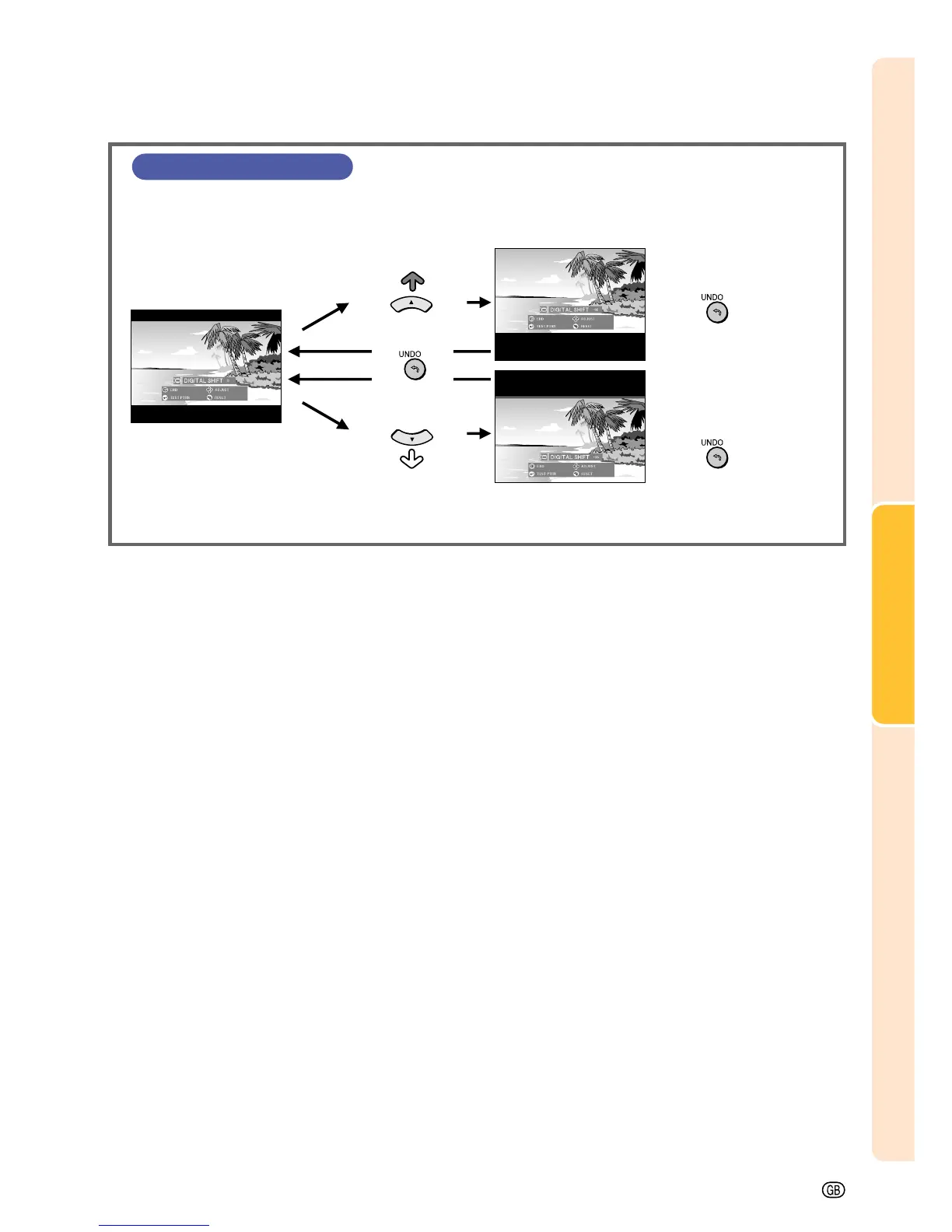
For easier viewing, this function shifts the entire image projected on
the screen up or down when projecting 16:9 images from DVD
players and DTV* decoders.
* DTV is the umbrella term used to describe the new digital television
system in the United States.
UNDO button
Press ' to move the
projected image upwards.
Press to reset the
image.
Press " to move the
projected image
downwards.
Press to reset the
image.





 To Next Page