-62-62
Color Management System (C.M.S.)
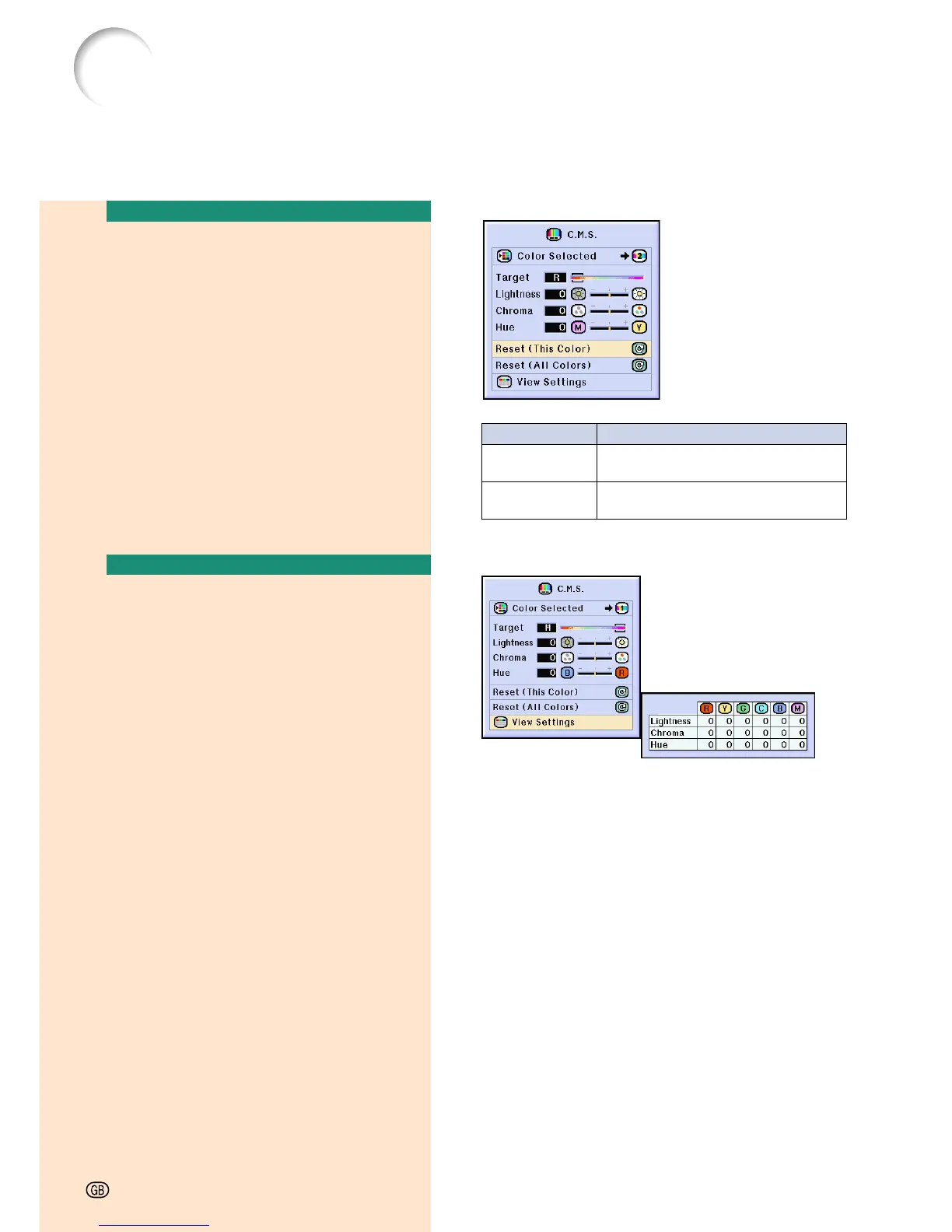
Resetting User-Defined
Color Settings
Select “Reset (This Color)” or “Reset
(All Colors)” in the “C.M.S.” menu on
the menu screen.
➝ For operating the menu screen, see
pages 42 to 45.
Overview of All Color
Settings
Select “View Settings” in the “C.M.S.”
menu on the menu screen.
➝ For operating the menu screen, see
pages 42 to 45.
Description
“Lightness”, “Chroma” and “Hue” of the
color selected for “Target” are reset.
“Lightness”, “Chroma” and “Hue” of
all colors are reset.
Selected item
Reset
(This Color)
Reset
(All Colors)















 To Next Page