Basic Operation
-43
2 Press
\\
\\
\ or
||
||
| to select the
menu you want to adjust.
Note
• For details on the menus, see the
tree charts on pages 40 and 41.
3 Press
''
''
' or
""
""
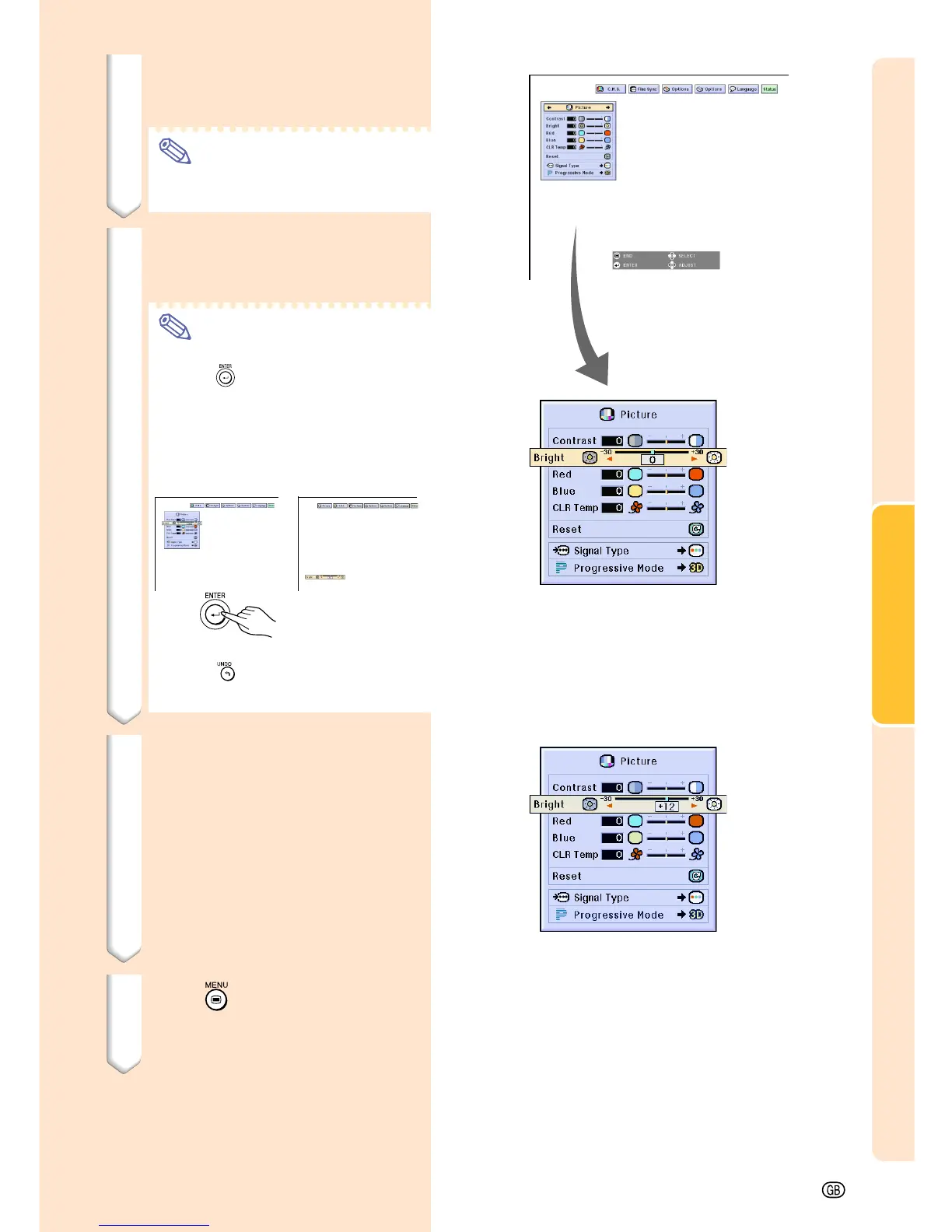
" to select the item
you want to adjust.
Note
• To display a single adjustment item,
press
after selecting the item.
Only the menu bar and the selected
adjustment item will be displayed.
Then if you press ' or ", the fol-
lowing item (“Red” is after “Bright”)
will be displayed.
• Press
to return to the previous
screen.
4 Press
\\
\\
\ or
||
||
| to adjust the item
selected.
• The adjustment is stored.
5 Press .
• The menu screen will disappear.
||
||
|















 To Next Page