) on the remote control unit. (See page 21.)
TIPS
• Instandbymode,PowerONistheoperationavailable.
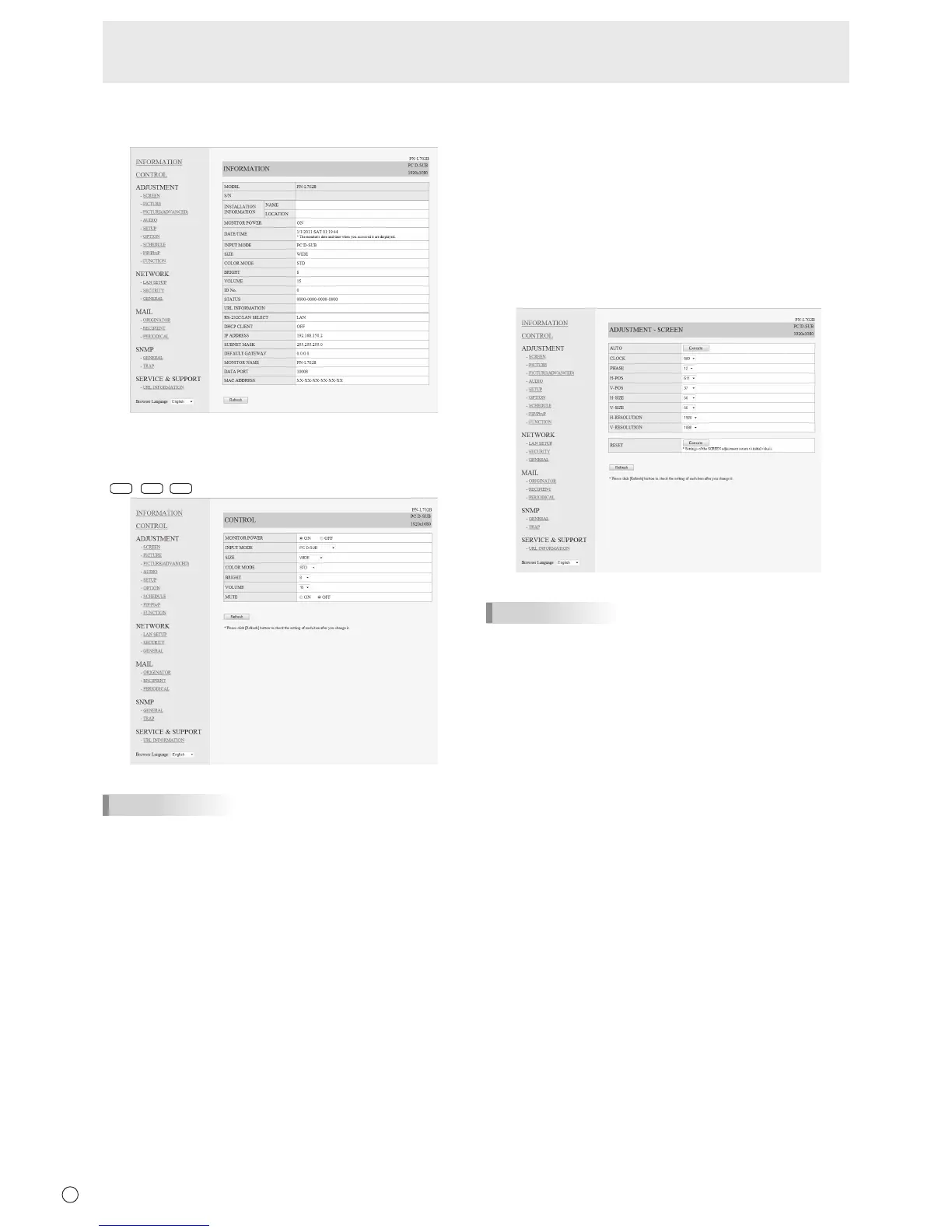
■ ADJUSTMENT
You can adjust these settings which are also available on the
monitor’s menu.
• SCREEN(Seepage24.)
• PICTURE(Seepage24.)
• PICTURE(ADVANCED)(Seepage30.)
• AUDIO(Seepage25.)
• SETUP(Seepage25.)
• OPTION(Seepage26.)
• SCHEDULE(Seepage29.)
• PIP/PbyP(Seepage27.)
• FUNCTION(Seepage31.)
TIPS
• AfterchangingDISPLAYCOLORPATTERNtoOFF,click
[Refresh] to correctly retrieve the status of the monitor.
Controlling the Monitor with a PC (LAN)



 To Next Page