R-775(W)R-785(AL) - 8
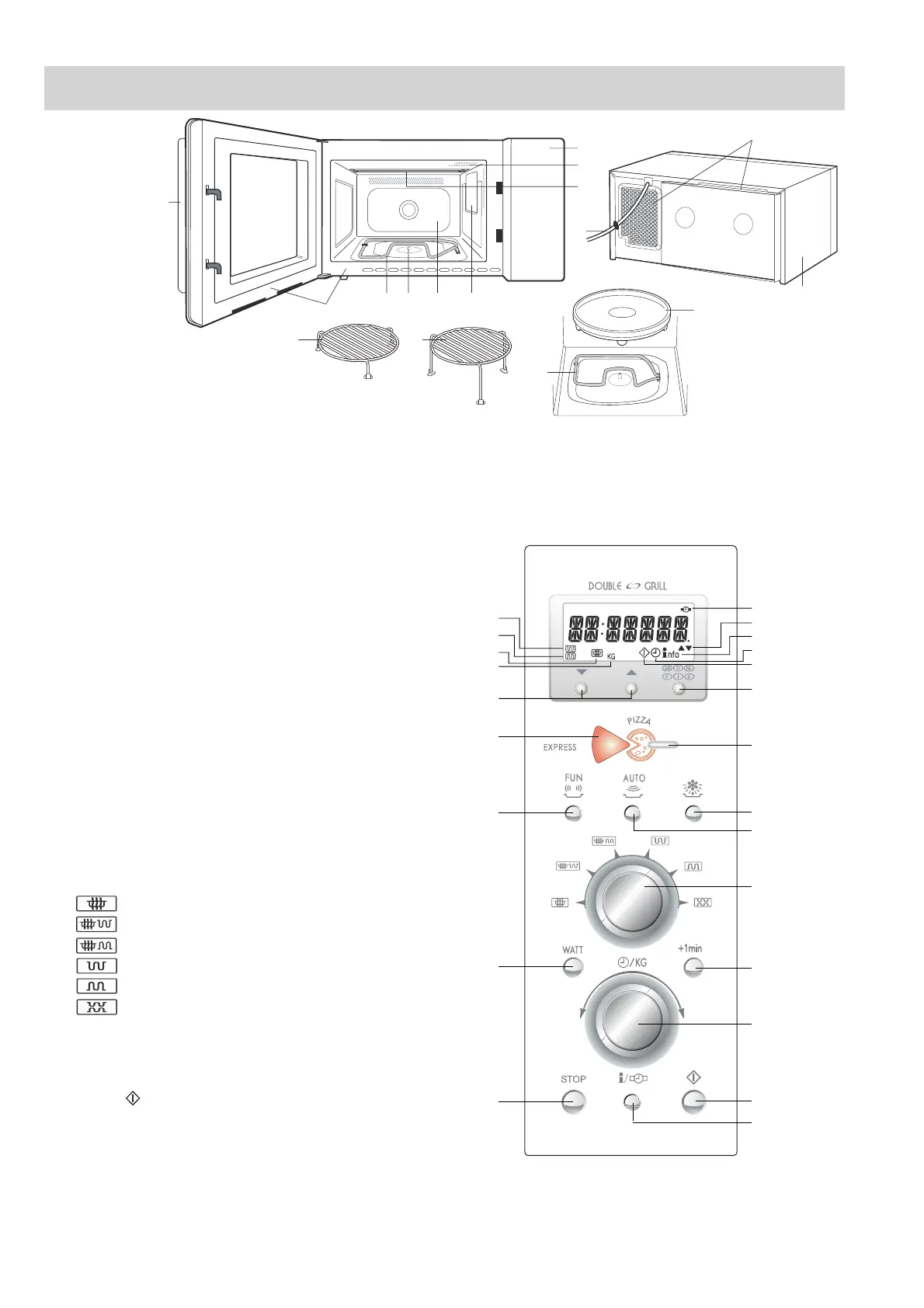
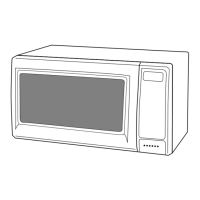
APPEARANCE VIEW
1. Control panel
2. Oven lamp
3. Grill heating element (Top
Grill)
4. Waveguide cover
5. Oven cavity
6. Turntable motor shaft
7. Grill heating element
(Bottom Grill)
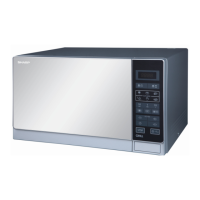
CONTROL PANEL
NOTE: If the clock has been set, some one-touch cooking features such as "MINUTE PLUS" are disabled after three
minutes when the oven is not use. These features are automatically enabled when the door is opened and closed
or the stop button is pressed.
Digital display and indicators:
1 BOTTOM GRILL indicator
2 TOP GRILL indicator
3 CLOCK SET indicator
4 LESS/MORE indicators
5 INFORMATION indicator
6 TIMER indicator
7 COOKING IN PROGRESS indicator
8 WEIGHT (kg) indicator
9 MICROWAVE indicator
Operating buttons:
10 LANGUAGE button
11 EXPRESS PIZZA button
12 PIZZA button
13 FUN MENUS button
14 AUTO DEFROST button
15 AUTO COOK button
16 COOKING MODE dial
Rotate the dial so that indicator points to appropriate
symbol:
for microwave cooking
for microwave cooking with TOP GRILL
for microwave cooking with BOTTOM GRILL
for TOP GRILL
for BOTTOM GRILL
for TOP & BOTTOM GRILLS
17 + 1 min button
18 TIME/WEIGHT dial
Rotate the dial to enter either the cooking/defrosting
time or weight of food.
19 START
button
20 INFO/CLOCK button
21 STOP button
22 MICROWAVE POWER LEVEL button
Press to change the microwave power setting.
23 LESS/MORE buttons
1
11
10
2
3
4
56
7
7
8
9
12
13
14
15
2
3
4
5
6
7
10
12
14
16
17
19
20
18
15
1
9
8
23
11
13
22
21
8. Door seals and sealing surfaces
9. Door opening handle
10.Ventilation openings
11.Powercord
12.Outer cabinet
13.Turntable
14.Low rack
15.High rack
OVEN


 To Next Page