42
GENERAL
INFORMATION
USER MAINTENANCE
The document glass and document cover must be kept clean to
avoid dirty areas from being copied onto the copies.
User maintenance
Document glass and document cover
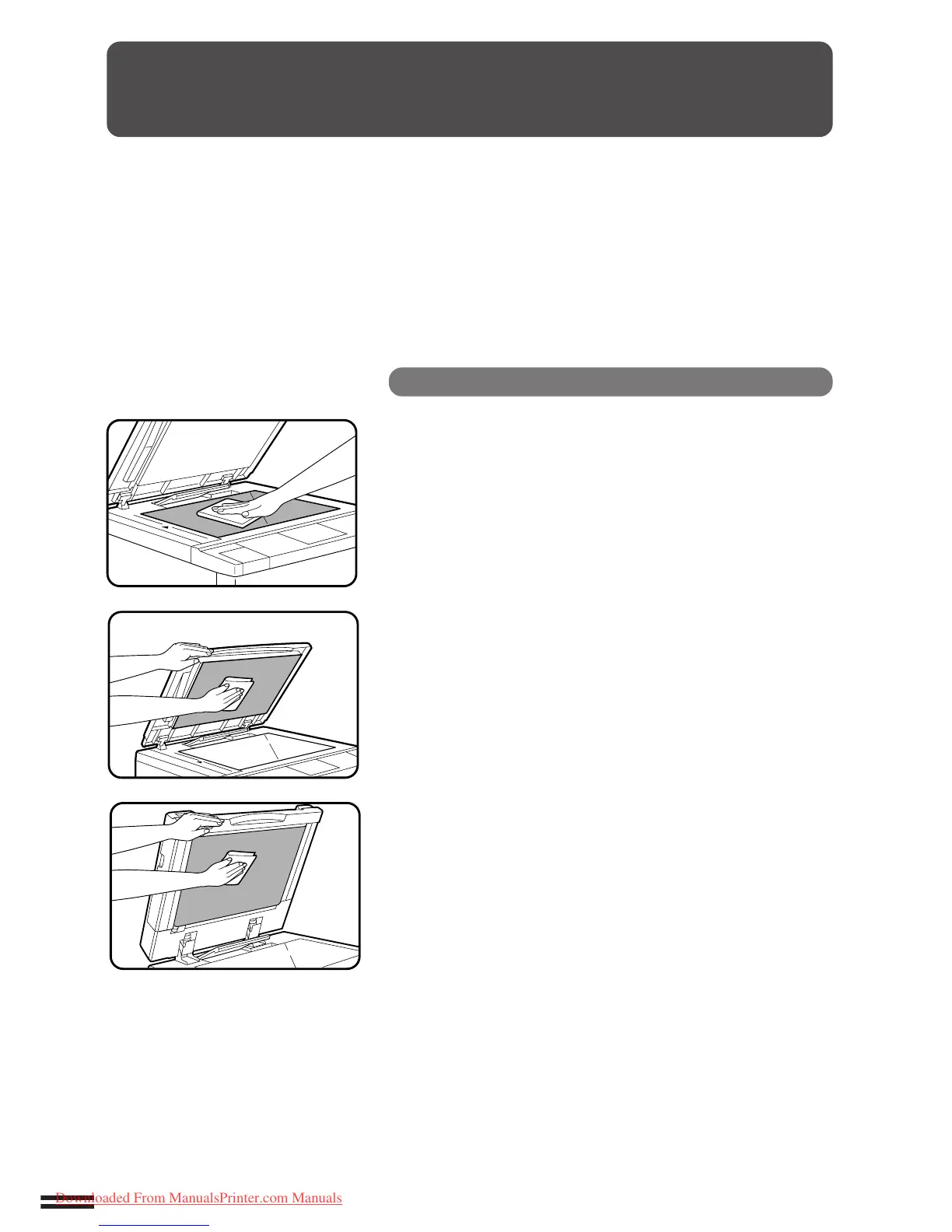
Wipe the document glass and document cover with a
soft, clean cloth.
●
If necessary, dampen the cloth with water. Do not use thinner,
benzene, or similar volatile cleaning agents.
●
If an optional document feeder is installed, wipe the transport
belt with a soft, clean cloth.
Downloaded From ManualsPrinter.com Manuals



 To Next Page