67
OPTIONAL
EQUIPMENT
5
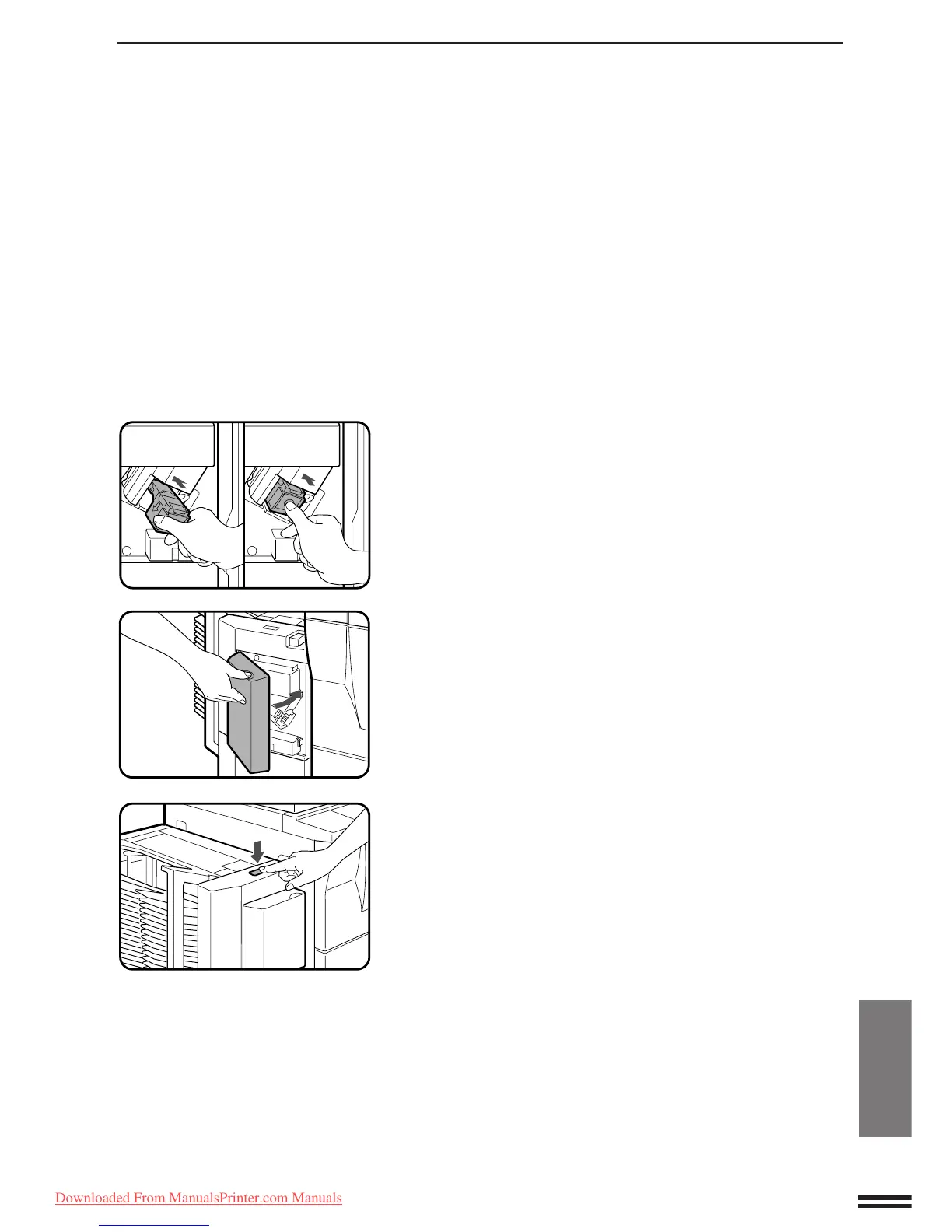
Insert the staple box into the stapler unit until it clicks
in place.
6
Close the stapler cover.
7
Following the stapling procedure on page 63, staple a
copy to check that the stapler works properly.
●
If it does not, repeat this procedure until it does.
20-BIN STAPLE SORTER (SF-S56)
20-bin staple sorter (SF-S56)
Downloaded From ManualsPrinter.com Manuals



 To Next Page