73
OPTIONAL
EQUIPMENT
STAND/3000-SHEET PAPER DRAWER (SF-D23)/STAND/500-SHEET PAPER DRAWER (SF-D24)
Stand/3000-sheet paper drawer (SF-D23)
Stand/500-sheet paper drawer (SF-D24)
5
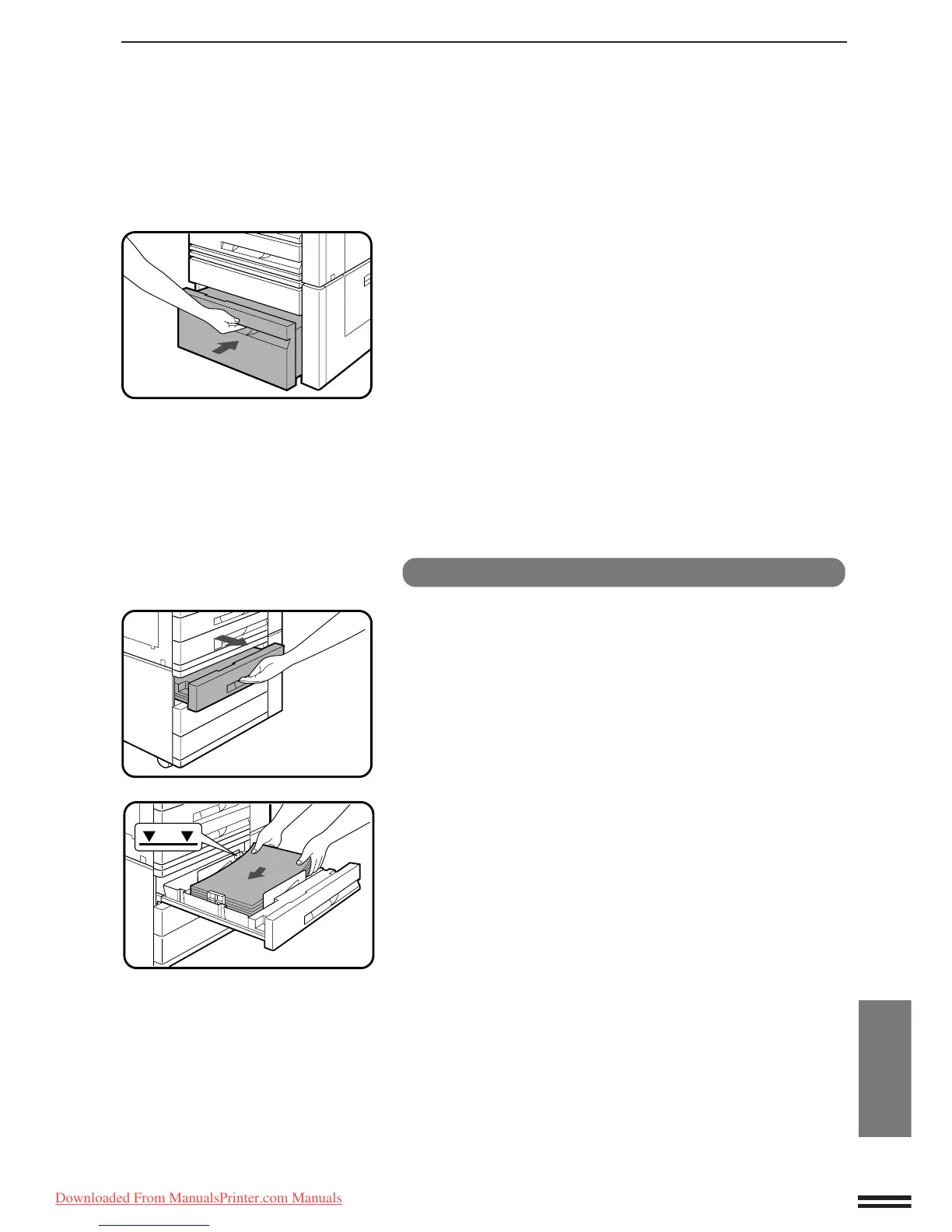
Gently push back the paper drawer.
Stand/500-sheet paper drawer (SF-D24)
1
Pull out the 500-sheet paper drawer.
2
Fan the copy paper and insert it in the paper drawer.
●
The 500-sheet paper drawer holds up to 500 sheets of paper.
●
Do not load paper above the maximum height line.
3
Push the paper drawer firmly back into the copier.
Downloaded From ManualsPrinter.com Manuals



 To Next Page