VL-SD20S-GB/pp. 026-041; 99/7/28/18:00
G. K. Associates, Tokyo
Useful Features
30
Gain-up (Cat’s Eye)
When you are recording in a dark or poorly-
illuminated location, “LIGHT” is displayed on
the screen. Use the gain-up function to record
a brighter picture.
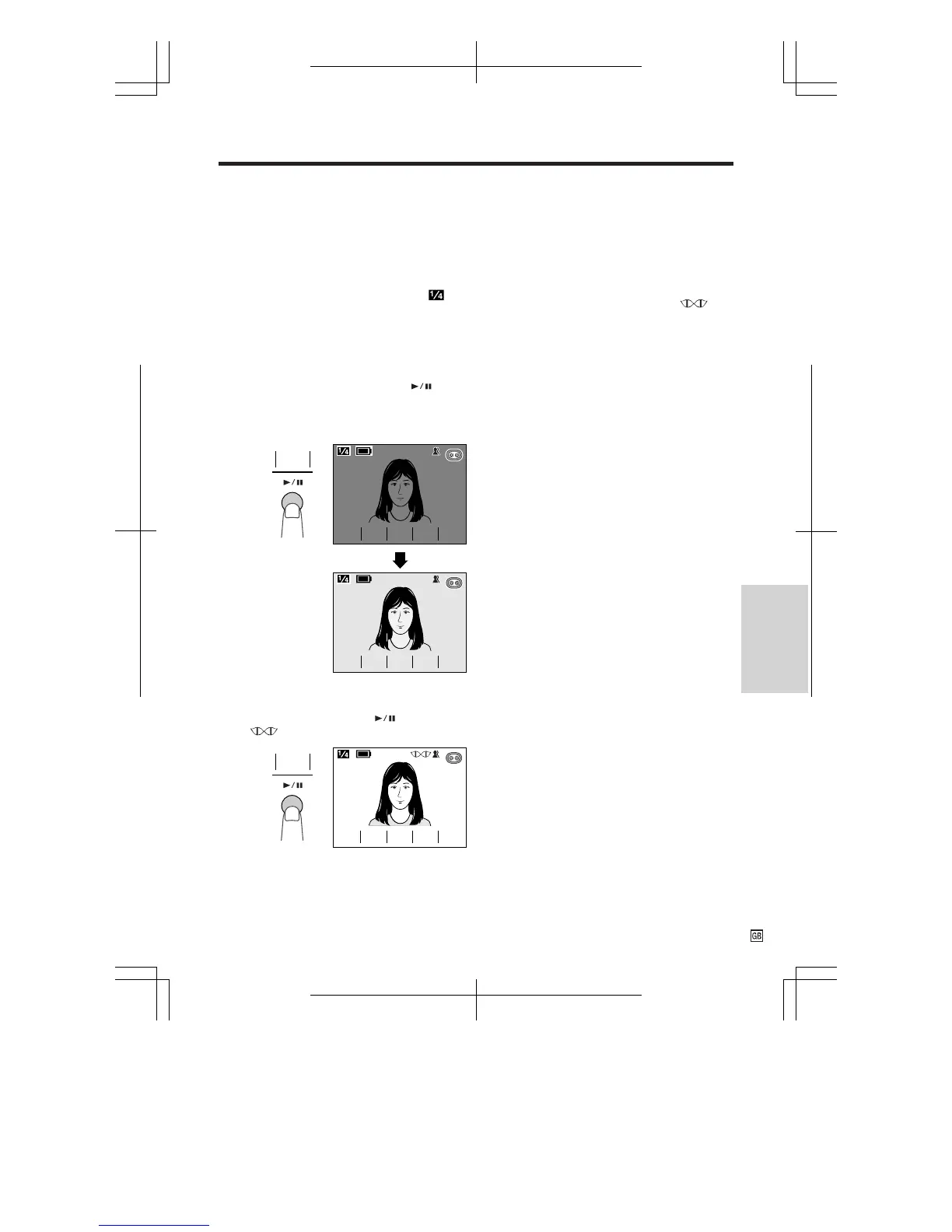
1 Press the CONTROL switch until
appears (Camera mode).
Note: At locations where lighting is adequate,
“LIGHT” will not appear. The gain-up function
cannot be used in this case.
2 Press the GAMA EFF. button ( )
once.
• “GAMMA” appears, indicating that the
gain-up function is now working.
SP
L IGHT
SP
REW
QK.
TEND
EX
-
AUTO
EFF.
GAMA
FADE
REW
QK.
TEND
EX
-
AUTO
EFF.
GAMA
L I GHT
FADE
SP
L IGHTL I GHT
EFF.
GAMA
GAMMA
REW
QK.
TEND
EX
-
AUTO
EFF.
GAMA
FADE
REW
QK.
TEND
EX
-
AUTO
EFF.
GAMA
GAMMA
FADE
SP
To obtain a brighter picture
Press the GAMA EFF. button ( ) again.
• The indicator appears.
GAMMA
REW
QK.
TEND
EX
-
AUTO
EFF.
GAMA
FADE
SP
REW
QK.
TEND
EX
-
AUTO
EFF.
GAMA
GAMMA
FADE
SP
EFF.
GAMA
To cancel the gain-up function
Press the GAMA EFF. button until “GAMMA”
disappears.
Notes:
• Gain-up mode will disengage automatically if the
VIEWCAM is moved to a bright location.
• Some picture noise appears in Gain-up mode.
The picture noise increases when the
indicator is displayed.










 To Next Page