VL-SD20S-GB/pp. 048-058; 99/7/28/18:00
G. K. Associates, Tokyo
Advanced Features
Advanced Features
Camera Recording
49
3 Press the MODE DISPLAY button to
turn off the Operation button indicators.
To cancel the picture effect
Select “PIC. EFF.” in step␣ 2 above.
Notes:
• Picture effects cannot be selected when a still
image is displayed.
• The STRETCH and SLIM EFF. picture effects
cannot be used with the digital zoom or
Digital Quick Zoom.
• The PICTURE EFFECT button on the remote
control can be used only when the VIEWCAM is
in VCR mode.
Picture Effects
These picture effects let you record the subject
with a more dramatic effect.
Type of Picture Effects
B/W EFF.: The picture is recorded in black-
and-white.
SEPA EFF.: The picture is recorded in sepia
colour similar to that of an old photograph.
MOSAIC: The picture is divided up into tiles.
SOLARI: The contrast of the subject is
enhanced, creating a unique artistic image.
STRETCH: The image is stretched horizontally
to make the subject look wider.
SLIM EFF.: The image is stretched vertically to
make the subject look taller.
NEGA EFF.: The blacks and whites of the
image are reversed and colours of the image
are inverted.
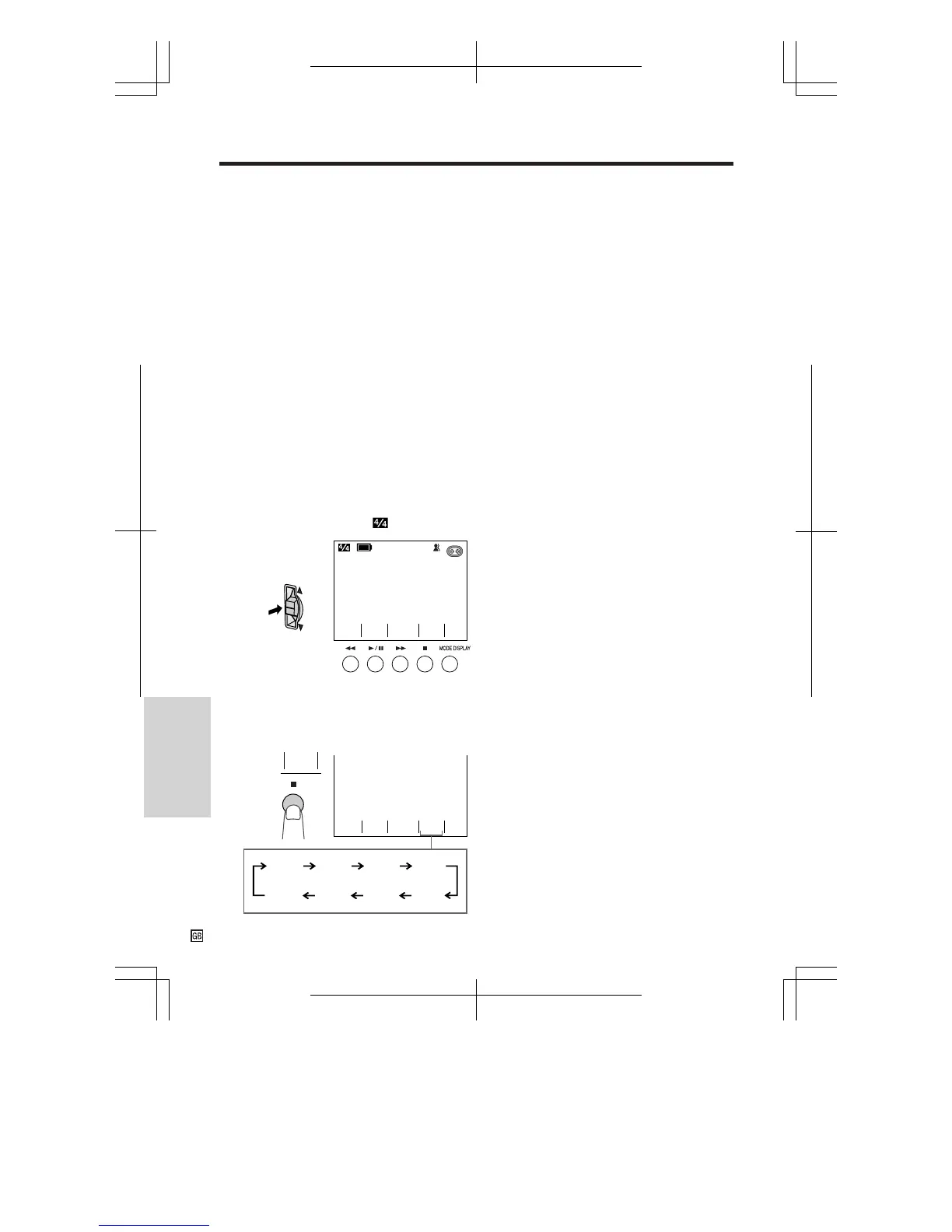
1 In Recording Standby mode, press the
CONTROL switch until
appears.
2 Press the A button to select the
desired picture effect.
• Each time you press the A button, the
picture effect changes as shown below.
SP
EFF.
PIC.
MENU
AUTO
TURE
PIC
-
SCENE
MENU
EFF.
B/W
EFF.
PIC.
EFF.
B/W
EFF.
SEPA
SA IC
MO
-
EFF.
NEGA
EFF.
SLIM
-
TCH
STRE
LARI
SO
-
MENU TURE
PIC
-
SCENE
MENU
SP
EFF.
PIC.










 To Next Page