28
5. HDPVR 630: SMART PVR TECHNOLOGY
Smart PVR Technology will completely change the way you watch TV. By setting up Smart
Recording Events, your HDPVR will automatically find and record all your favourite shows and
movies. Once recorded, they’re instantly available to you with the press of a button – whenever
you want!
5A. SETTING RECORDING EVENTS
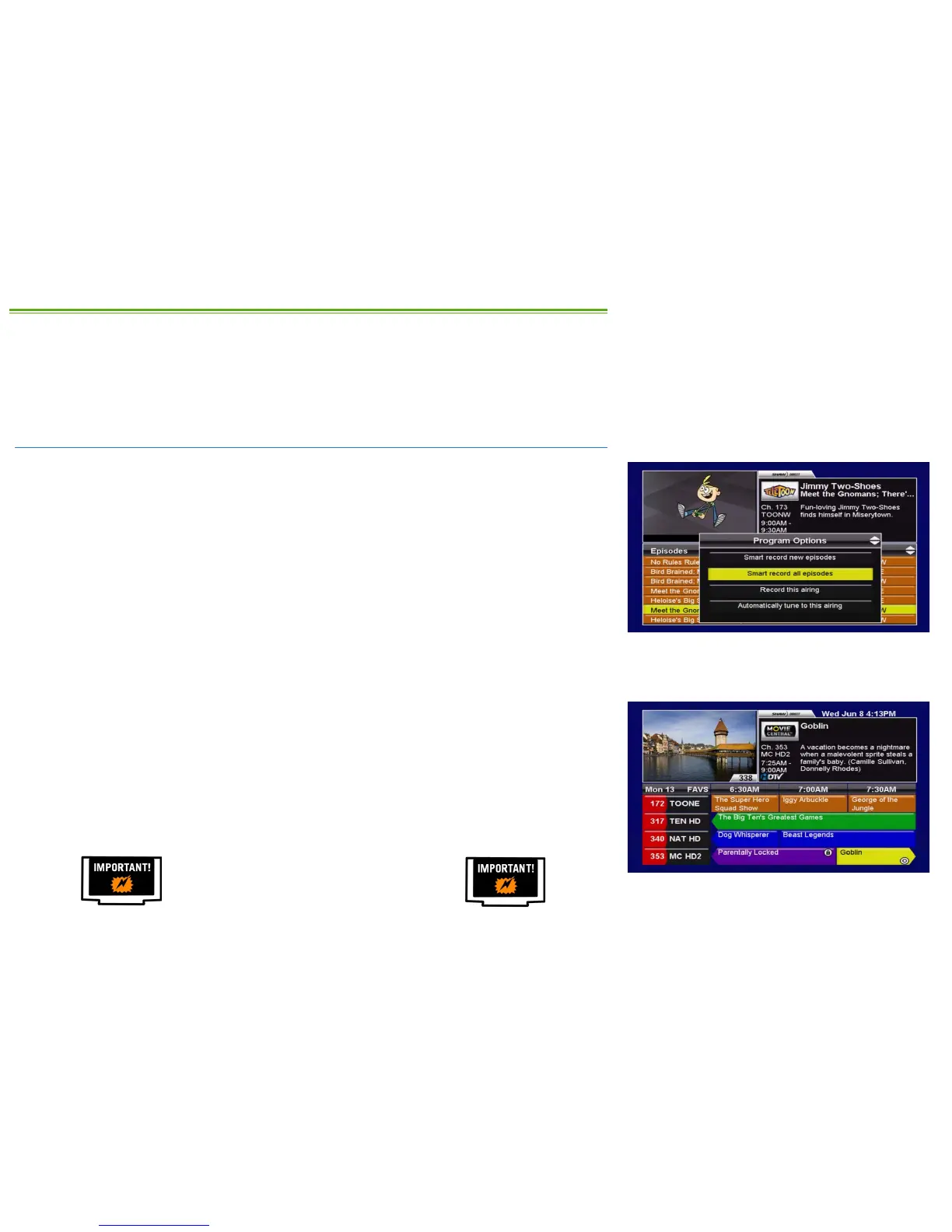
Recording Events are easily set from the Program Options menu. As described earlier, you can
access this menu from the Guide, Search Results, Info Pages, or Upcoming Air Dates screen.
From within the Program Options menu, the following selections can be used to set a Recording
Event:
• SMART RECORD NEW EPISODES: Each time a first-run episode of the selected program airs, it
will be automatically recorded. This creates a Smart recurring Recording Event.
• SMART RECORD ALL EPISODES: Each time any episode of the selected program airs, it will be
automatically recorded. This creates a Smart recurring Recording Event.
• SMART RECORD THIS PROGRAM: This movie will be recorded at the first available time. This
creates a Smart one-time Recording Event.
• RECORD THIS AIRING: When this specific episode or movie airs, it will be recorded at this
time. This creates a one-time Recording Event and will take priority over any existing
Recording Events for that time. You can also press the RECORD button from within the
Guide to set a one-time Recording Event.
If you set a Recording Event from any screen where a channel number is listed with your
selection (such as the Guide or Upcoming Air Dates screen), the Recording Event will default to
record on the selected channel only.
If you set a Recording Event from a screen where no channel number is listed (such as the
Search Results screen), the Recording Event will default to record on all channels.
It is highly recommended that you always
customize and confirm all Recording Event
options after setting any new Recording Event.



 To Next Page