41
9. OTHER MENUS
9A. INTERACTIVE APPLICATIONS
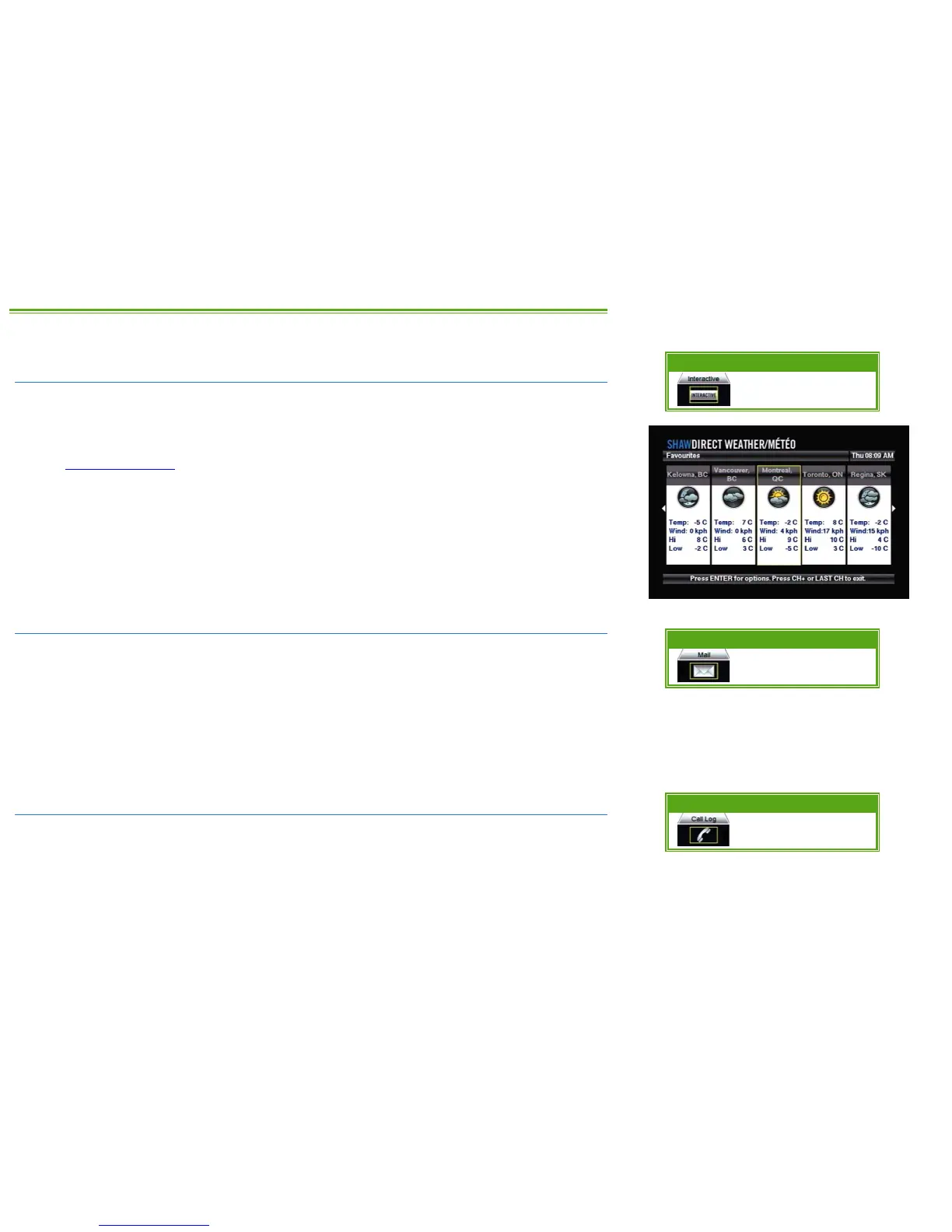
Interactive applications, such as Shaw Direct Weather are available by selecting “Interactive”
from the menu bar.
Other applications may be available by selecting the applicable channel from the Guide. Check
out
www.shawdirect.ca for the latest information on current applications.
While in an interactive application, press the EXIT or LAST CH key on your remote control to exit
and return to the last channel you were viewing.
9B. RECEIVER MAIL
Shaw Direct uses receiver mail to occationally send short messages on free previews, promotions,
or account information. You can access your receiver mailbox by selecting “Mail” from the Menu
Bar.
When a message is received, an envelope icon will appear in the Info Banner. If you have an
HDDSR 605 or HDPVR 630, the envelope icon on the front of your receiver will also illuminate.
After you read the message, it will turn off and the icon will disappear.
9C. CALLER ID LOG
If you have connected your HDDSR 605 or HDPVR 630 receiver to your residential telephone
line and subscribe to Caller ID through your local phone company, incoming calls will appear
onscreen in real time. You can access a log of your recent incoming calls by selecting “Call Log”
from the Messages section of the Menu Bar. If you prefer, you can disable Caller ID by accessing
OPTIONS, 4, 1.
Menu Bar 5XX Remote 6XX Remote



 To Next Page