32
If your Upcoming Recordings list doesn’t appear to be up to date, such as
missing recently scheduled programs, ensure that Scheduling has completed
before accessing the menu.
5E. RECORDING SYMBOLS
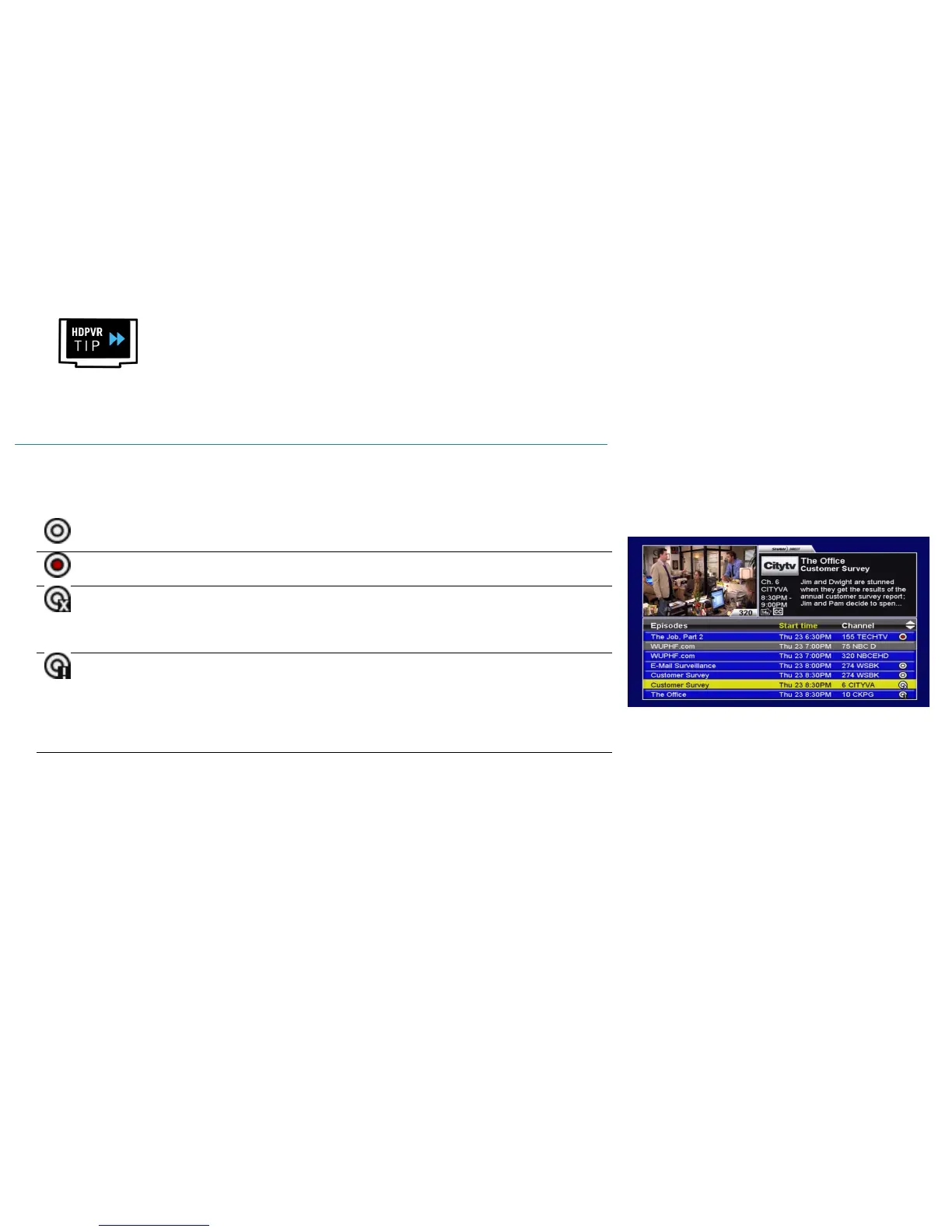
Throughout the Guide, Search Results, PVR Upcoming and Upcoming Air Dates screens, a
variety of recording symbols are used to keep you informed of the status of your Recording
Events. Their meaning is as follows:
Recording
Scheduled
Denotes an episode which meets your recording event criteria and is
currently scheduled to be recorded.
Recording in
progress
Denotes an episode which is currently being recorded. You can
watch it from the beginning in your PVR List.
Duplicate Episode
Indicates an episode which meets your recording event criteria but
is not scheduled to be recorded because it is a duplicate episode
which has already been recorded, or is already scheduled to be
recorded at a different time or on a different channel.
Recording Conflict
Denotes an episode which meets your recording event criteria but
cannot be recorded due to a conflict. You can use the Upcoming
Air Dates screen to try to find a different airing to record, or PVR
Upcoming to cancel one of the conflicting events. You can also
raise the priority of the conflicted program in PVR Options, or
expand the Channels selection to give the PVR more flexibility.
Not Scheduled
Indicates an episode which does not meet your recording event
criteria. It will not be recorded. For example, a rerun when you’ve
specified Recurrence: New episodes, or an airing on an
unsubscribed channel.



 To Next Page