A55
2. GETTING CONNECTED
Connect your receiver to your home internet connection for instant access to over 4000 titles,
including this week's primetime and daytime TV shows, new release movies, music videos, family
programming and more. Getting connected is easy, just read through the following section to
learn how.
2A. MINIMUM REQUIREMENTS
Shaw Direct On Demand is available to all Shaw Direct customers with compatible equipment at
no extra cost. To start using Shaw Direct On Demand, you will need:
1. An Essential HDDSR 600, Advanced HDDSR 605, or Advanced HDPVR 630 satellite
receiver
2. High-speed internet access
3. A home router
4. A connection between your router and satellite receiver.
Additionally, your account must be registered for a www.shawdirect.ca
Self Serve account and
not in a past due billing status.
Each of these requirements is explained in more detail in the following section.
REQUIREMENT 1: 6XX SATELLITE RECEIVER
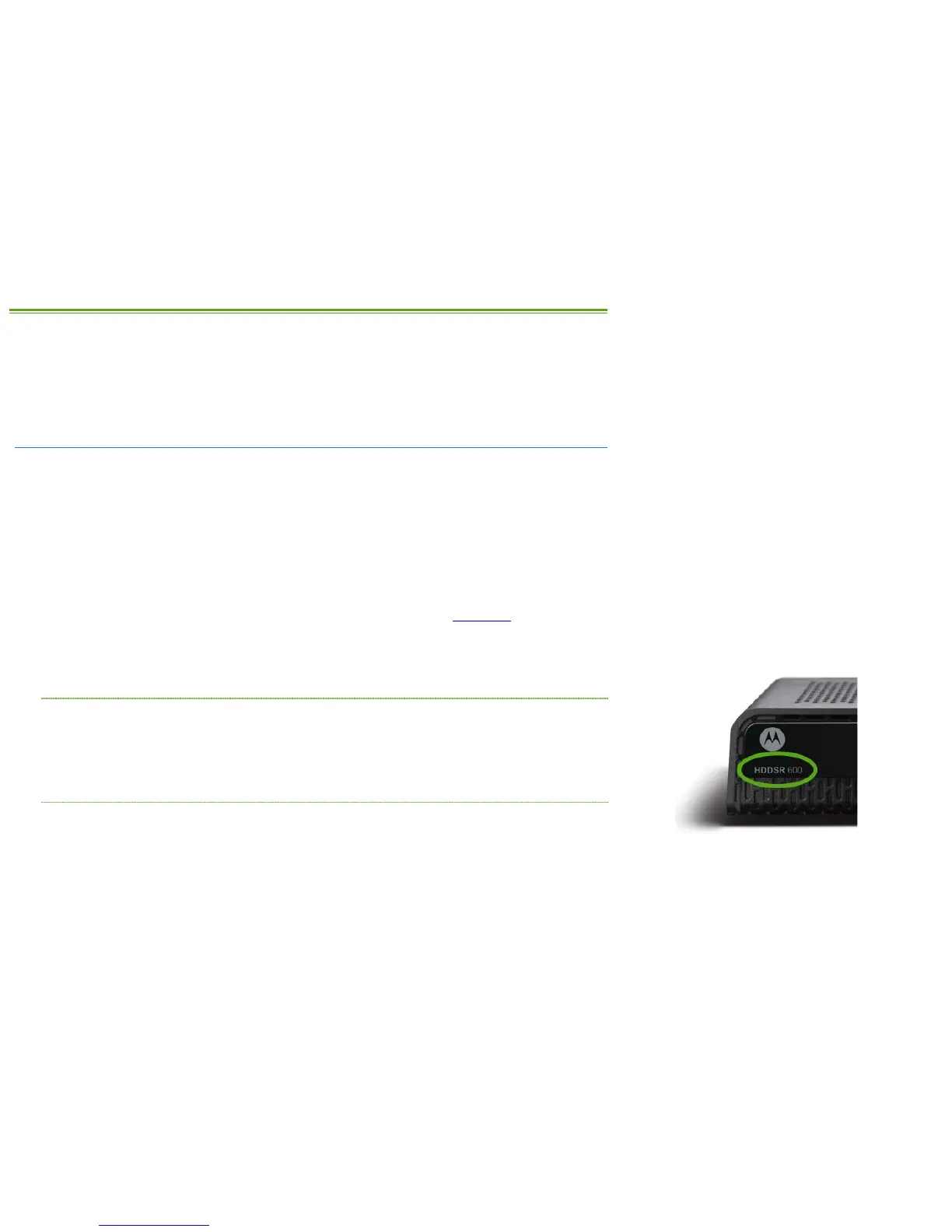
The Essential HDDSR 600, Advanced HDDSR 605, and Advanced HDPVR 630 receivers are all
able to access Shaw Direct On Demand. Not sure which model you have? Take a look at the
front left of your satellite receiver. Any models in the 6XX family have the model number listed
here.
REQUIREMENT 2: HIGH-SPEED INTERNET ACCESS
High-speed Internet Access (sometimes known as broadband) is required to access Shaw Direct
On Demand. Your internet connection must be capable of connecting to our servers at a
minimum 1.75 Mbps downstream for SD titles, and at least 5.0 Mbps sustained downstream for
HD titles.
If you subscribe to cable, DSL, or fiber delivered Internet, chances are it’s fast enough for Shaw
Direct On Demand.



 To Next Page