37
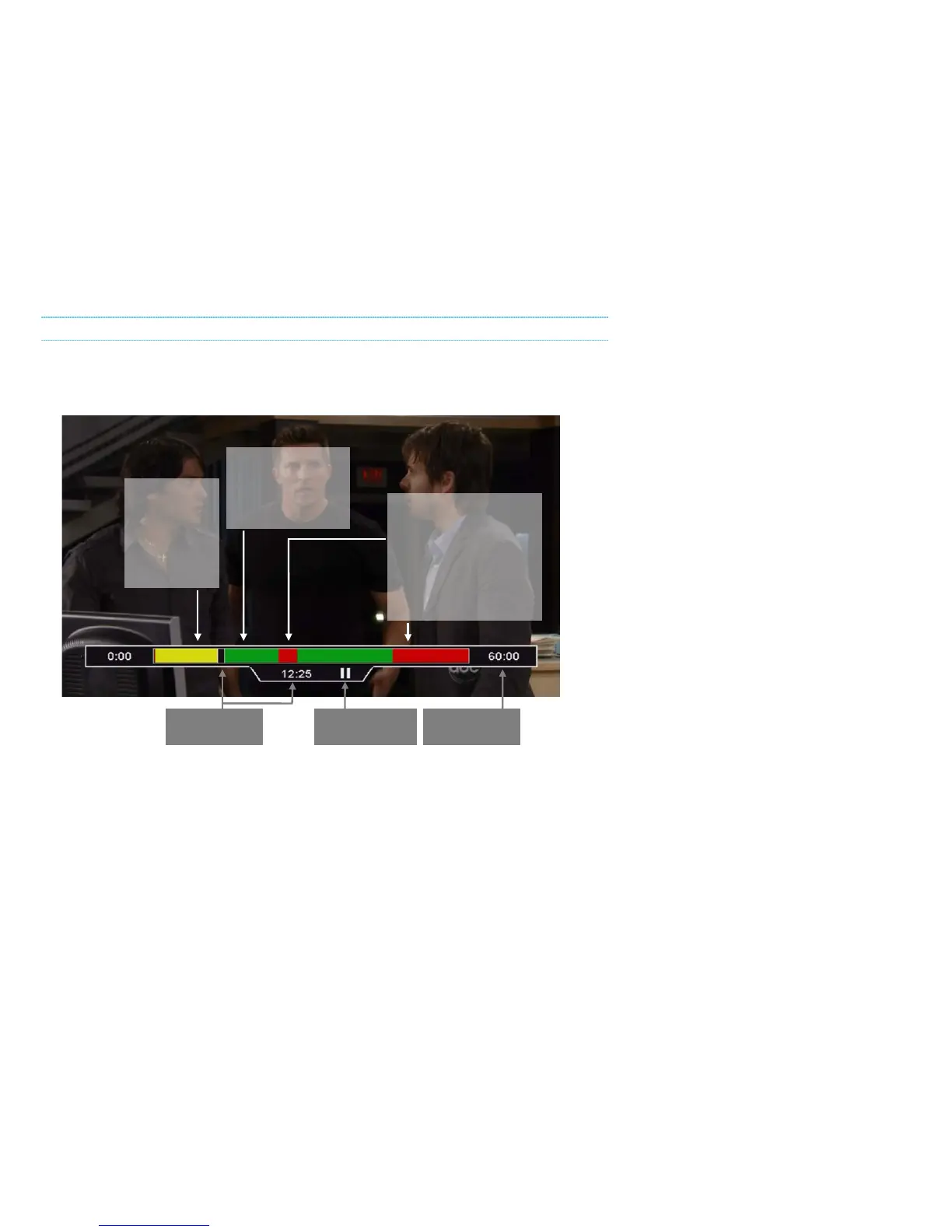
UNDERSTANDING THE PLAYBACK BAR
The Playback Bar is like a map of your recording, telling you exactly where you are and where you
can go at any given time. The following diagram explains what each part of the playback bar
means:
For recordings that are currently in progress, you will see the red space at the right gradually turn
to green as more and more of the program is recorded.
If you rewind or skip backwards into a part that has already been viewed, it will turn green again.
You can press ENTER at any time while playing back a recording to view the Info Banner for the
Program.
RED shows parts of a
program which were not
recorded.
It also shows parts which
have not been recorded
yet if the program is
currently in progress.
GREEN shows parts
of a program which
were recorded but
have not been



 To Next Page