13
(I-Frame Interval): When you choose User-defined Mode , we recommend 20fps. When you
select other mode, just skip it.
(Video Bit Control): Video Bit Control is divided into Fixed Bit Rate and Variable Bit
Rate(The device will select the appropriate bit rate automatically according to the network
environment)
(Bit Rate): Higher bit rate means better quality video and bigger data size, which needs high
enough bandwidth.
Note: When you visit camera in WAN and find out the video is not so fluent, please set
Frame Rate and Bit Rate to a lower level.
OSDSetting
(OSDTimeSwitch):Overlaytimeonto the videoscreenor not(ON meansYes, OFFmeans
NO)
(OSD Name Switch):Overlay name onto the video screen or not(ON means Yes, OFF
meansNO)
(OSD Name):User can add name or other information on monitor screen. Such as
“supermarket”,itismeansthecamer a
isworkinginsupermarket.Thenamedoesn’texceed
16characters.
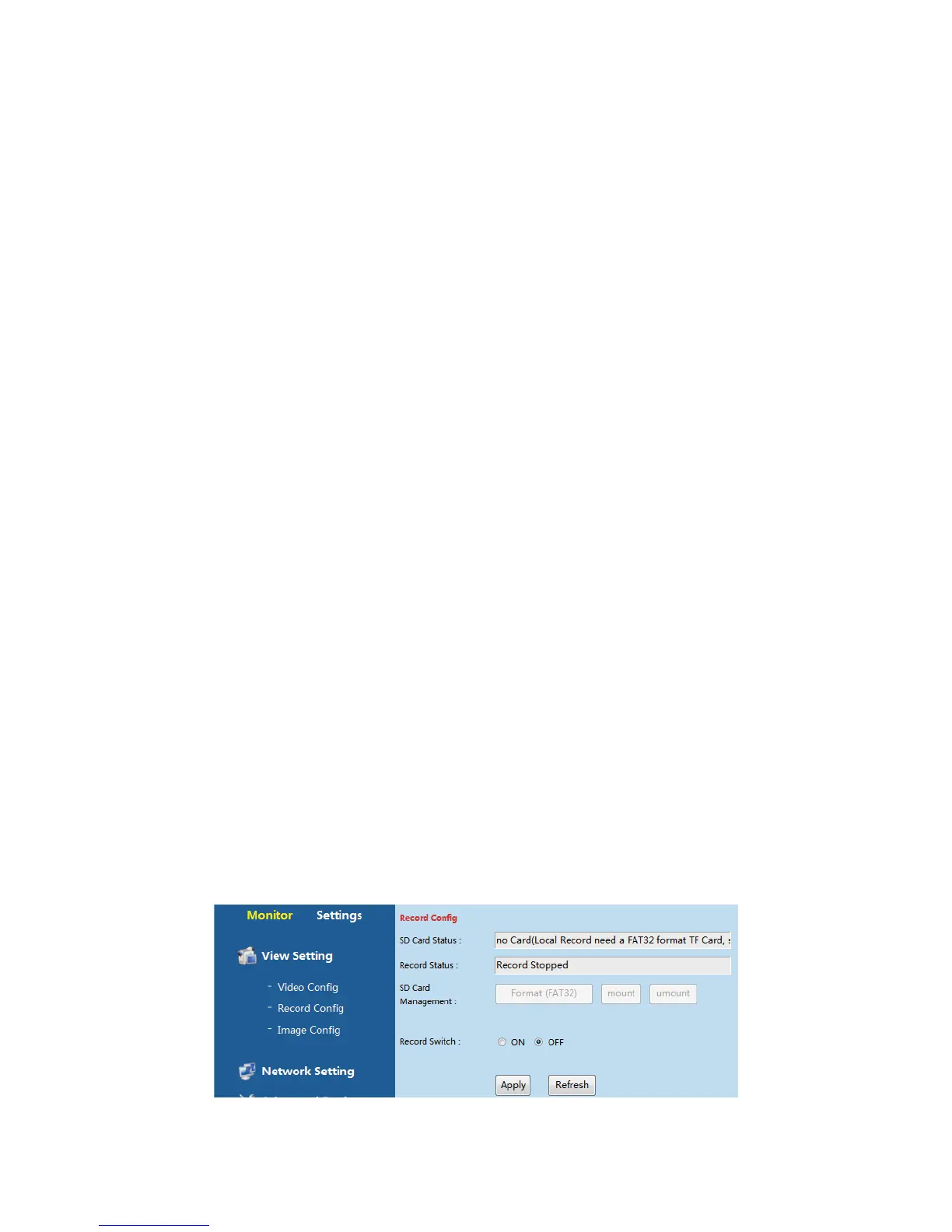
RecordConfig.
CustomercansettheTF(SD)cardrecordingfromthepath“SettingͲViewSettingͲRecord
Config”.



 To Next Page