33
7.5.3PlaybackVideo
Playbackthevideorecordedontocomputer
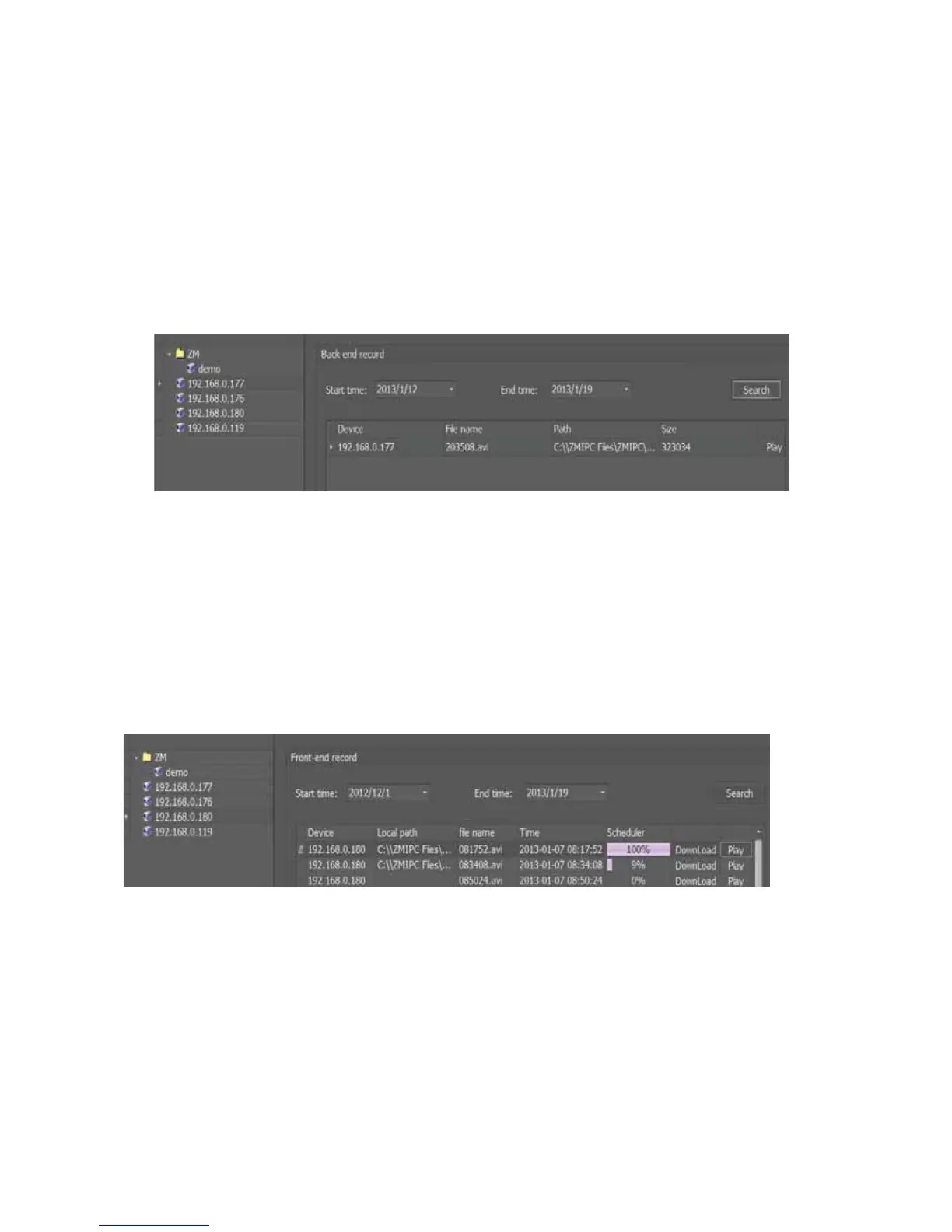
User can enter backͲend record interface through “Tab barͲ>ManageͲ>Record Manage
Ͳ>BackͲendrecord”toinquiry,manageandplaythevideofile.
Selectcamera,starttimeandendtimeandclicksearch,thevideofilewillbelistedlikethe
followingway,
click“Play”toplaybackthevideo
PlaybackthevideorecordedontoTFcard
GoFromthepath“TabbarͲ>ManageͲ>RecordManageͲ>FrontͲendRecord”to
inquiry,downloadandplaybackthevideofilerecordedontoTFcard.
Selectcamera,starttimeandendtime,thenclick“search”,thevideofilewillbelisted
likethefollowing
way,click“download”,thenclick“Play”toplayback
thevideo
Note: When you playback the video recording onto TF card, please remember
“DOWNLOAD”it.Thevideoonlycanbeplayedafterdownloadingsuccess.
7.6AlarmManagement
7.6.1Motiondetectionalarmsetting
Setupthemotiondetectionalarmfromthepath“Rightclickthecameraindevicetree
Ͳ>setupcameraͲ>motiondetection”.Inthisinterface,userneedstosetup3main



 To Next Page