12
6.3.2ParameterSetting
6.3.2.1ViewSetting
Video Config.
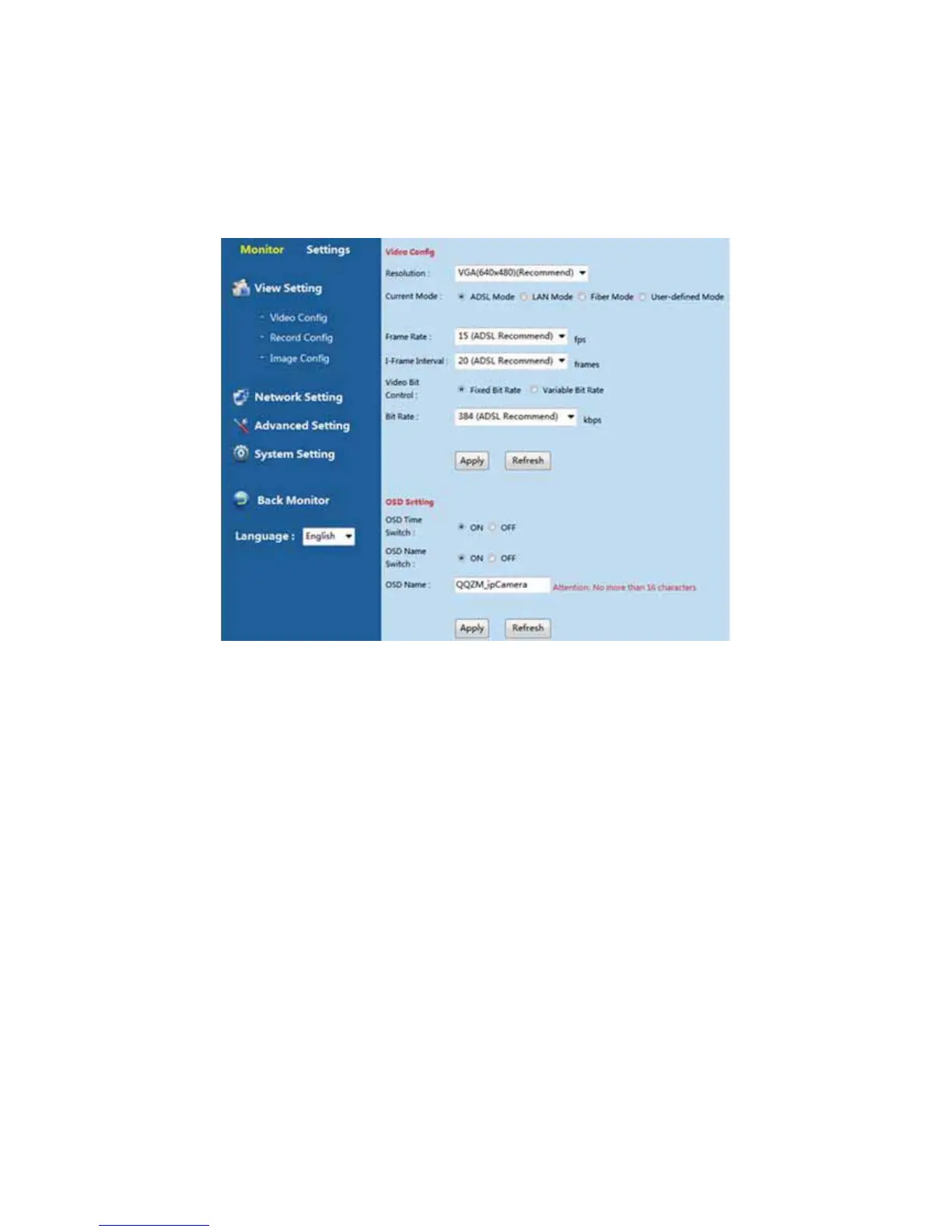
Customer can set video from the patch “Settings-View Setting-Video Config”.
ParametersDescription:
VideoConfig.
(Resolution): Support D1(704 * 576) VGA(640*480)CIF(320*240). The bigger resolution
is, clearer image will be. On the other hand the bit rate is bigger and takes more bandwidth.
(ADSL Mode): When you monitoring remotely via Domain name, please choose ADSL
Mode;
(LAN Mode): When you visit device in LAN and require high quality image, please
choose LAN Mode.
(Fiber Mode): When you use Fiber Network and require high quality image, please choose
Fiber Mode.
(User-defined Mode):You can custom video parameters according to your network
conditions and image quality requirements. Specific parameters as below:
(Frame Rate):Higher frame rate means better quality video and bigger data size, which
needs it needs high enough bandwidth .



 To Next Page