10
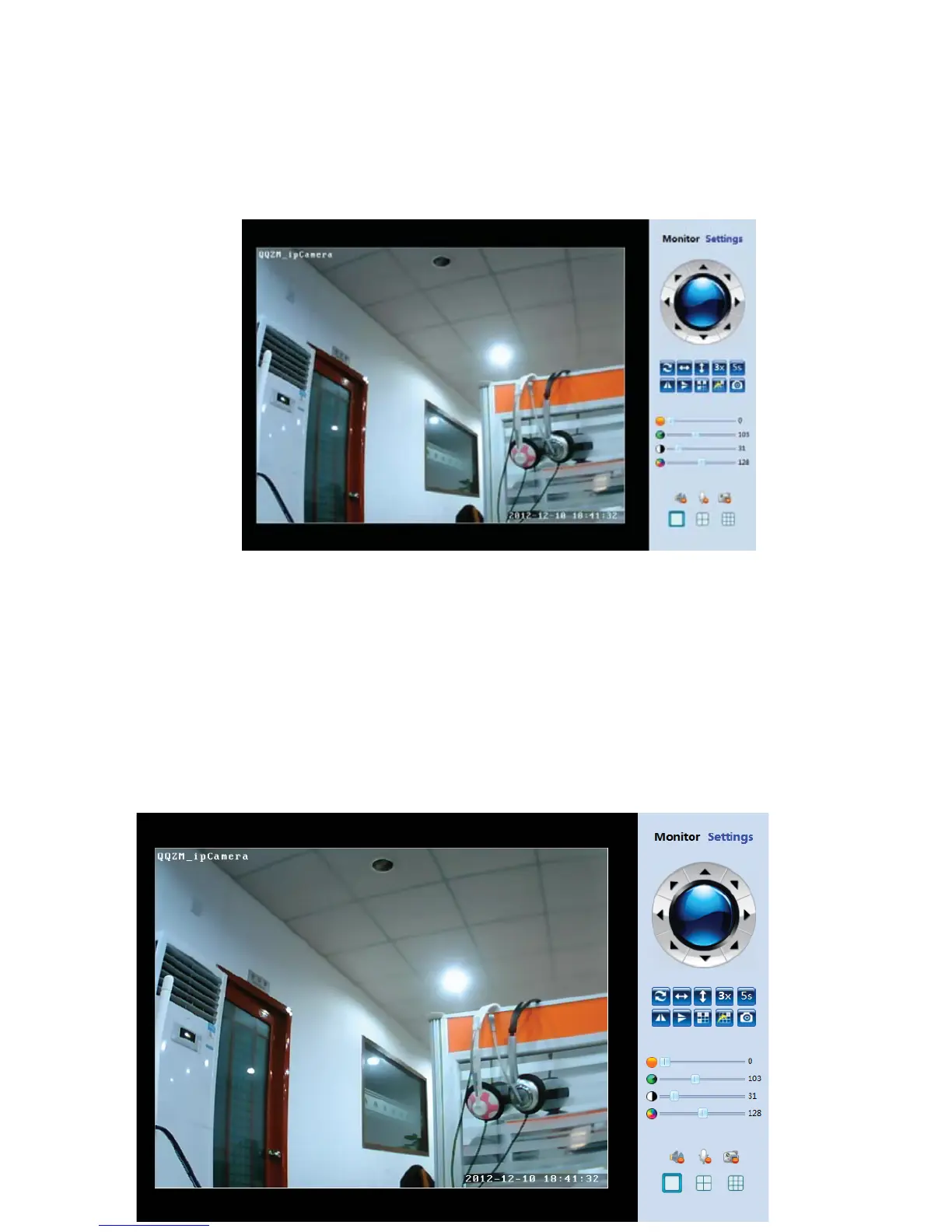
After the video plugͲin installed successfully, click “PC View”, you will access to the view
windowlikebelow.Pleaseopera teActiveXforthefirsttimemonitoring.
6.3FunctionOperation
6.3.1RealͲtimeMonitor
Click“PCView”,AccesstoIPCameraWebmonitoringinterfacebelow
TheleftsideistherealͲtimevideomonitronginterface,therightsideisoperationalbutton
panel



 To Next Page