30
7.4.2ImagePreview
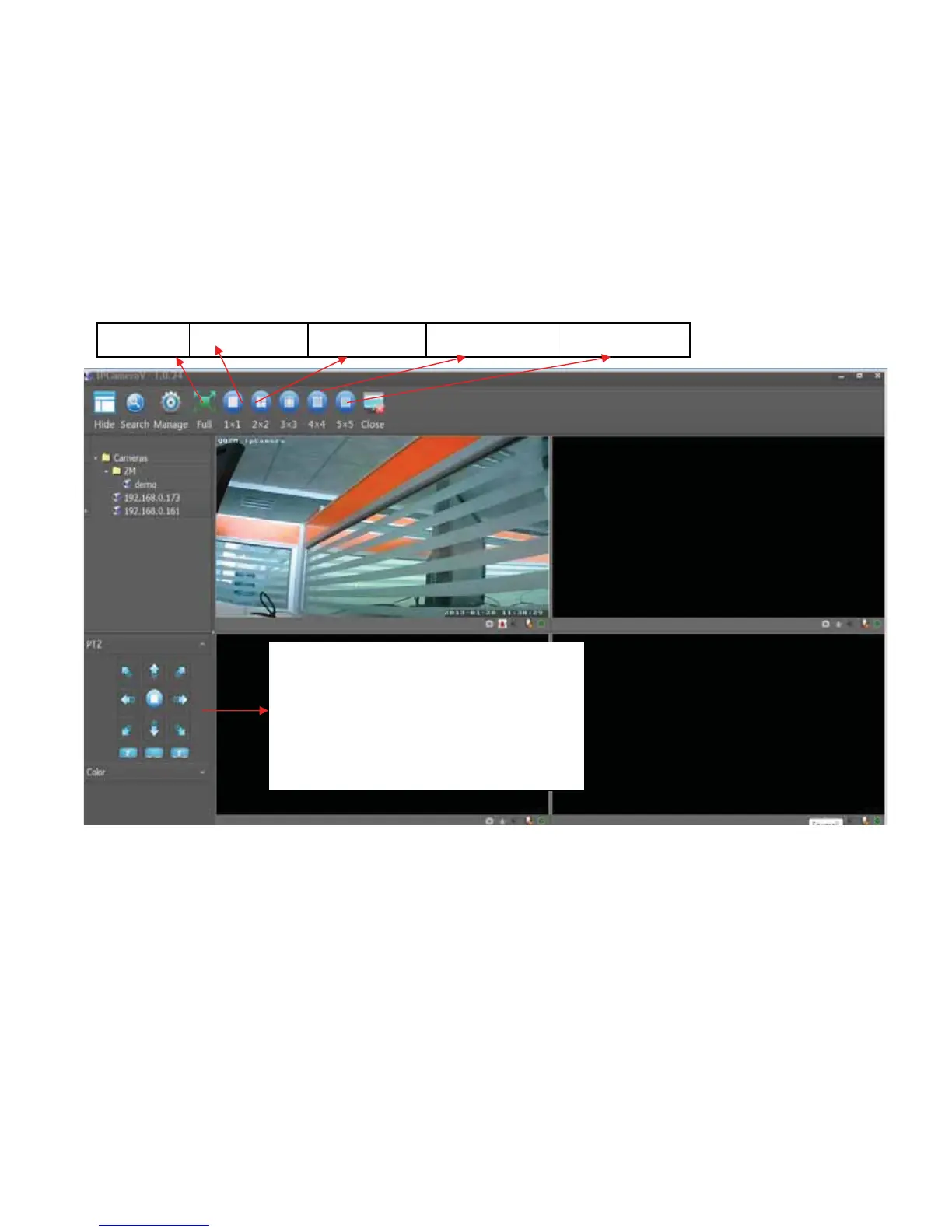
Aftercamerasareadded,doubleclick the camera, the video wi ll be shownin
the following interface; user can start previewing image in the following
interface. User can select view 1 camera, 4 cameras, 9 cameras, 16 cameras
and25camerasatthesametime
Fullscreen View1camera View4camera View16camera View25camer a
PTZControl:
1. User can move Camera Lens to 8
directionsthroughdirections
2. SupportVertical,horizontalandcross
cruise.Cruisefunctionisreferredto



 To Next Page