24
address.
Customercanfindoutthedomainnamefromthelableattachedontothecameraorfrom
thepath”SettingͲͲͲSystemSetting—DeviceInformation—Domain”.
7.VistandmanageCamerabyCMS
(CenterManagementSystem)
7.1InstallationCMS
7.1.1HardwareRequirement
1.PentiumIVSeriesProcessor;
2.MemoryCapacity:2Gorabove;
3.HarddiskCapacity:120Gorabove;
4.MonitorResolution:1024*768orabove.
7.1.2SoftwareRequirement
Windows2000/WindowsXP/Windows2003/WindowsVista/Windows7isavailable,and
WindowsXPisbetter.
Note:CMS(“IPCameraV”)andtheCameraFinder(“ipcamScanning”)couldnotbe
operatedinacomputeratthesametime
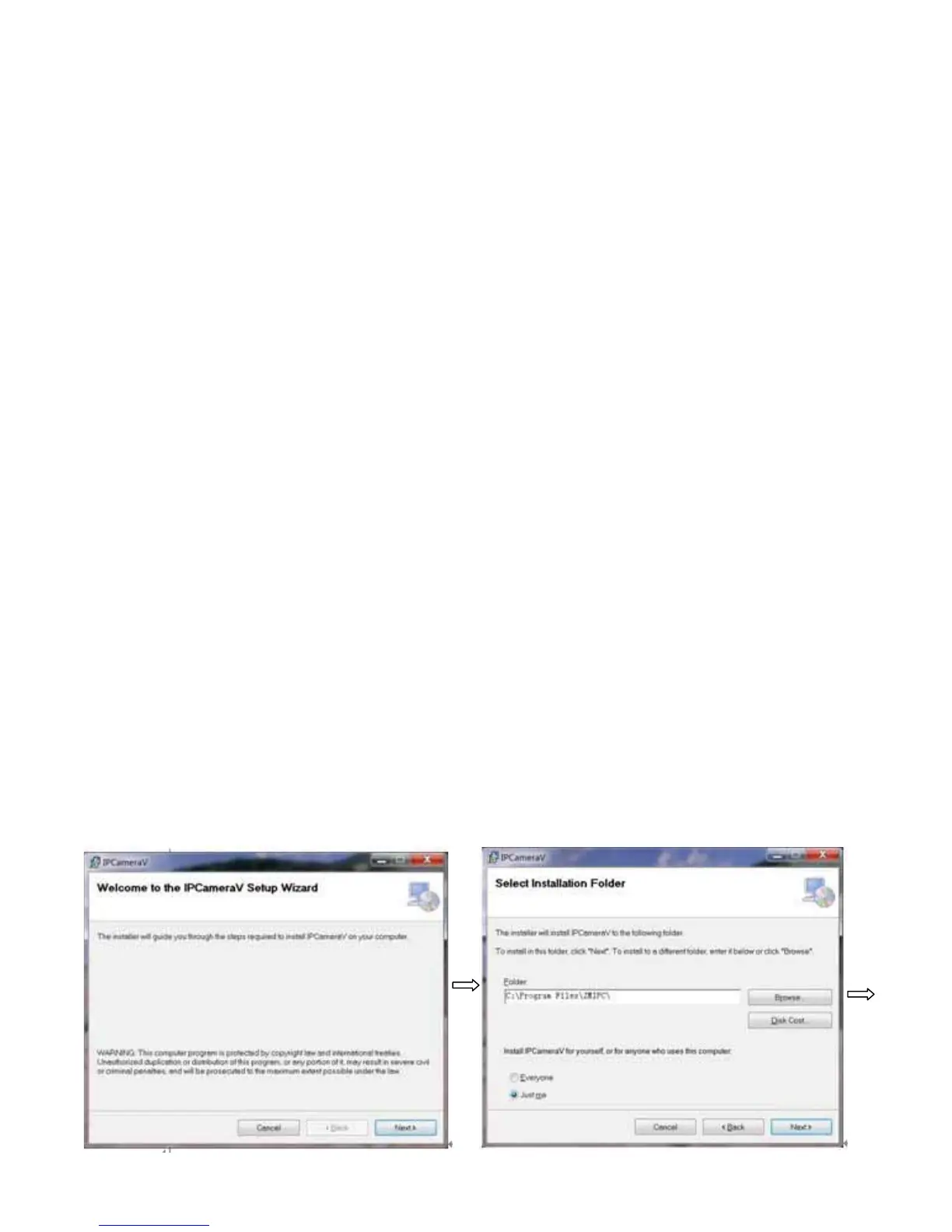
7.1.3InstallSteps
InstalltheCMS“IPCameraVSetup1.0.0.23English”,thefollowingwindowwillpopͲup



 To Next Page