22
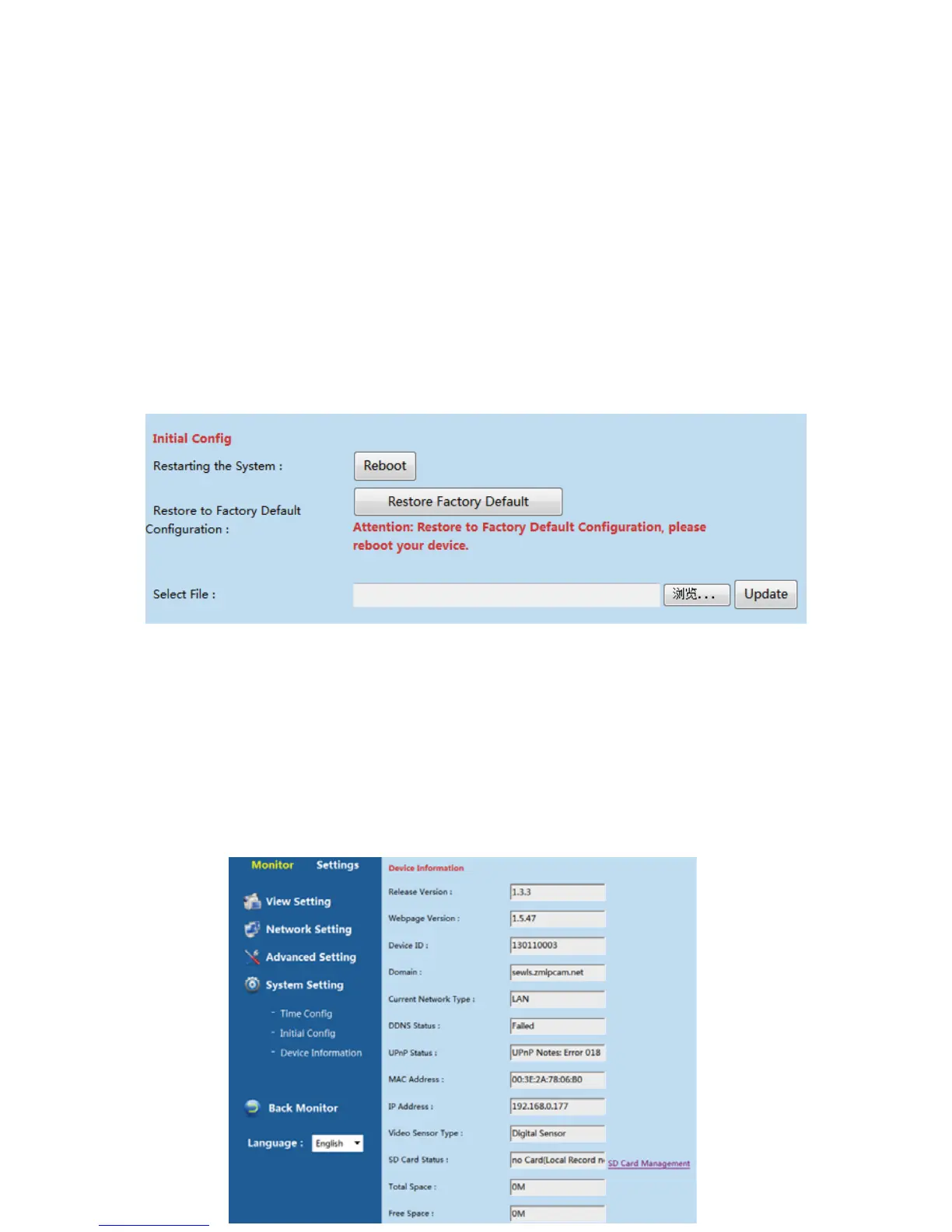
InitialConfig.
Usercanrestart,restorecameratofactorydefaultconfigurationandupgradethefirmware
ofthecamerafromthepath“SettingsͲSystemSettingͲInitialConfig”.
(Restartthesystem):RestarttheCamera.
(Restore to Factory defa ult Configuration): Please restart the device after restore default
setting.
(Selectthefile):Selecttherelated
upgradefile,thenclicktoupgrade.
Note:PleaseDONOTcutoffthepowertocamerawhenupdatethecamera,otherwisethe
camerawillberuined.
DeviceInformation
Usercancheckthebasicconfigurationinformationofthedevicefromthepath
“SettingͲSystemSettingͲDeviceinformation”



 To Next Page