SkyTab Support: (888) 647-8603
4
Connecting the Printer
The Epson TM-m30 receipt printer receives power and data from the SkyTab POS
Hub via USB and power from a nearby wall outlet.
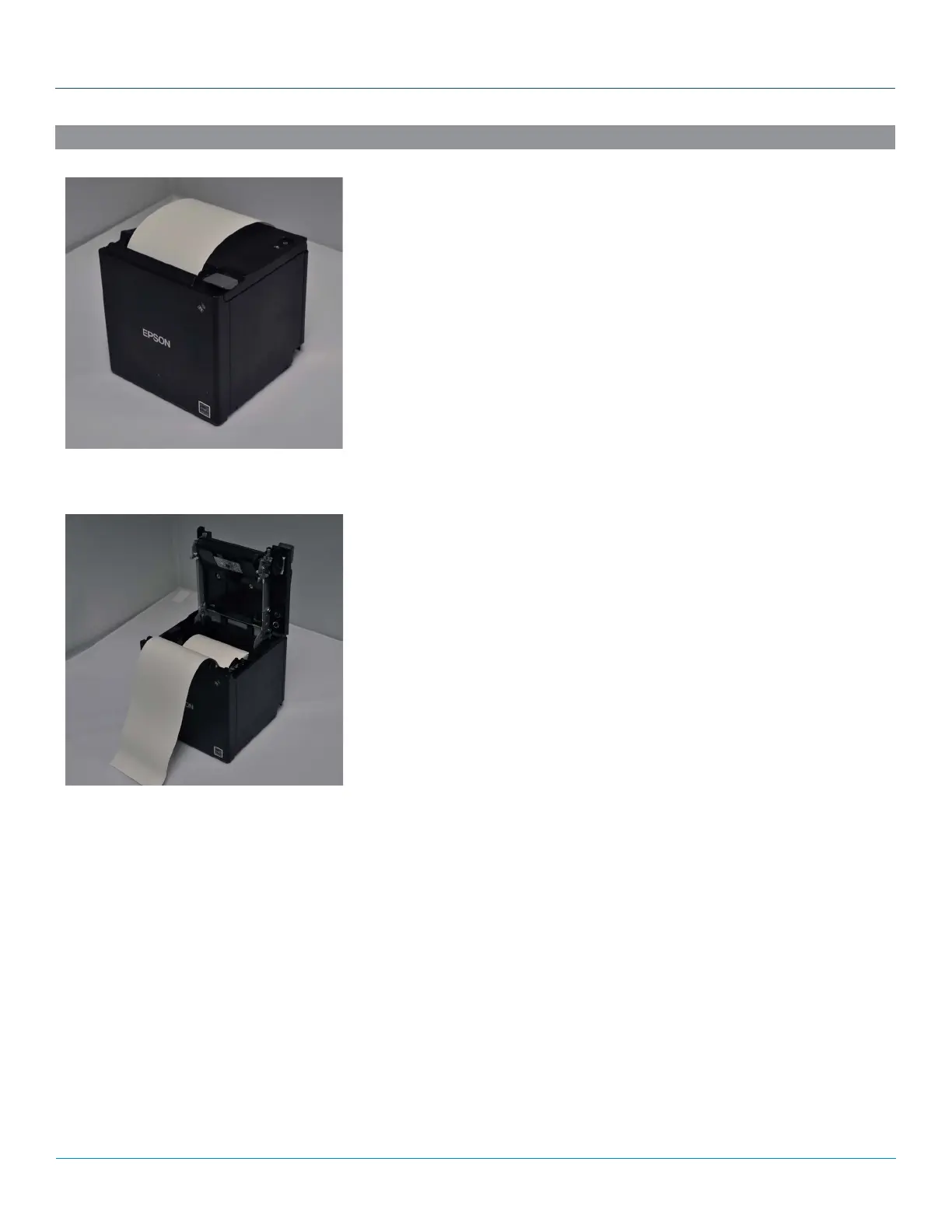
Loading the Paper
1. Place the thermal paper roll into the top of the receipt printer, feeding from
underneath the roll.
2. Pull 2-3 inches of paper past the paper cutter and close the lid.
3. Press “Feed” to advance the paper.
4. Scratch the paper with your fingernail to ensure the printable side of the
thermal paper is facing forward. The printable side of the paper will darken
when scratched by your fingernail.
SYSTEM INSTALLATION
RECEIPT PRINTER



 To Next Page