SkyTab Support: (888) 647-8603
7
ACCESSORY INSTALLATION
1. Once the scale is in place, remove the top plate and use the
leveling bubble to ensure the surface is level.
2. Connect the RJ45 End of the cable to the RS232 port on the Hub
and the DB25 end of the cable to the DB25 Serial port on the scale.
3. Place plate on top of scale.
4. Connect the power cable first to the scale, then to a power outlet.
5. Power on the scale using the power switch on the front plate.
6. Ensure that the scale reads 0.00 lb/oz when powered on.
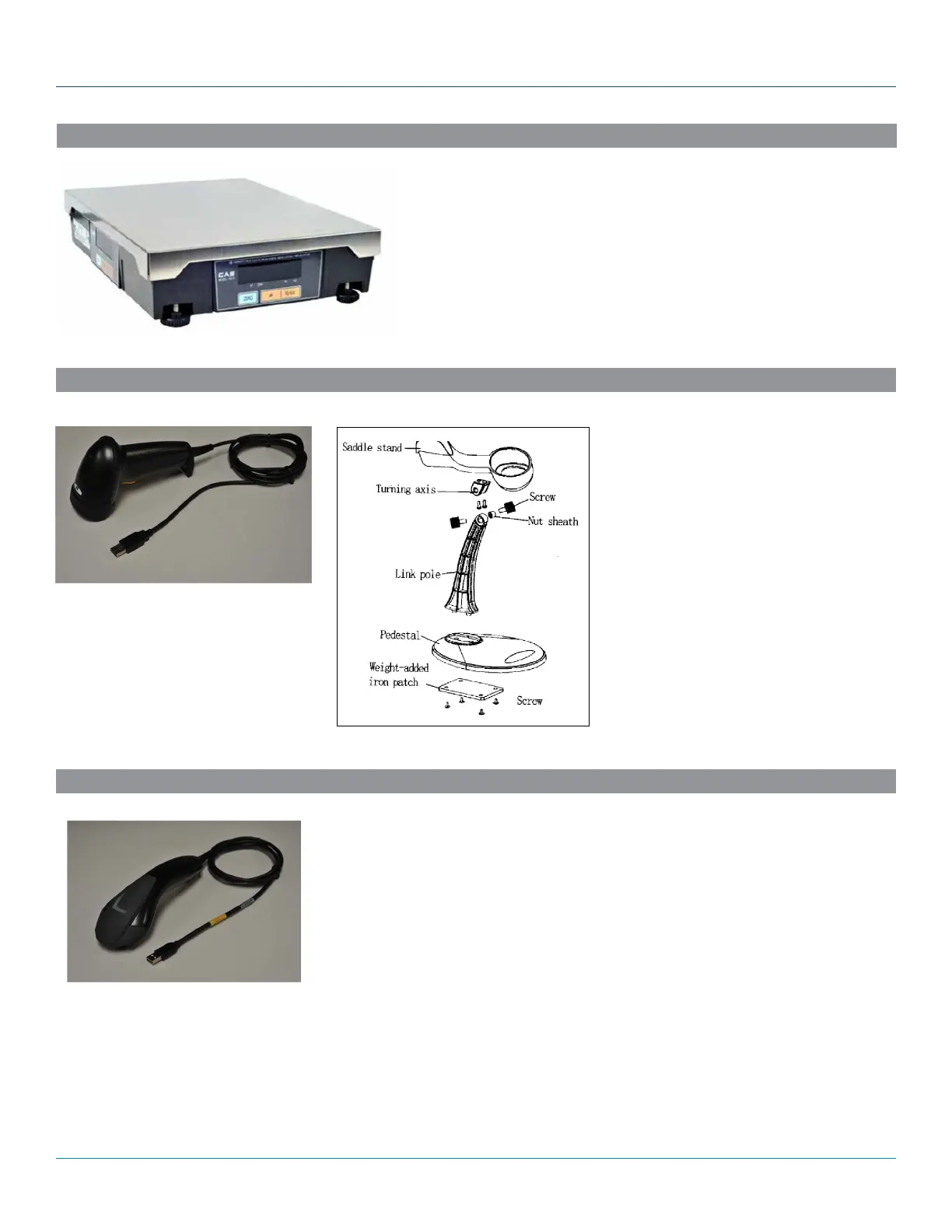
SCALE
1. Assemble the stand.
• Fix the turning access and the saddle
stand
• Link the mat patch and the link pole
• Fix the link pole and the pedestal
• Lock the weight-added iron patch
2. Plug the USB cable into the POS system.
BARCODE SCANNER
1. Plug the USB cable into the POS system.
NOTE: A stand is not included or offered with the 2D barcode scanner.
2D BARCODE SCANNER



 To Next Page