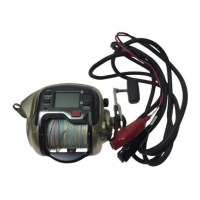
Replicates pro-angler reeling patterns or your own programmed technique
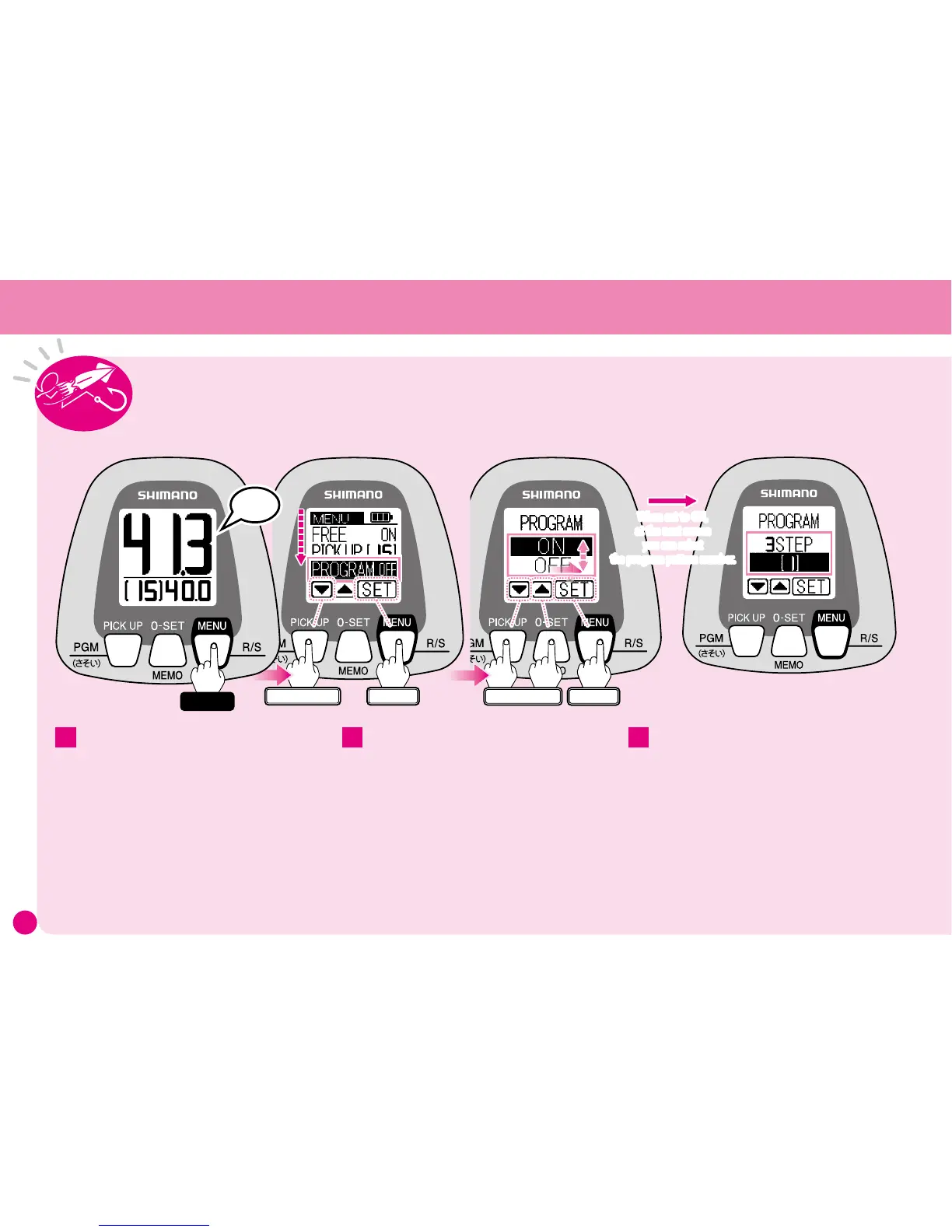
Press
▼
twice to select PROGRAM.
The current setting appears to the right of the
function name.
(Settings shown here are for instructional
purposes only.)
Press SET and the Program menu appears.
Use
▼▲
to choose either ON or OFF, then
press SET.
(See pages 12 for details regarding Menu Screen
operation.)
2
When set to OFF, you will return to the Menu
Screen and the setting is complete.
When set to ON, at the next screen you
can select the program pattern number.
Program patterns 1–3 are preset patterns
as described on the opposite page, while
4 and 5 you can program with your own
techniques.
Patt e rns 4 a n d 5 ar e fact o ry set at de ad
slow winding. You can overwrite these by
programming in a new pattern.
3
ワンタッチ
Enter
Select
When set to ON,
at the next screen
you can select
the program pattern number.
ワンタッチ
Enter
Press twise
Peep
Hold
Note: All settings and values shown here are for
instructional purposes only. They are not intended
to be actual settings or values.
1
When the power is turned on, Program Mode is
set to OFF.
At the Water Depth Display press and
hold the MENU button for 3 seconds and
the Menu Screen will appear.
Program Mode



 To Next Page