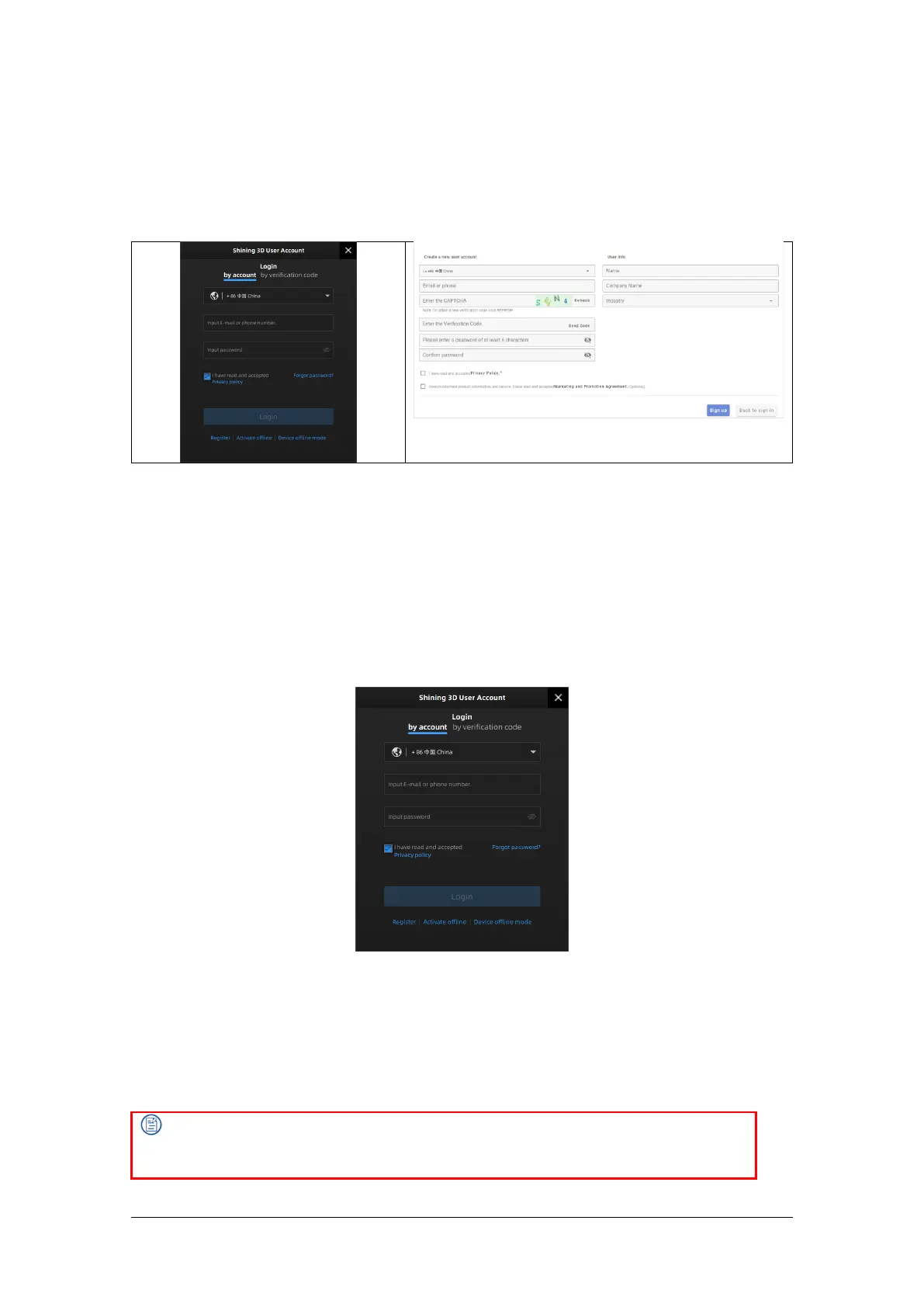
Step 2 Enter account information and user information.
Step 3 Select Read and agree to Privacy Policy (Mandatory) and Read and agree our Marketing
and Promotion Agreement (Optional).
Step 4 Click Sign up.
2.5.2. Login
Use your registered account to log in. Log in by password or verification code.
2.5.3. Activate the Scanner
Device activation is required in your initial use. There are 2 ways:
1. Online activation is recommended if your computer is connected to the internet.
2. If there is an issue with network connection, use Offline Activation to complete activation.



 To Next Page