Click “Apply” button to optimize data, preview the result of current setting.
Click “Confirm” button to apply the “Mesh Optimization” setting.
Click “Cancel” button to quit, and go back to the original data.
Multiple operations on “Mesh Optimization”, the result will not be added. It will always
operate on the original data.
7.2.5. Smooth
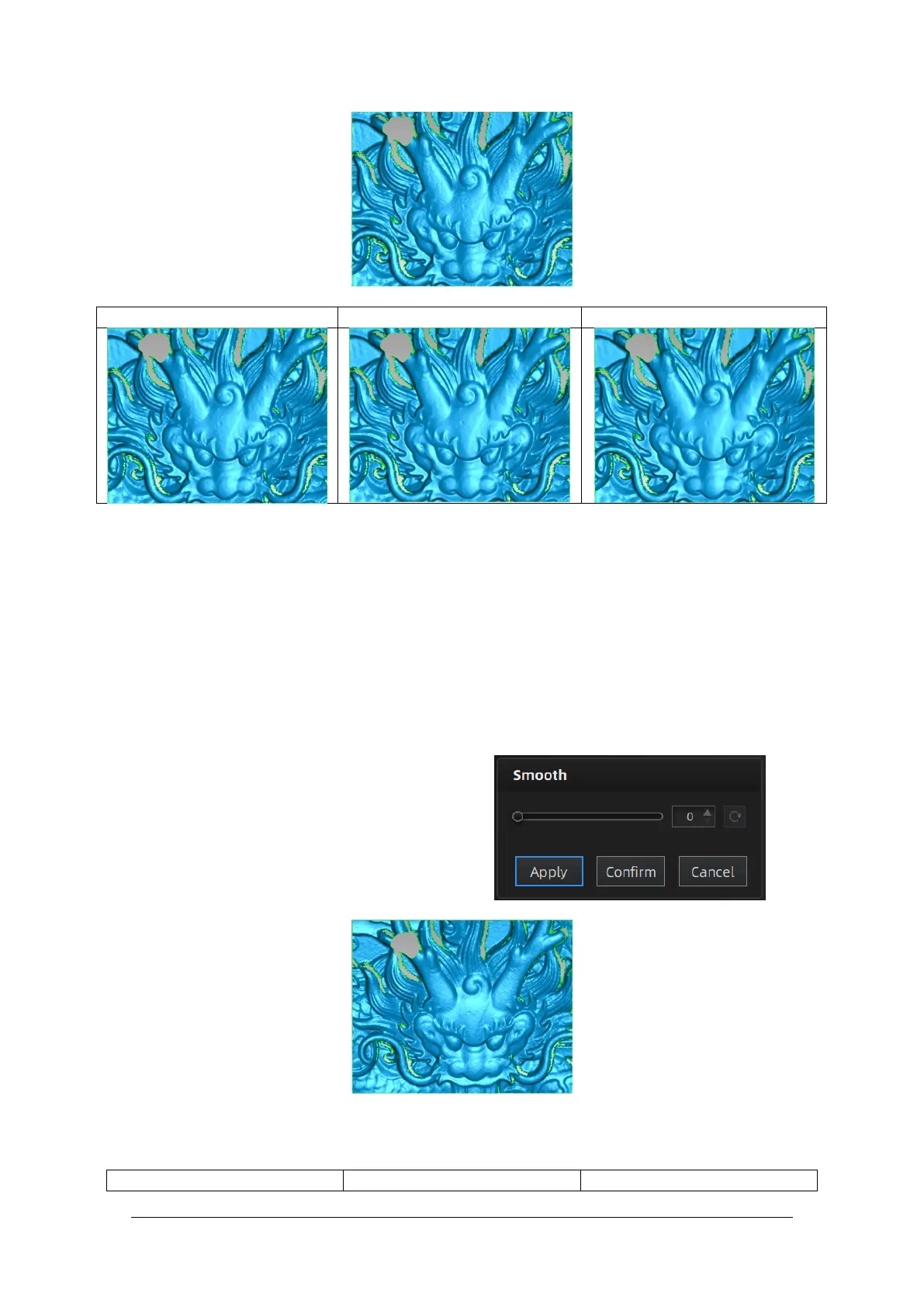
Smooth the possible noise on the surface of the
scan data. It might remove some small details
or smooth some sharp edges at the same time.
The example of before and after smoothing is
shown below. Run 2 times, data will be
smoothed twice.



 To Next Page