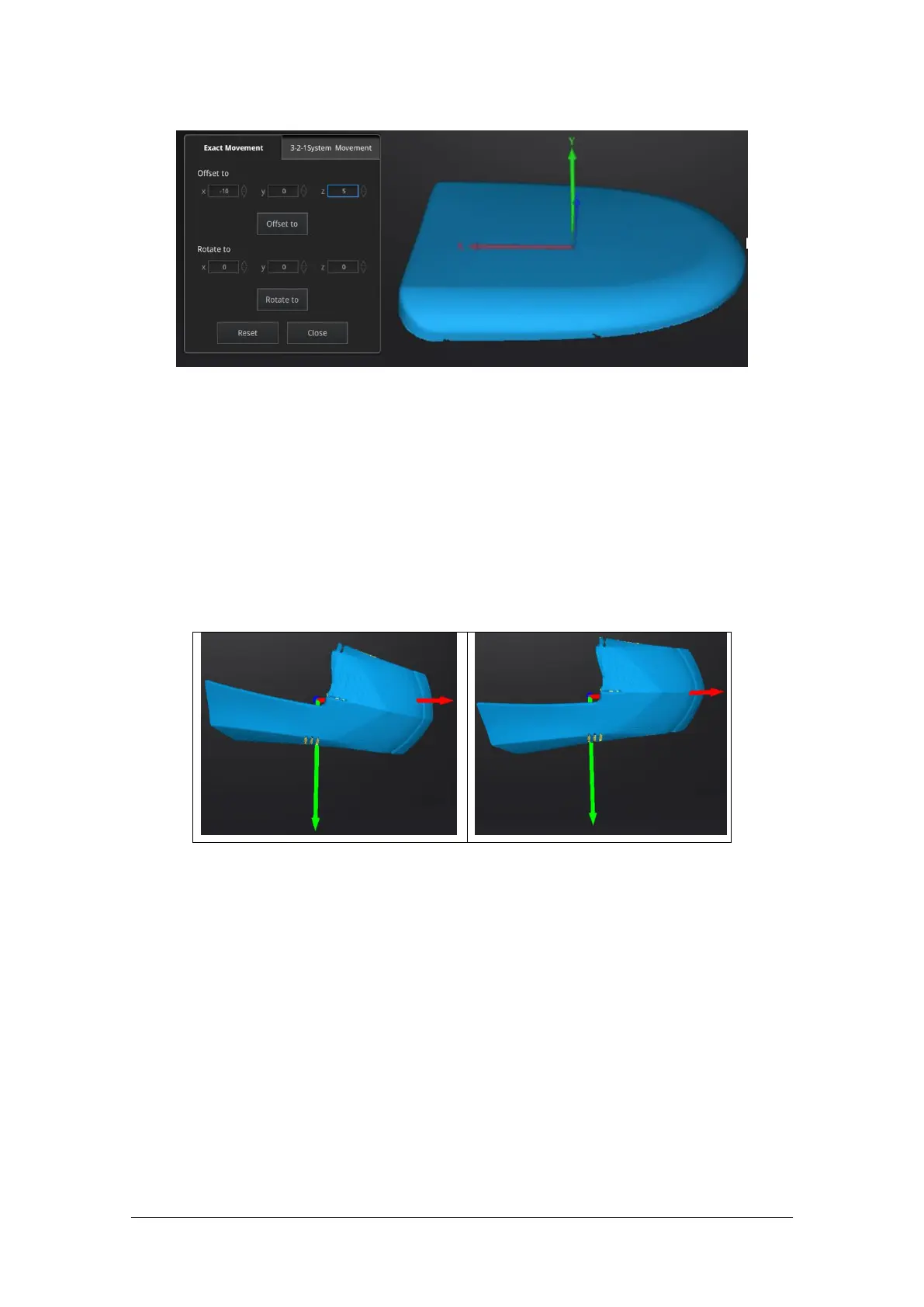
Enter the value in mm and degrees, click Apply to match the data origin to the input coordinate and
orientation
The arrows represent the global coordinate system, Red=X+, Green=Y+, Blue=Z+
Click Reset to cancel the transformation to original position
Click OK to confirm the transformation.
Tips:
Start from data reposition (offset to 0,0,0)
Edit rotations prior to transformation
Change the view normal to a reference plane to change the corresponding angle
3-2-1 Movement
Prior to 3-2-1 movement, the creation of a plane, line not normal to the plane and point are required.
3-2-1 movement (plane-line-point alignment) aligns the data by deletion of the Degrees of Freedom.
The arrows represent the global coordinate system, Red=X+, Green=Y+, Blue=Z+



 To Next Page