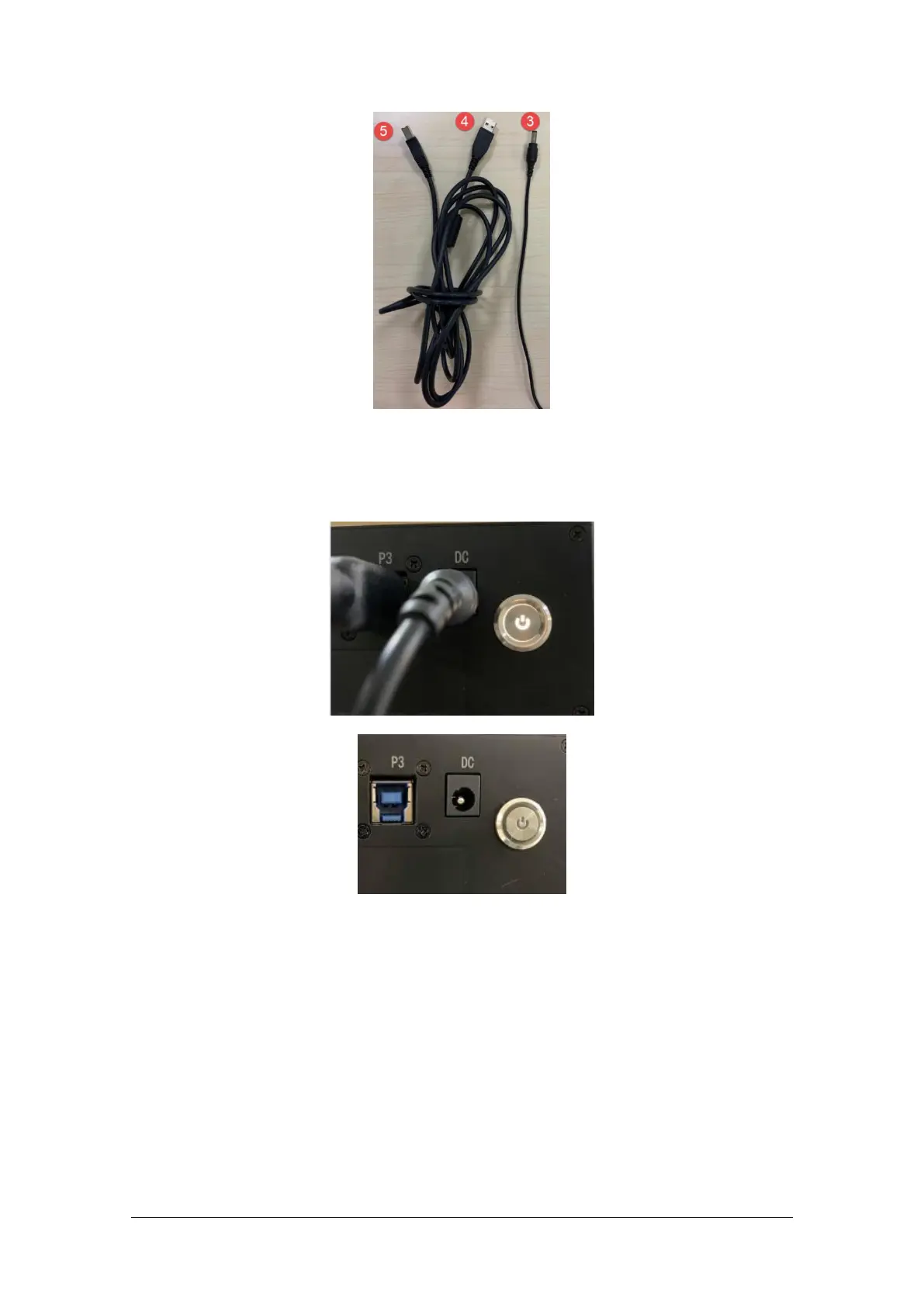
1.2.3. Turn on/off the Scanner
1) Press power button to turn on the device, and the switch light will be on.
2) Press power button again to turn off the device, and the switch light turns off.
After installing the software, connect the device to the computer and start it up, the following devices
are displayed in the Device Manager.



 To Next Page