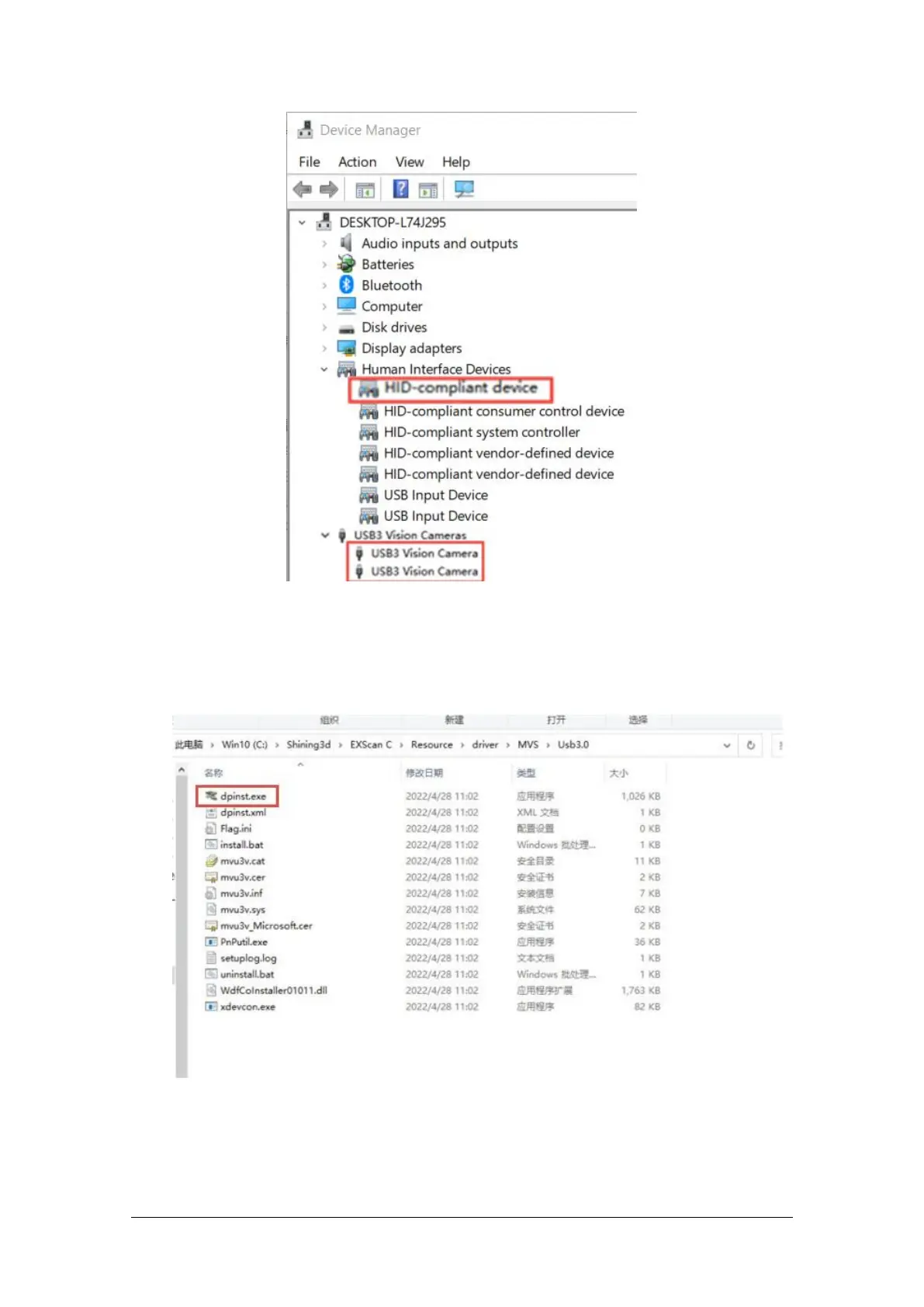
Scanner in Device Manager
If the scanner driver is not installed properly, or the device is connected and keeps prompting "Device
offline":
Check power connection status.
Check if USB 3.0 is connected.
Install the camera driver manually if a device with a question mark or exclamation point is found
in the Device Manager.
After the device is powered off, unplug the USB cable; then re-power and plug in the USB cable.



 To Next Page