19
Changing the Lamp
1. Loosen the 3 screws on the top cover and gently remove the small plastic housing.
2. Loosen the 2 screws on the small lamp cover and gently remove the lamp cover.
3. Follow directions for installing a new lamp, page 8.
Replacing a Fuse
Power surges, short-circuit or inappropriate electrical power supply may cause a fuse to burn out. If the fuse
burns out, the product will not function whatsoever. If this happens, follow the directions below to do so.
1. Unplug the unit from electric power source.
2. Insert a screwdriver into the slot in the fuse cover. Turn the screwdriver to the left, at the same time gently
push a bit (Turn and Push). The fuse will come out.
3. Remove the used fuse. If brown or unclear, it is burned out.
4. Insert the replacement fuse into the holder where the old fuse was. Reinsert the fuse cover. Be sure to
use a fuse of the same type and specification. See the product specification label for details.
Gobo Orientation
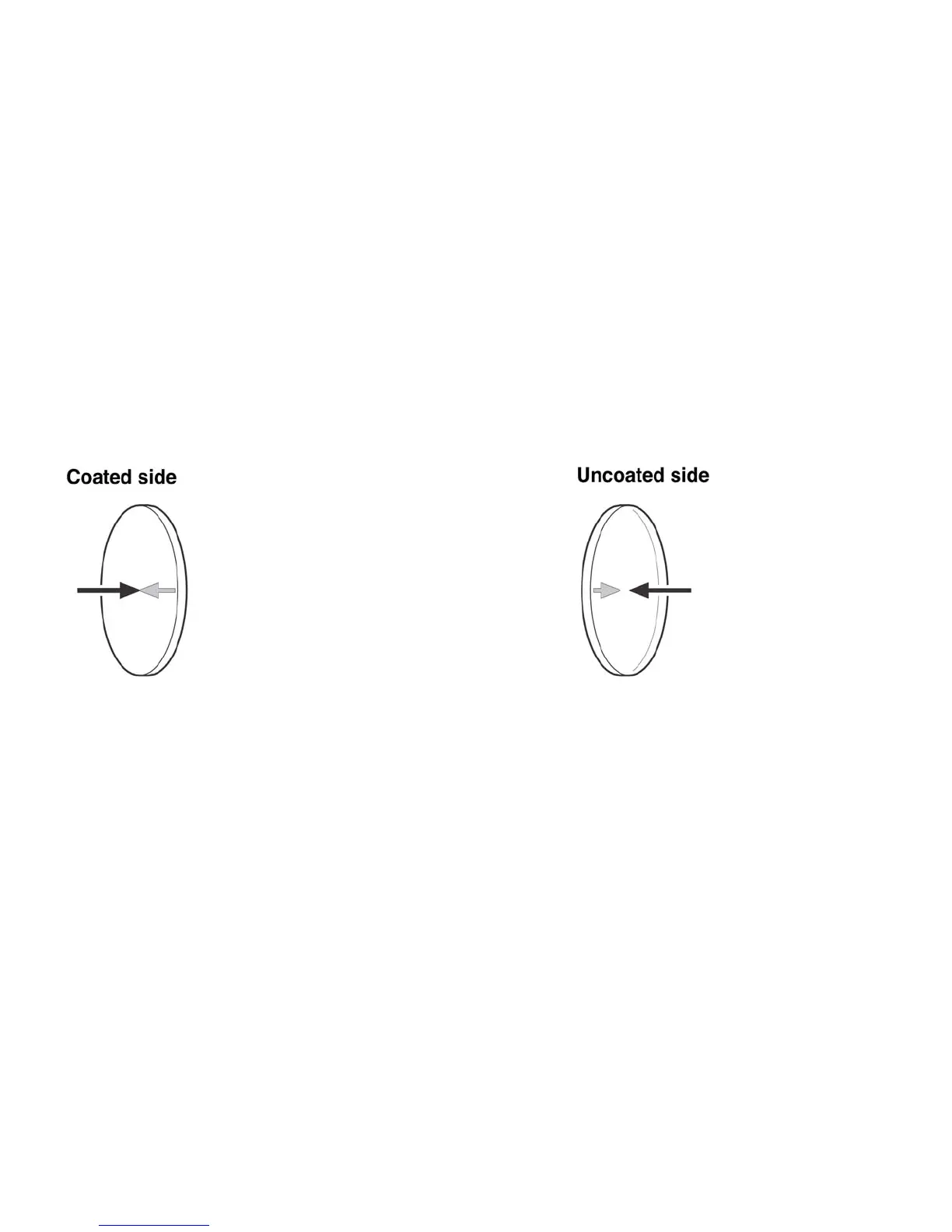
Coated glass gobos are inserted with the coating against the rim of the holder (away from the spring).
Textured gobos are inserted with the smooth side against the spring. This provides the best results when
combining rotating gobos.
When an object is held up to the coated side When an object is held up to the uncoated
there is no space between the object and its side there is a space between the object and
reflection. The back edge of the gobo cannot its reflection. The back edge of the gobo can
be seen when looking through the coated be seen when looking through the uncoated
side. side.













 To Next Page