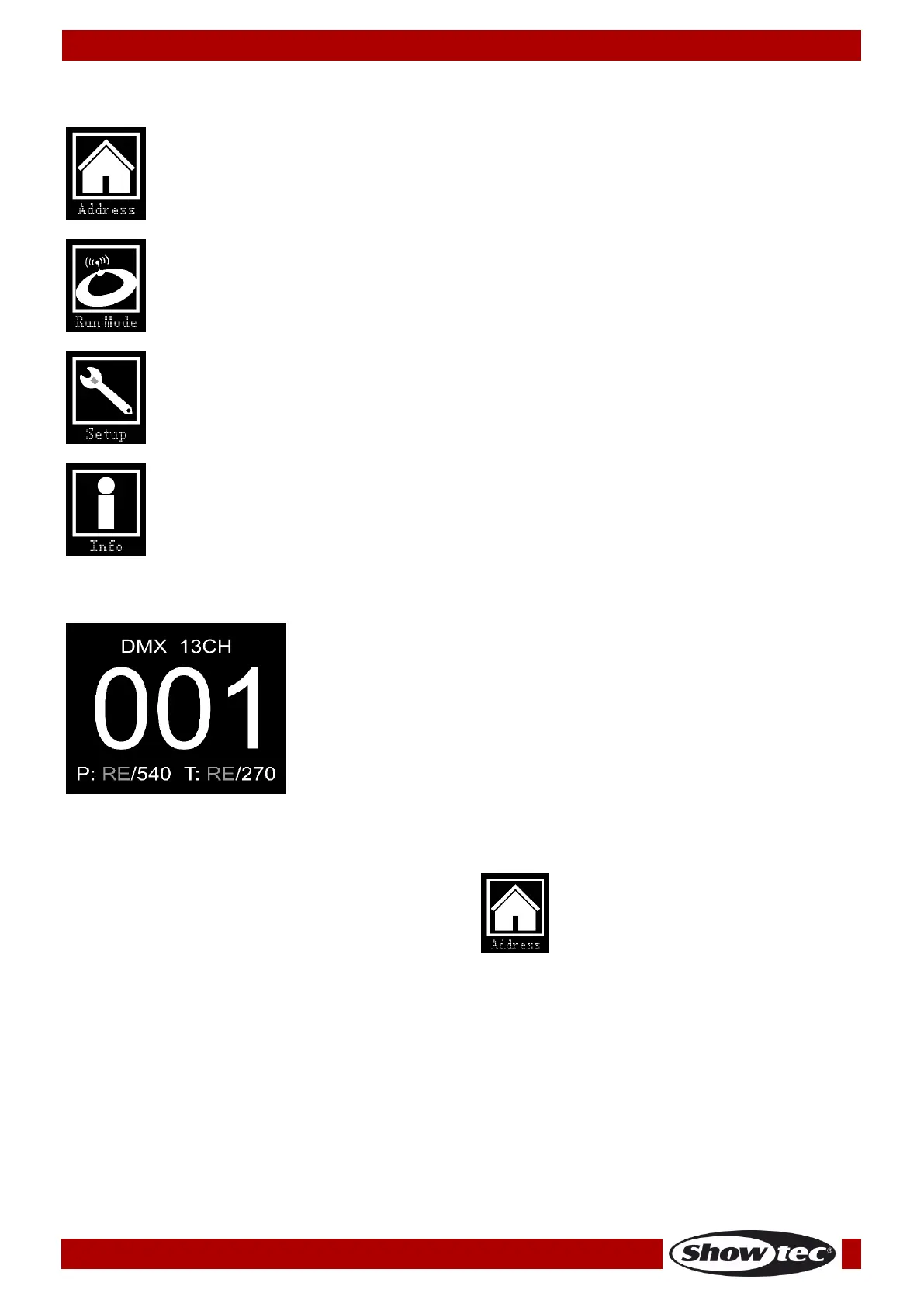
Upon start-up, the device will show its currently active mode, as well as the information concerning Pan
and Tilt. Press the MENU or ENTER buttons to enter the main menu.
DMX Addressing
With this menu you can set the DMX address.
01) Press the UP/DOWN buttons, until the display shows .
02) Press the ENTER button to confirm. You can choose 512 different DMX addresses.
03) Press the UP/DOWN buttons to select the required address from 001-512.
04) Press the ENTER button to confirm the address.













 To Next Page