Shure Incorporated
6/38
1.
2.
3.
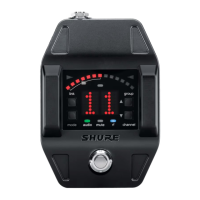
⑦ Frequency detuned/Ref
erence pitch offset indica
tor
A dot is displayed when the tuning or pitch has been set to a non-standard value.
Note: Non-standard tuning or pitch settings scroll across the receiver display during power-up.
Set Up the Receiver
Connect the PS24 power supply to the receiver and plug the cord into an AC power source.
Connect the transmitter to the instrument.
Connect the audio output to an amplifier or mixer.
Note: The receiver powers on after the power supply and ¼" cable are connected.



 To Next Page