- 28 -
F Jumpers
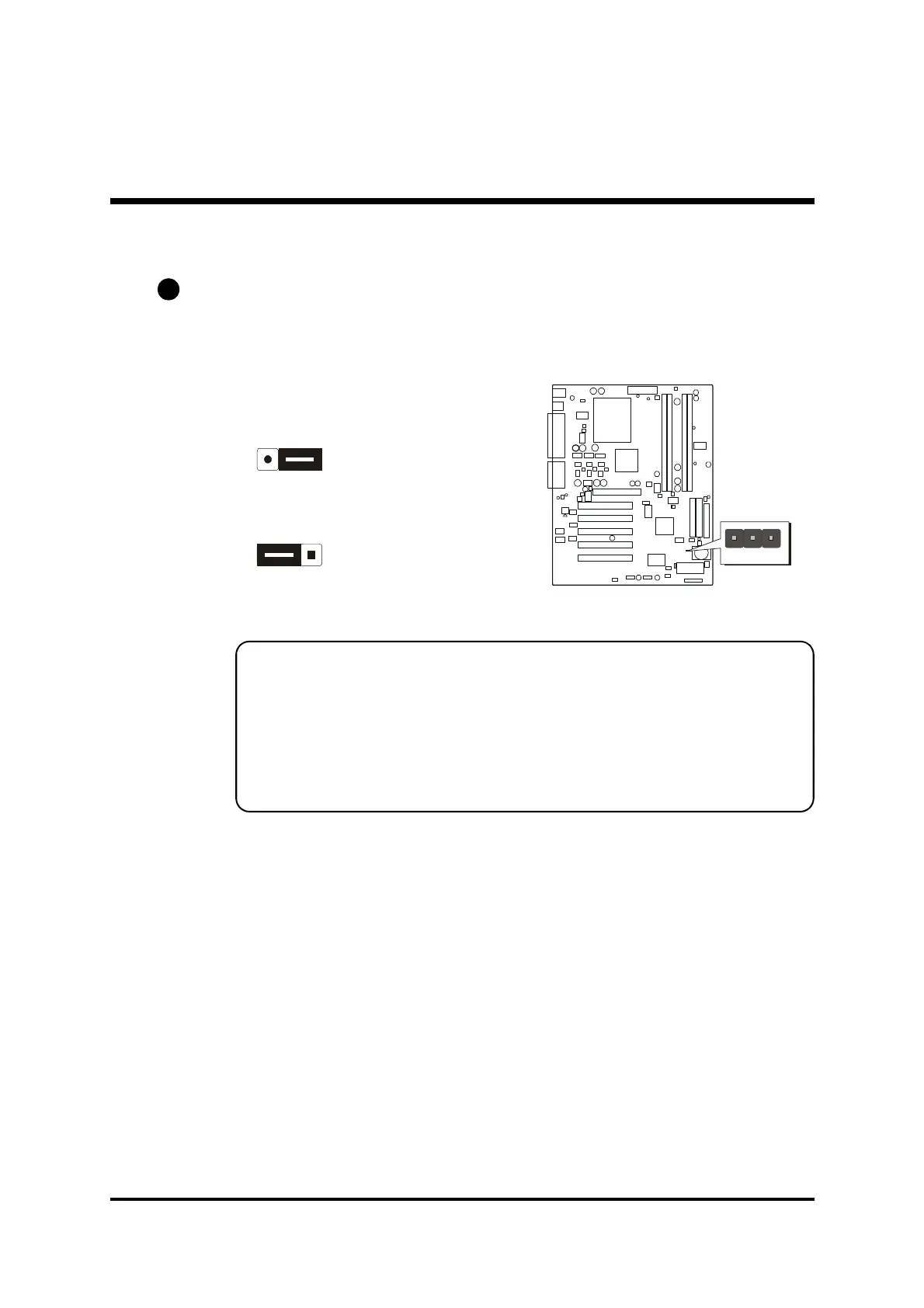
Clear CMOS (JP16)
JP16 is used to clear CMOS data. Clearing CMOS will result in the permanent
erasing of previous system configuration settings and the restoration of original
(factory-default) system settings.
Pin 1-2 (Default)
Pin 2-3 (Clear CMOS)
Step 1. Turn off the system power (PC-> Off).
Step 2. Remove jumper cap from JP16 pins 1-2.
Step 3. Place the jumper cap on JP16 pin 2-3 for a few seconds.
Step 4. Return the jumper cap to pin 1-2.
Step 5. Turn on the system power (PC-> On).
A1



 To Next Page