- 29 -
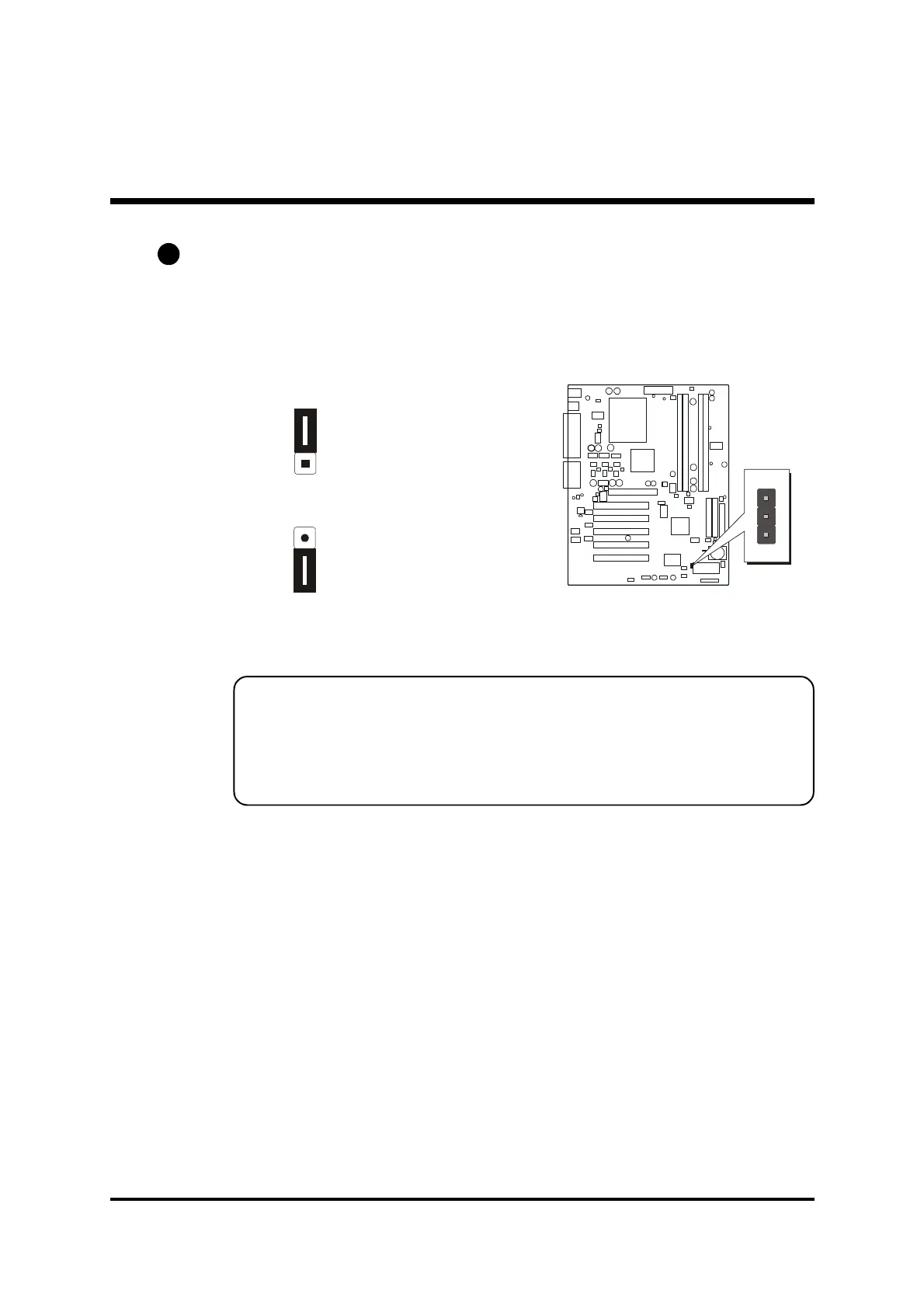
BIOS Write Protection (JP3)
JP3 is used to protect BIOS from abnormal writing.
You may choose to place jumper cap on pins 1-2 for BIOS write protection;
however, please place jumper cap on pins 2-3 if you need to reflash BIOS.
To enable reflashing
the BIOS
Pin 2-3 (Default)
BIOS write protection
Pin 1-2
Reflash the BIOS, follow these steps:
Step 1. Turn off the system power (PC-> Off).
Step 2. Make sure of place jumper cap on JP3 pin 2-3.
Step 3. Insert a bootable system floppy disk with AK32E BIOS and
flashutility and then turn on your system to execute flash
utility.
A2



 To Next Page