- 20 -
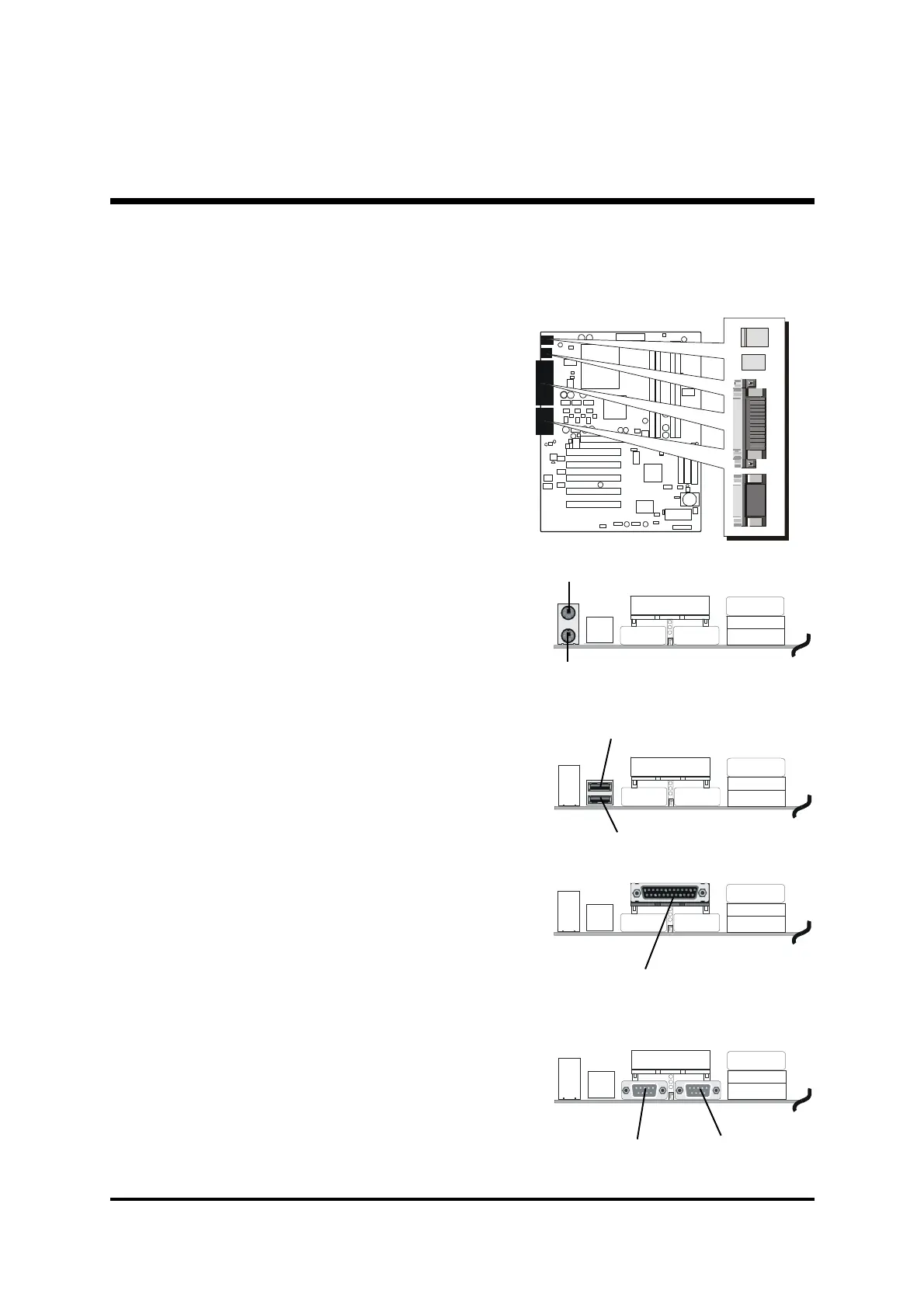
COM2
COM1
foxconn
PS/2 keyboard
PS/2 Mouse
Parallel Port
USB1
USB2
Step 11
Connect External Peripherals to Back-Panel
You are now ready to put the computer
case back together and get on to the
external peripherals connections to
your system's back-panel.
1. PS/2 Mouse and Keyboard
2. USB Port
3. Parallel Port
4. COM1/2 Port
CON1
AUDIO1



 To Next Page