- 66 -
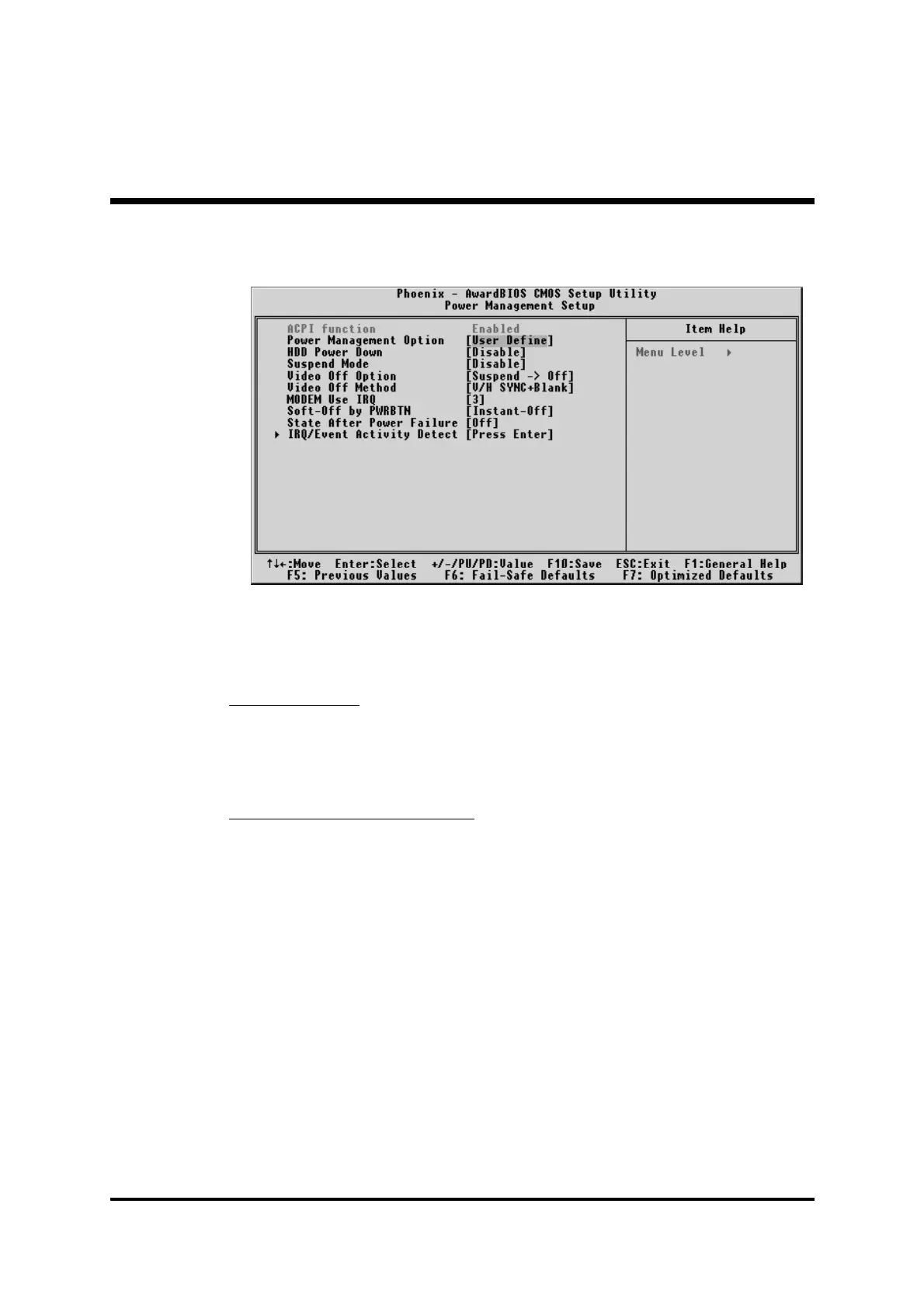
F Power Management Setup
The Power Management Setup allows you to configure your system to
most effectively saving energy while operating in a manner consistent
with your own style of computer use.
ACPI Function
This item always enable the Advanced Configuration and Power Inter-
face. (ACPI).
Ø The choice: Enabled.
Power Management Option
This category allows you to select the type (or degree) of power saving
mode settings.
Min Saving Minimum power management.
HDD Power Down=Allows you to set each mode
individually.
Suspend Mode=1 hr.
Max Saving Maximum power management.
HDD Power Down=Allows you to set each mode
individually.
Suspend Mode=1 min.
User Define Allows you to set each mode individually.
HDD Power Down=Disabled or 1min.~15min.
Suspend Mode= Disabled or 1 min ~1 hr.
Ø The choice: User Define, Min Saving, or Max Saving.



 To Next Page