- 74 -
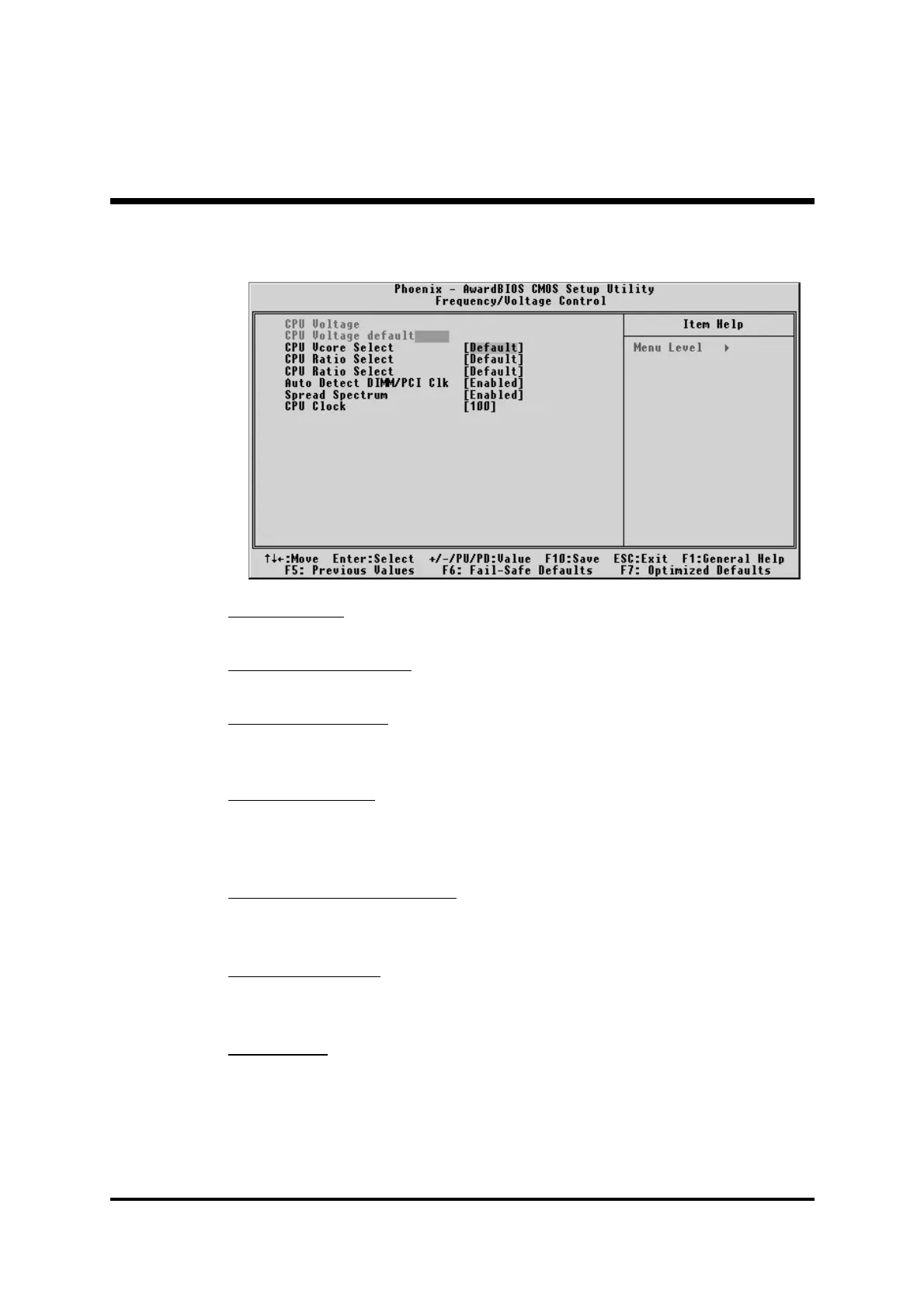
F Frequency/Voltage Control
CPU Voltage
This item show the voltage set after fine tuning.
CPU Voltage default
This item show CPU voltage is set by manufacturer prior to delivery.
CPU Vcore Select
This item allows you to select CPU Vcore.
Ø The choice: Default, - 0.025V~- 0.100V, or +0.025V ~+0.275V.
CPU Ratio Select
This item allows the user to adjust CPU Ratio .
Ø The choice: Default, x5.5, x6, x6.5, x7, x7.5, x8, x8.5, x9, x9.5,
x10, x10.5, x11, x11.5, x12, x13, or x14.
Auto Detect DIMM/PCI Clk
This item allows you to enable/disable auto detection DIMM/PCI Clock.
Ø The choice: Enabled or Disabled.
Spread Spectrum
This item allows you to enable/disable the spread spectrum.
Ø The choice: Enabled or Disabled.
CPU Clock
This item allows the user to adjust CPU Host Clock from 100MHz to
165MHz by 1MHz step.
Min=BIOS auto detection CPU Host Clock.
Max=BIOS auto detection CPU Host Clock.
Ø Key in a DEC number: (Between Min and Max.)



 To Next Page