20 of 34
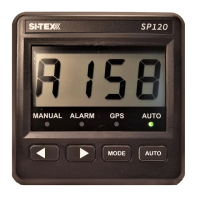
SI-TEX Marine Electronics - SP120C Color Autopilot
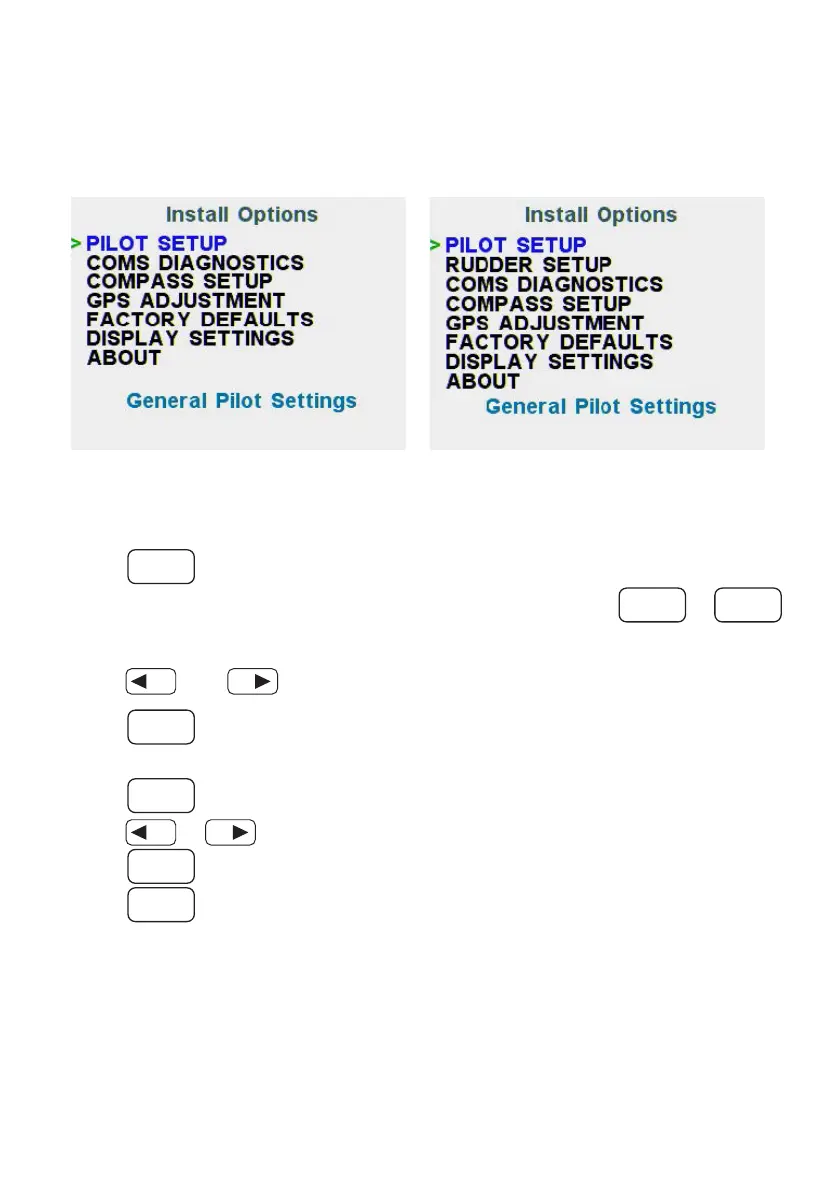
Advanced Menus (Install Options)
NOTE: You must be in Manual Mode to access these menus.
Non-RFU mode – Install Options Menu
RFU mode – Primary Menu
To Access 'Install Options' menu
Press
MODE
button once while in Manual Steer mode.
Then from the Pilot Settings screen, simultaneously press both
MODE
&
AUTO
To navigate the ‘Install Option’ menu
Press
or to select a desired menu,
then;
Press
AUTO
to enter the desired menu.
To modify any option or value in any of these menus
Press
AUTO
on the item you wish to change;
Press
or to change a value or option of the selected item.
Press
AUTO
again to save.
Press
MODE
to return to the previous menu (or wait 5 seconds)



 To Next Page