27 of 34SI-TEX Marine Electronics - SP120C Color Autopilot
Other Menu Items
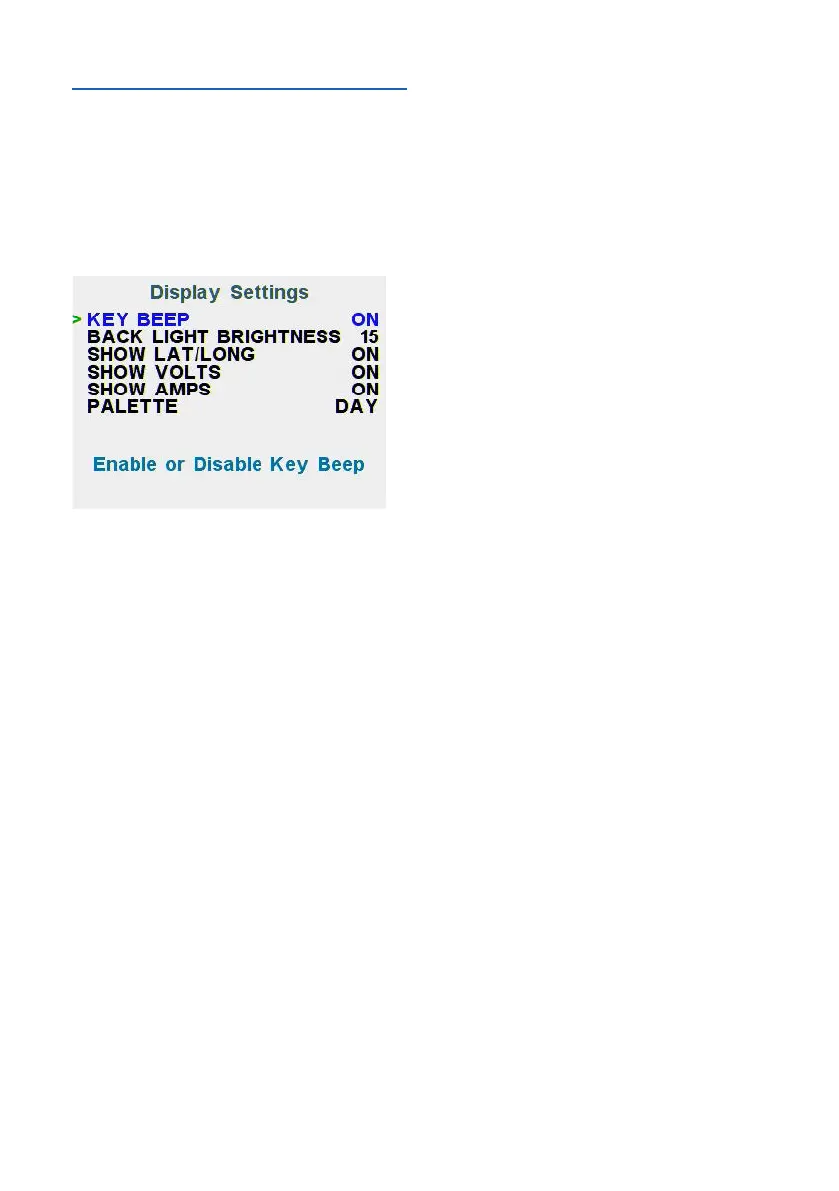
Display Settings
To enable or disable any of the extra
information indicated on the LCD,
usetheDISPLAYSETTINGSmenu
found on the Advanced menu – Install
Options page:
About Page
This page is used to check hardware
versionandrmwarebuilddates,for
each core.
If this manual does not match your
system, please contact SI-TEX for a
rmwareupdate.



 To Next Page